THE VSCO ALTERNATIVES
7 Apps Like VSCO for Film Looks, Free and Paid
Seven apps like VSCO for film presets, vintage cameras and better light, compared on price, Android support and what is free.
Try the idea on your own photo with Stunna.


Free to download. Pro options available.
For a whole generation, VSCO was the film look: the faded blacks, the soft greens, the same grade on every post. It is still a strong editor, with more than 200 presets and a 4.7 average on the US App Store. But its recent reviews are a different story. Of the 100 most recent ones we read, 68 gave one or two stars, mostly over features moving to paid tiers, slow imports and billing trouble, and on Google Play it sits at 3.6. If you are shopping for apps like VSCO, here are seven worth your time, starting with the one we make, plus a fully free pick and a note for people who mainly miss the feed.
The quick answer
For one-tap film and aesthetic looks that can also fix bad light, Stunna. For the most control, Lightroom. For a completely free editor with film looks, Snapseed. For the closest preset-for-preset match to VSCO, Afterlight. For a polished iPhone and Mac editor, Darkroom. For film looks while you shoot, Dazz Cam. For a creator-style feed with templates, Tezza.
What a preset can't fix
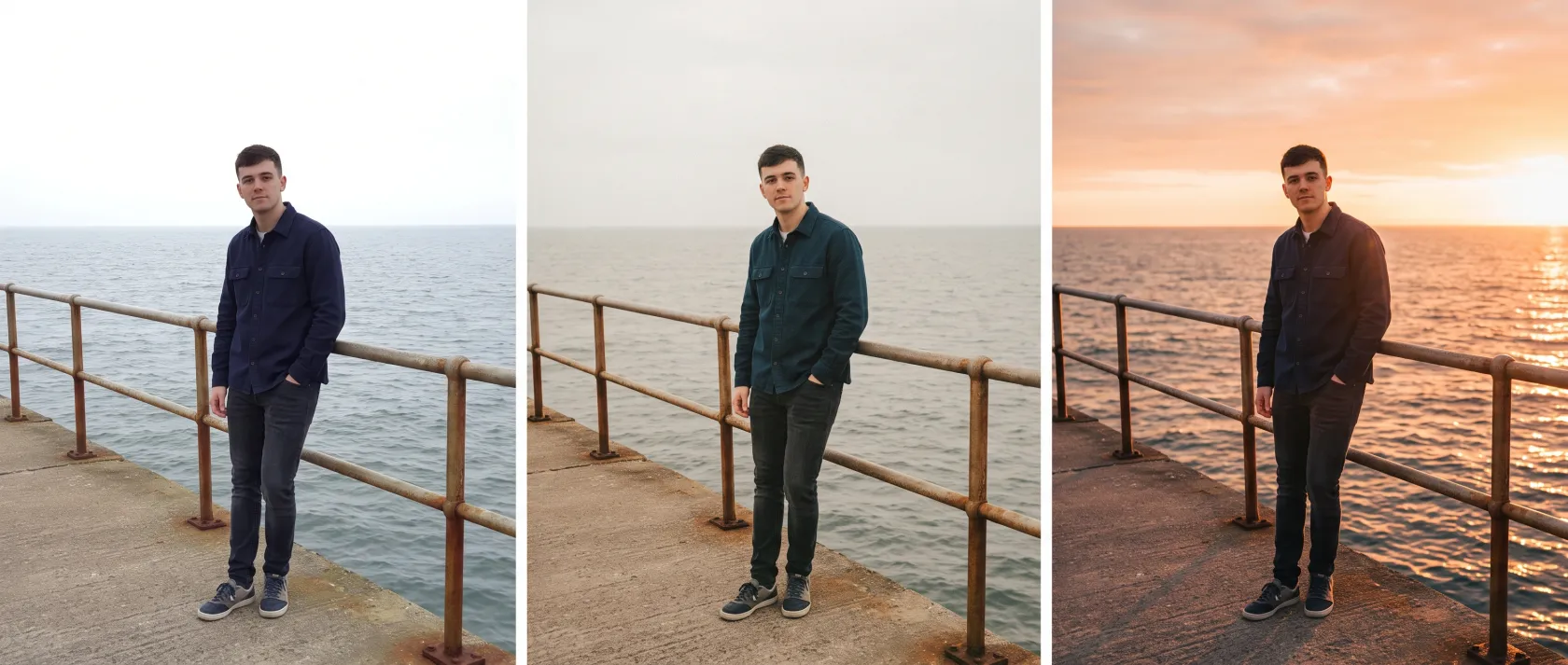
A preset is a color grade. It lifts the blacks, warms the highlights, adds grain, and leaves the light exactly as it was. On a photo shot in good light that is all you need. On a photo taken under a white sky, it gives you a faded white sky.
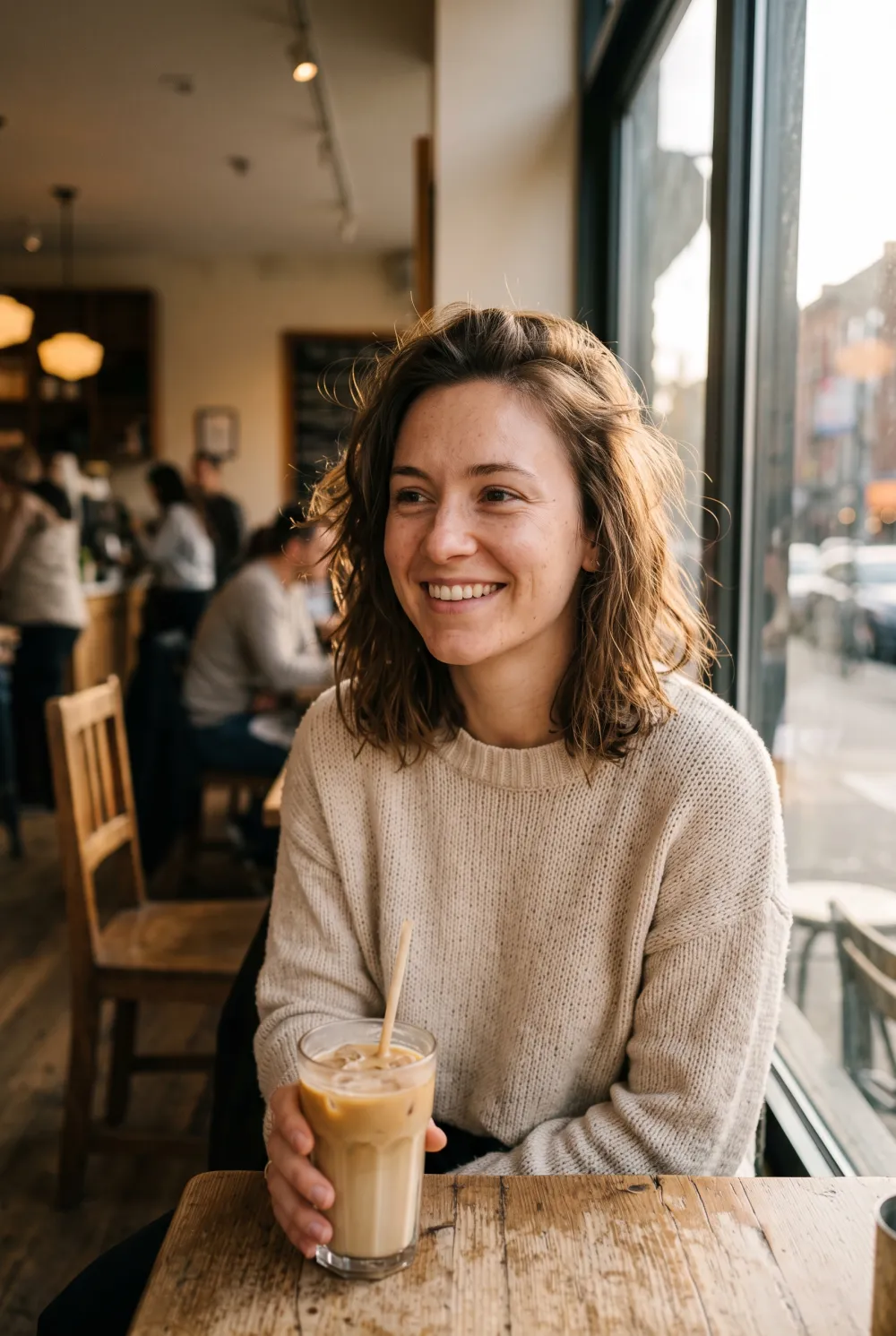
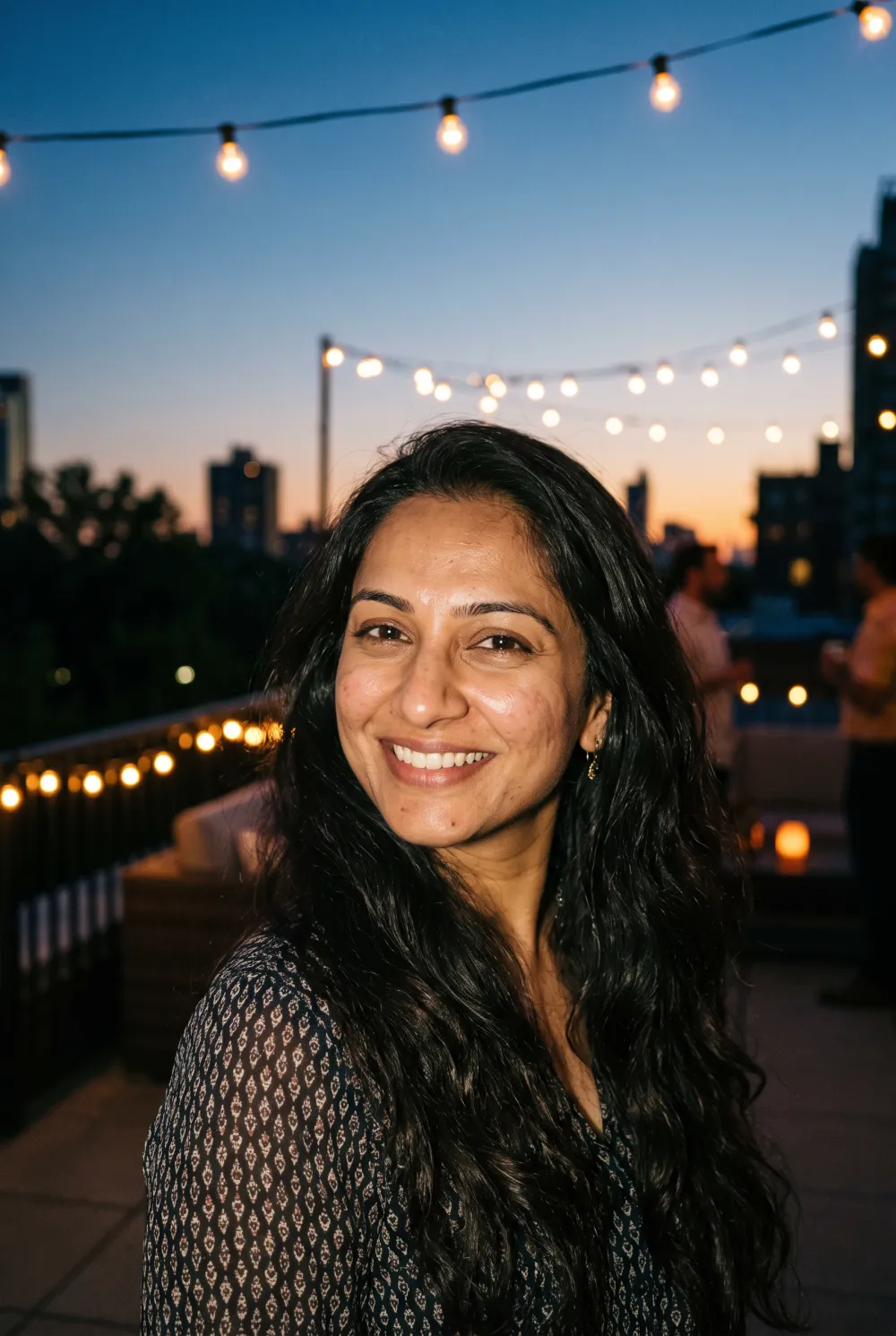
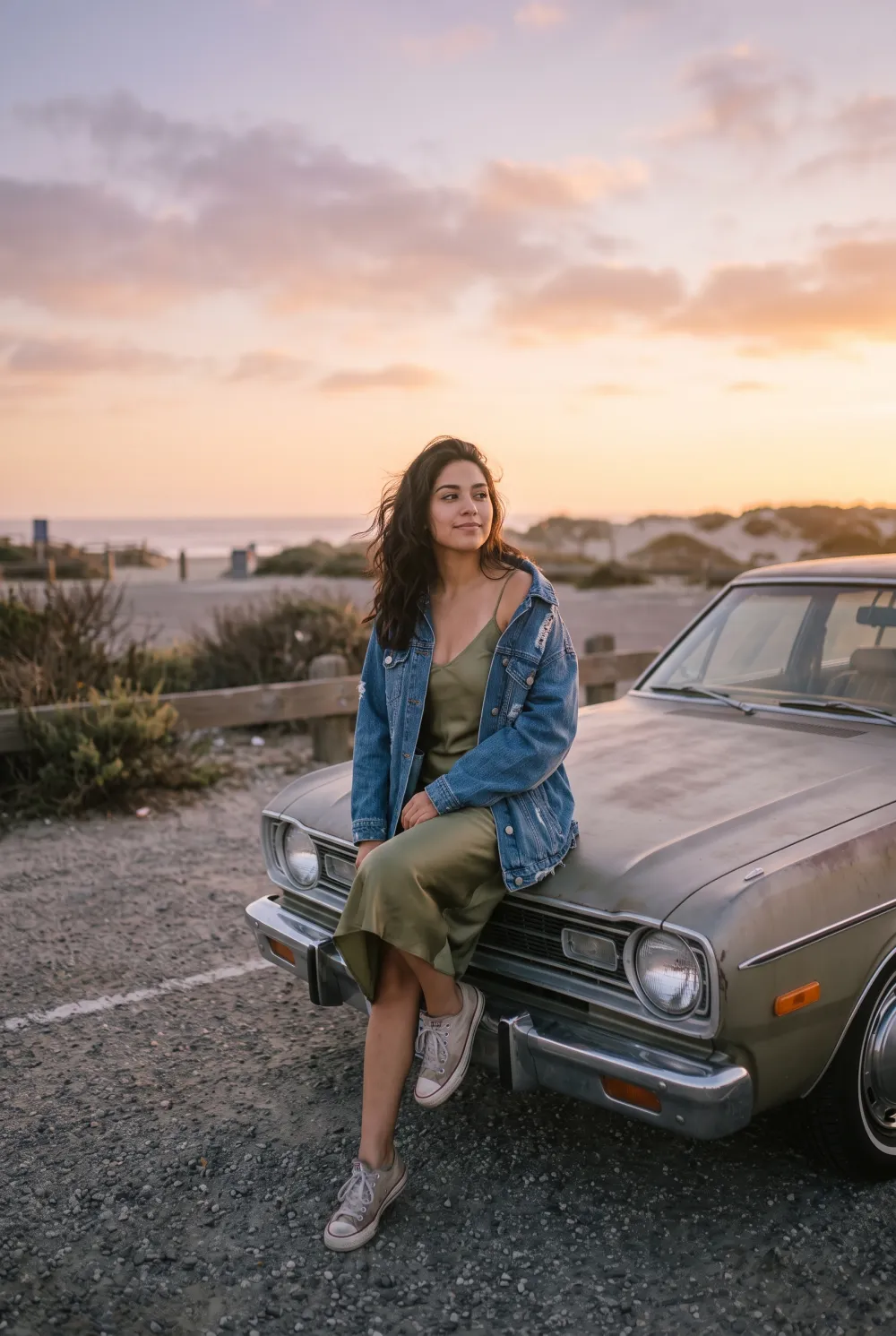
The three versions below show the gap. The middle one has a classic faded film grade: nicer colors, same flat light. The right one keeps the same person, pose and pier and changes the light itself to a low sunset. Presets do the first job; Stunna is built for the second. Our warm film photo guide explains which conditions suit each.
Apps like VSCO compared at a glance
Prices are what the US App Store or the official site showed on October 12, 2026. VSCO is cheaper on its website than in the app, so we list both.
| App | Best at | Android | US price | App Store / Google Play rating |
|---|---|---|---|---|
| Stunna (we make it) | One-tap film and aesthetic looks, plus new light and sky | Yes | $6.99 a week, $17.99 a month or $69.99 a year | New, too few ratings to quote |
| VSCO (baseline) | Film presets, sliders and a community | Yes | Plus $9.99 a month or $39.99 a year in the app ($7.99 or $29.99 on vsco.co); Pro $69.99 a year in the app | 4.7 / 3.6 |
| Lightroom | Precise light and color control | Yes | Free; Premium from $1.99 a month | 4.8 / 4.5 |
| Snapseed | Free film looks and pro tools | Yes | Free, no ads, no purchases | 4.9 / 4.8 |
| Afterlight | 300+ film presets and real overlays | Yes | From $1.99 a week or $17.99 a year; lifetime from $19.99 | 4.7 / 2.7 |
| Darkroom | Editing straight from Apple Photos | No | $9.99 a month, $39.99 a year or $99.99 once | 4.8 / no app |
| Dazz Cam | Film and digicam looks while you shoot | No official app | Pro $6.99, or $19.99 one-time | 4.8 / no app |
| Tezza | Creator presets, templates and feed planning | Yes | Pro $6.99 a month or $39.99 a year | 4.7 / 3.7 |
1. Stunna: film looks that can change the light too
We make Stunna, so keep that in mind. Stunna is an AI photo app for iPhone and Android with more than 80 named looks, and many of them are the ones people used VSCO for: 35mm Film, Faded Film, Disposable, Pocket Cam, Euro Summer and Golden Hour. The difference is what happens underneath. Instead of grading the pixels, Stunna reshoots the photo with AI, keeping you, your pose, your outfit and the place, and changing the light, the sky and the camera feel. A grey-day photo can come back with real late sun, which no preset can do.
There are no ads and no sliders to learn. It also helps before you shoot, with 100+ pose guides and a camera with an adjustable glow light. For a sense of which look fits which photo, see our disposable camera photo guide.
Where VSCO and the others win: Stunna has no manual sliders, no saved recipes, no batch editing, no video and no community feed. It is new, with too few store ratings to quote. And because it is AI, check each result against your original before posting.
2. Lightroom: maximum control
Adobe Lightroom is what many photographers moved to from VSCO. You get curves, color mixing, masks, presets, Generative Remove and video editing, all synced between phone, tablet and computer. It is rated 4.8 from about 337,000 US ratings and is free to download, with Premium from $1.99 a month. You can also rebuild your favorite VSCO looks as Lightroom presets. Pick it if you enjoy editing. Skip it if you want a finished look in one tap.
3. Snapseed: the free one
Snapseed, from Google, is the answer to "is there a free VSCO?". Its listing promises no subscriptions, purchases, ads or watermarks, and it delivers more than you would expect: realistic film simulations, halation, bloom, grain, selective edits, healing, RAW support and a camera with live looks. It is rated 4.9 on iPhone and 4.8 from 1.8 million reviews on Google Play. Pick it if you will not pay for an editor. Skip it if you want a big library of named presets; Snapseed is more of a toolbox.
4. Afterlight: the closest preset match
Afterlight feels the most like classic VSCO. It has more than 300 film-inspired presets (Kodak Gold, Portra, Agfa Vista, disposable), effects like halation and double exposure, and over 100 real overlays such as 35mm light leaks and dust. It is also the cheapest paid option here, from $17.99 a year, with a lifetime purchase from $19.99. It holds 4.7 on iPhone, but only 2.7 on Google Play, so Android users should read recent reviews first. If you want the light-leak effect without an app, try our free light leak filter.
5. Darkroom: best for iPhone and Mac
Darkroom edits photos straight from your Apple Photos library, with no importing, and adds RAW and ProRAW support, AI subject and depth masks, curves, color grading, batch edits and video up to 8K. It is rated 4.8 from about 29,000 US ratings and costs $9.99 a month, $39.99 a year or $99.99 once. It is Apple-only; the developer says there is no Android app today and warns about copycats on other stores. Pick it if you live in Apple Photos.
6. Dazz Cam: get the look when you shoot
Dazz Cam is a camera, not an editor. It emulates film stocks, disposables, instant cameras and 2000s digicams, with retro video, flash and lens effects, so the look is there the moment you press the shutter. It is rated 4.8 from about 116,000 US ratings, and Pro is available as a one-time $19.99 purchase. The official app is iPhone-only; an Android app called Dazzil Cam comes from a different publisher. For more like it, see our guide to apps like Huji Cam.
7. Tezza: presets for a planned feed
Tezza is built for creators: 40+ presets made by its founder, vintage video effects like Super 8 and VHS, 150+ story templates, overlays and a feed planner. It is rated 4.7 on iPhone and 3.7 on Google Play. Pro costs $6.99 a month or $39.99 a year. Pick it if you plan your grid. We compare it with Prequel and Hypic in our guide to apps like Prequel.
Why people leave VSCO
We read VSCO's 100 most recent US App Store reviews, from May to October 2026. These themes came up most.
- Features moving behind the paywall, including copy and paste edits, some filters, and Plus tools moving to Pro.
- Bugs and speed, including green blocks and dark screens on imported photos in September and October.
- Being made to sign in before editing.
- Billing and cancellation trouble.
- The feed feeling more like Instagram than it used to, including unwanted messages.
If you mostly miss the VSCO feed
For many people, VSCO was as much a quiet place to post as an editor. None of the apps above replace that part. If the feed is what you miss, a dedicated photo-sharing app, an Instagram close friends list or a shared album gets you closer, and you can keep editing in any of the apps above. For a calmer way to post a set of photos, our travel photo dump guide has a few ideas.
How we checked
Prices, features and ratings come from each app's US App Store listing, Google Play listing or official website, checked on October 12, 2026. VSCO review themes come from its 100 most recent US App Store reviews. We did not run the same photos through every app, so features are described as their developers list them. All apps named here belong to their developers, and Stunna is not affiliated with any of them. If something has changed, tell us and we will update the page.
A few useful answers
What is the best app like VSCO?+
For one-tap film looks that can also change the light, Stunna. For full editing control, Lightroom. For a free option, Snapseed. For the closest preset library to classic VSCO, Afterlight.
Is there a free VSCO alternative?+
Snapseed from Google is free with no subscriptions, purchases, ads or watermarks, and includes film simulations and grain. VSCO itself also has a free tier with 15 presets.
How much does VSCO cost?+
On vsco.co, Plus costs $29.99 a year or $7.99 a month and Pro costs $59.99 a year or $12.99 a month. Buying inside the iPhone app costs more: Plus is $39.99 a year or $9.99 a month.
Can I use VSCO presets in Lightroom?+
Not directly. VSCO's in-app presets do not export to Lightroom, but you can rebuild a look by matching its settings in Lightroom and saving it as your own preset.
What is a good VSCO alternative for Android?+
Lightroom and Snapseed are both well rated on Google Play. Stunna and Tezza also run on Android. Darkroom and the official Dazz Cam are iPhone only.
Is Stunna like VSCO?+
Stunna has many of the same film and aesthetic looks, but applies them with AI in one tap and can change the light and sky. It has no manual sliders or community feed.