Use grain with intention
Start around 30–55% grain, then compare at a larger size. A small amount gives texture; too much can hide eyes and fine details.
FREE ONLINE PHOTO TOOL
Warm film tones. Faded color. The feeling of a roll you forgot to develop. Try it on your photos, free.
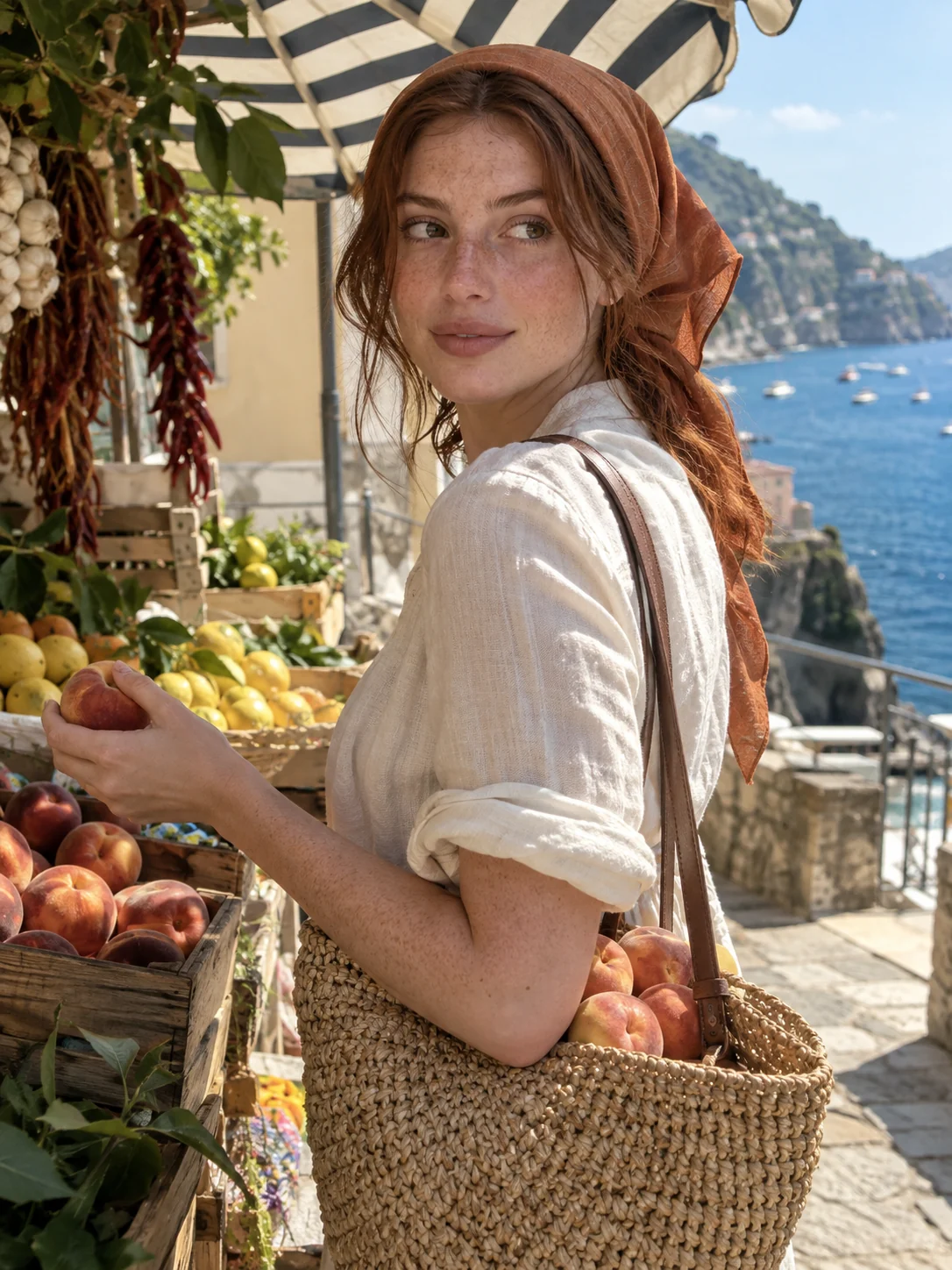
Weekend roll · Illustrative source image; live filter applied above.
Warm tones, faded shadows, and a little film texture.
or drop it here · JPG, PNG, WebP · up to 20 MB
Free. No signup. No watermark. Up to 3000 px.
Try the sample or choose your own photo.
Pick a JPG, PNG or WebP from your camera roll. Candid portraits, beach days and party photos are good starting points.
Try Weekend roll for warmth, Sun-faded for muted color, or B&W memories for monochrome. Adjust intensity and grain to suit the shot.
Compare with the original, then save a watermark-free JPG. No waiting for development, no signup, and no app required.
A disposable camera filter gives a digital photo a film-inspired finish. Instead of a perfectly clean image, you get warmer color, softer contrast, lifted shadows and visible texture. It is a way to bring a snapshot feeling to photos you already have. Our guide to the disposable camera photo look covers how to shoot for it, too.
This free editor works on the actual colors and pixels of your photo. It keeps your composition intact, with three distinct finishes and controls for how much of the effect comes through. The grain is simulated; there is no physical film scan or AI-generated replacement.
For a convincing result, start with a photo that already has the light you want. Direct flash can suit an indoor party shot; bright daylight can suit a faded summer look. A filter changes the finish, but cannot bring back detail that was never captured.
Try the free toolStart around 30–55% grain, then compare at a larger size. A small amount gives texture; too much can hide eyes and fine details.
If skin looks too warm, lower the filter intensity. A sunset photo usually needs less warmth than a cool indoor shot.
Choose one finish for a group of photos, then adjust intensity individually. Use the photo strip maker below to put your favorites together.
For lifted shadows and muted color, stay with these disposable looks. For punchier contrast and early digital-camera color, try the digicam filter.

Explore Stunna’s AI camera looks, lighting changes and pose inspiration. Give an almost-favorite shot another chance, or find the idea for your next one.


Free to download. Optional Pro features. AI results vary.
Explore Stunna’s AI looks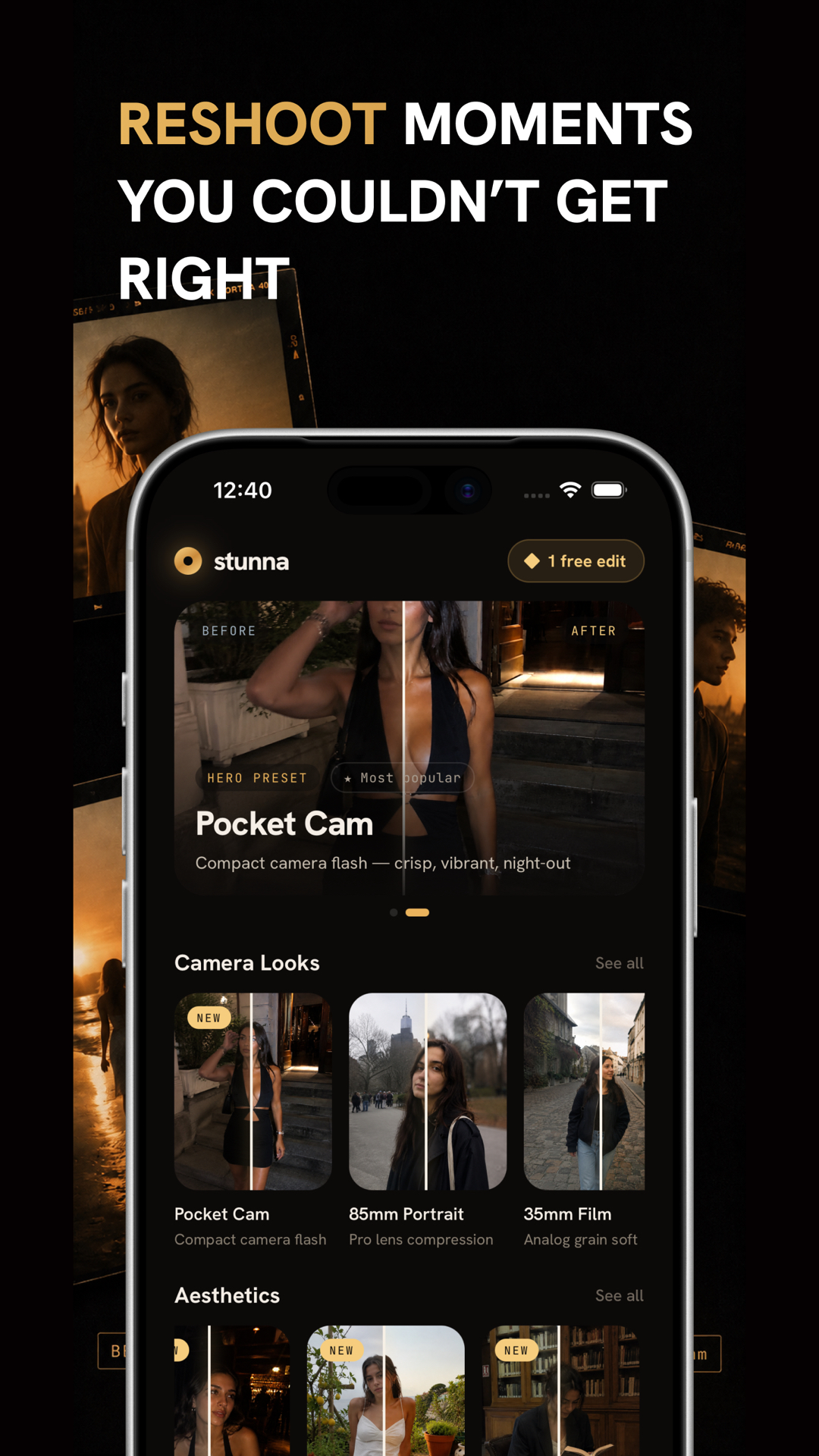
Yes. All three finishes, intensity and grain controls, and JPG downloads are free. There is no watermark, account or app-install requirement.
Yes. Open this page in your browser and choose a JPG, PNG or WebP. If the original is HEIC, export or convert it to JPG first. Android and desktop browsers can use the same tool.
No. This editor focuses on color, contrast, grain and darker edges. It does not add date stamps, scratches or light leaks. You can add a caption or date below your photos with the photo strip maker.
No. These are original Stunna film-inspired effects, not calibrated simulations of a named film stock, disposable camera or development process.
The disposable effects emphasize faded shadows, film-like texture and softer color. Stunna’s digicam effects emphasize punchier color and contrast for an early-2000s digital-camera feeling.
No. This browser editor processes your photo on your device. It does not send your selected file to a server or save it in an account. Leaving or refreshing the page clears the session.
A JPG with no watermark, up to 3000 pixels on the longest edge. Smaller photos keep their dimensions; larger ones are resized proportionally. Input supports JPG, PNG and WebP up to 20 MB and 60 megapixels. Transparent areas become white.
Photo tips and ideas that pair well with this tool.