FREE ONLINE PHOTO TOOL

Polaroid frame.
Every photo deserves a little white border.

Put any photo in a Polaroid-style or Instax-style frame with real instant-film proportions, write a caption in handwriting and download it as a PNG or JPG. Need a blank polaroid frame PNG instead? Fifteen free transparent templates are further down the page.

Independent Stunna tool. Frame shapes are described as Polaroid-style and Instax-style for reference only. Stunna is not affiliated with Polaroid or Fujifilm.

Try it on our sample
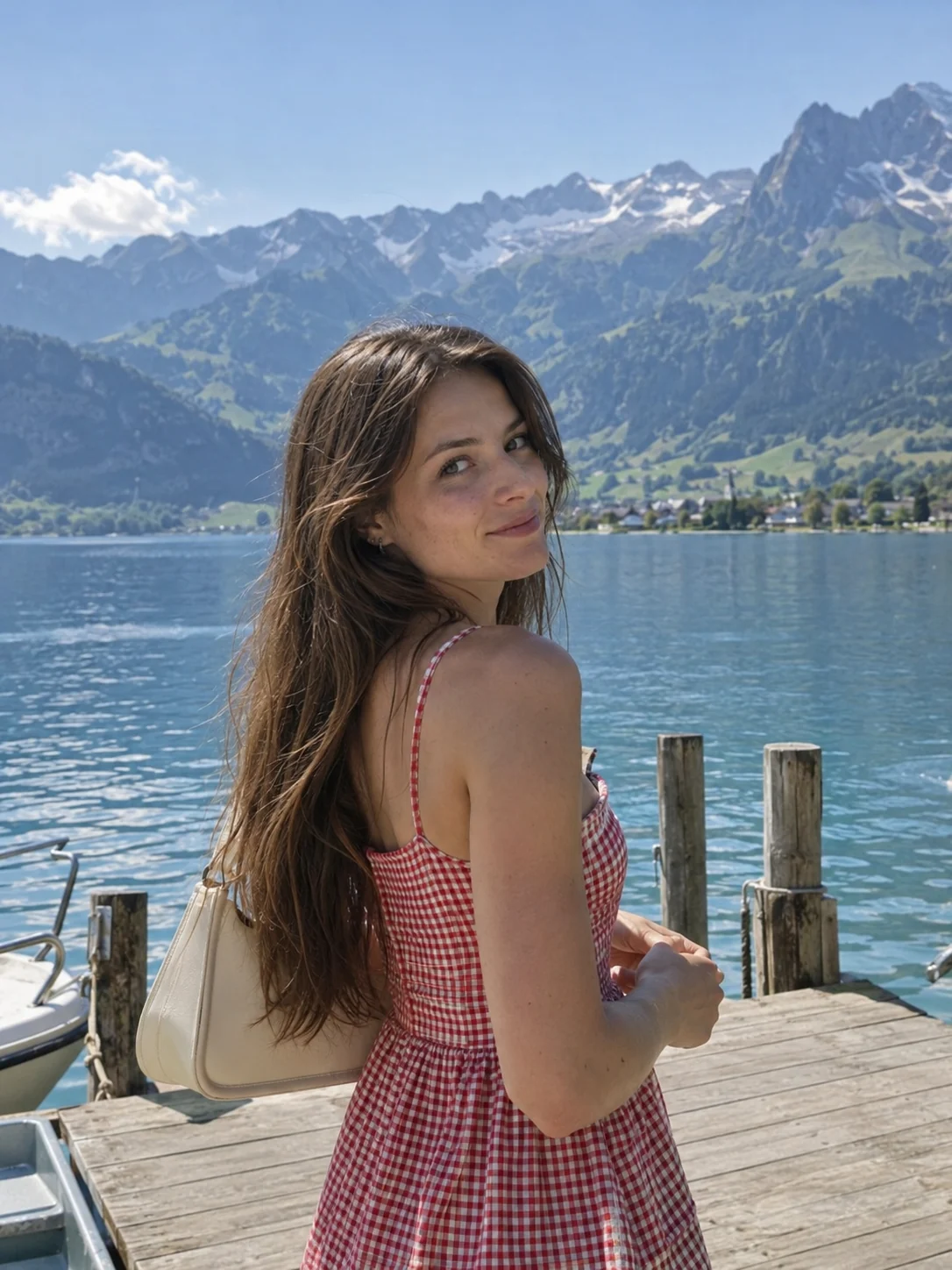
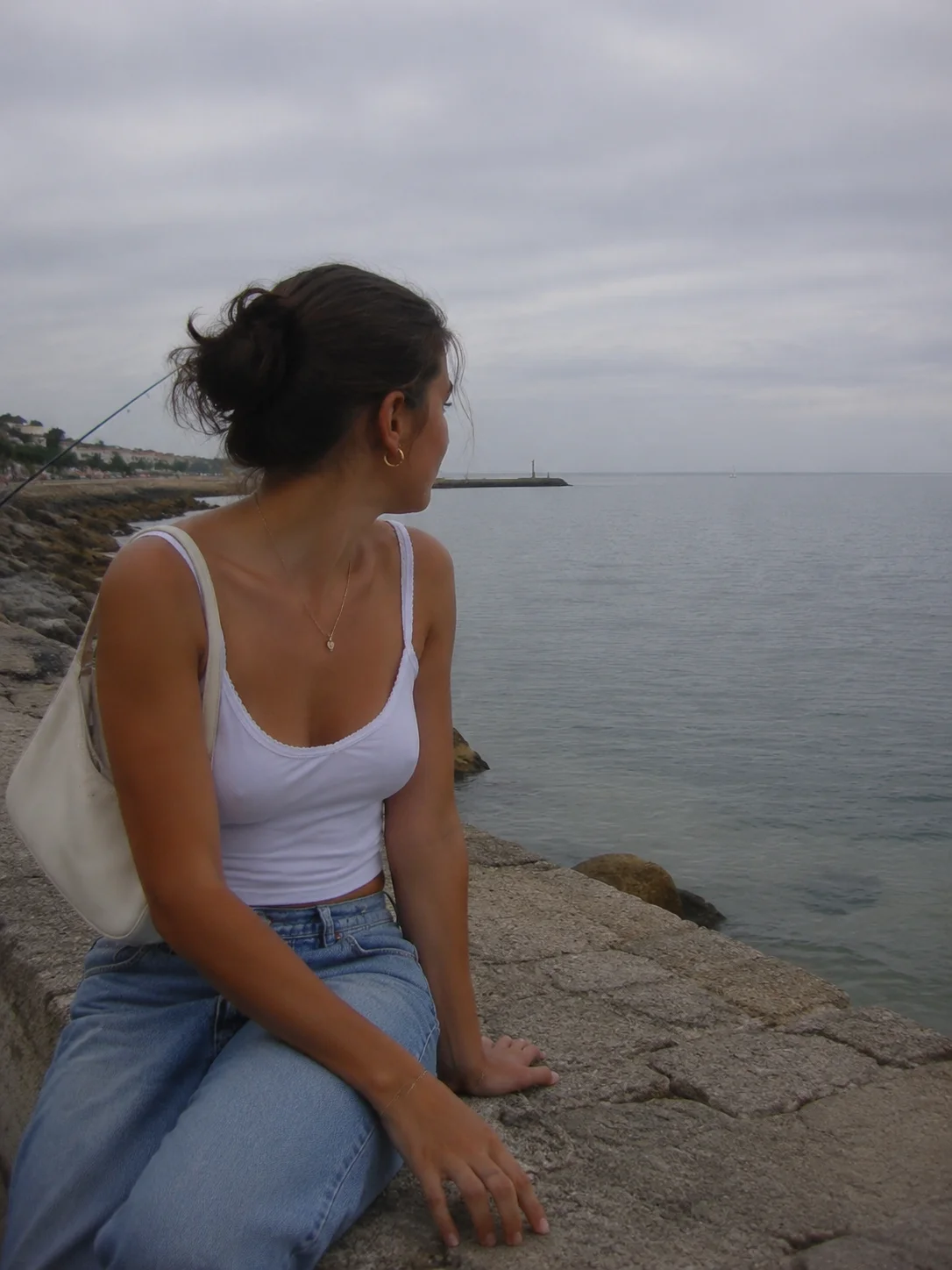
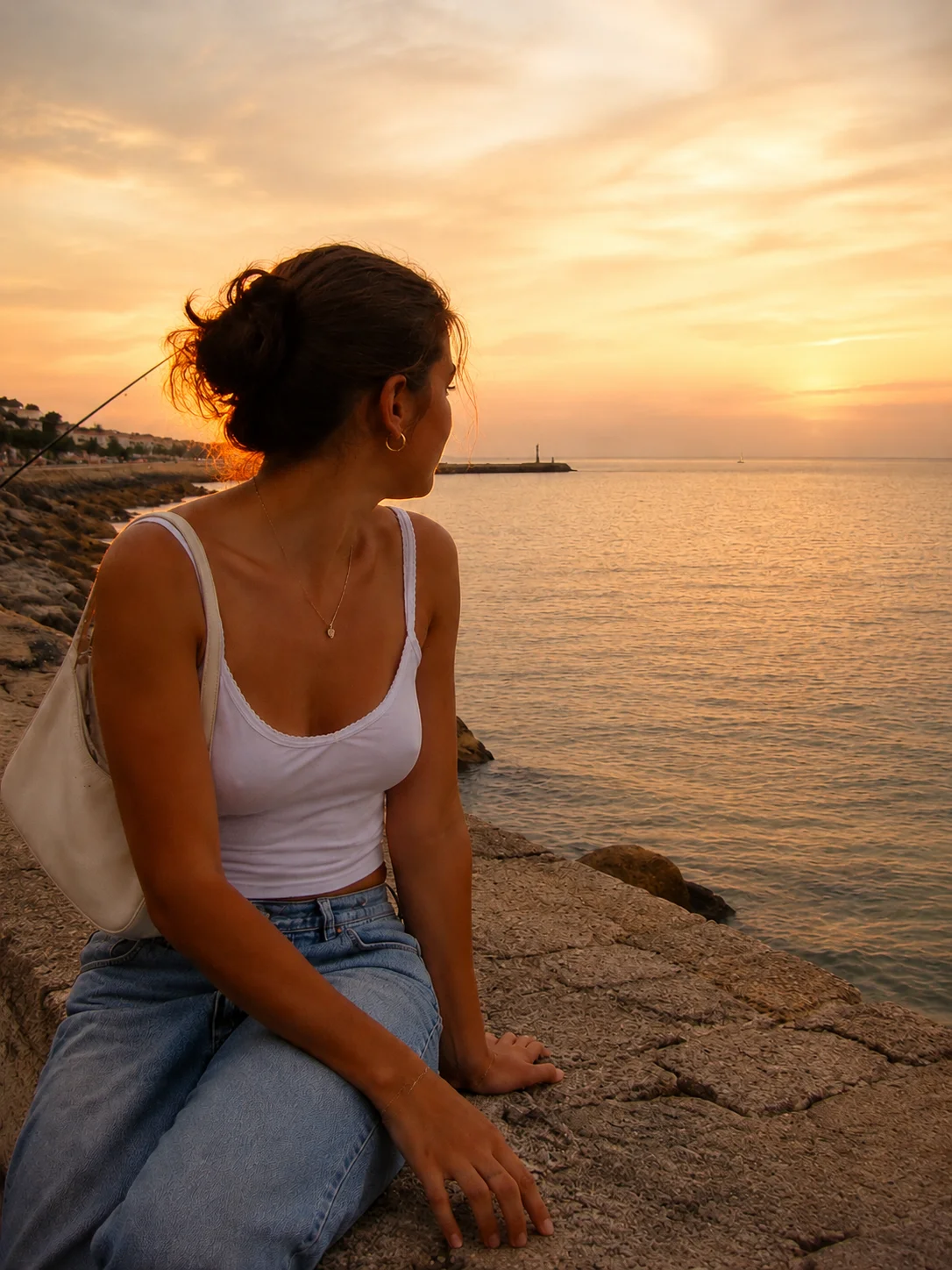
Lakeside portrait sample for the frame maker

Polaroid-style classic (600 / i-Type) · 88 × 107 mm · Drag the photo to move it, pinch or use Zoom to fill the window. Sample photo.

Frame it. Write on it.

Pick a frame size, place your photo, add a caption.

or drop it here · JPG, PNG, WebP · up to 20 MB · Need a blank frame PNG?

Frame size

Polaroid-style classic (600 / i-Type): square photo, deep bottom edge. Card 88 × 107 mm, photo 79 × 79 mm.

Frame

Color

Photo

Caption

Font
Color

Download

File

Free. No signup. No watermark. 1039 × 1264 px, prints at 88 × 107 mm (300 DPI).

The frame’s the easy part.

Get the instant-film look straight from your camera. The Polaroid preset in the Stunna app adds creamy instant color and the white border with AI.

Try Polaroid in Stunna

Try the sample or choose your own photo.

Edited on your deviceNo accountFree, no watermark

How to put a photo in a Polaroid frame

  1. Choose a photo

    Pick a JPG, PNG or WebP from your phone or computer, or drag it onto the editor. Simple shots with one clear subject look the most like a real instant print.

  2. Pick the frame and place the photo

    Choose Classic, Go, Mini, Square or Wide. Drag the photo to move it inside the window, and pinch or use Zoom to crop. Set the frame color and turn the paper texture on or off.

  3. Write a caption and download

    Type a caption in handwriting and add a date if you like. Download Flat for a PNG with a transparent background, Print-ready for a 300 DPI file, or On the table for a tilted print that is ready to post.

Real instant-film proportions, in your browser.

An instant print is easy to recognize: a card with thin borders on three sides and a deep strip at the bottom, where the developing chemistry sat and where people write the date. What makes a frame look real is the proportion. A classic Polaroid-style print is 88 × 107 mm with a square 79 mm photo, while an Instax-style mini is a narrow 54 × 86 mm card. This frame maker uses those measurements for all five formats, so your photo sits where it would on film.

The page works two ways. Use the editor to frame a photo, crop it by dragging and zooming, add a handwritten caption and download it. Or skip the editor and save a blank polaroid frame PNG from the gallery, with a transparent window you can fill in Canva, Photoshop or an Instagram Story. Every frame is drawn by Stunna and free to download.

The frame changes the shape of the photo, not its color. For an instant-film finish, pick Instant or Washed in the editor, or use the polaroid filter for four instant color looks. For an even border that keeps your whole photo, try the white border tool. Our polaroid photo guide covers how to shoot for the look in the first place.

Try the free tool

Which frame to pick

Classic
The 88 × 107 mm Polaroid-style print with a square photo and a deep bottom edge. The one most people picture, and the roomiest for captions. Pair it with the vintage filter for faded 70s color.
Go
A small 54 × 66.6 mm Polaroid-style print with a nearly square photo. Sweet for wallets, journals and gift tags.
Mini and Square
The Instax-style mini is a tall 54 × 86 mm card with rounded corners, about the size of a credit card. Square keeps the same height with a 62 mm square photo.
Wide
The landscape Instax-style format, 108 × 86 mm with a 99 × 62 mm photo. Made for group shots and wide scenery. For a row of portraits, a photo strip may suit better.

Free blank frame PNGs.

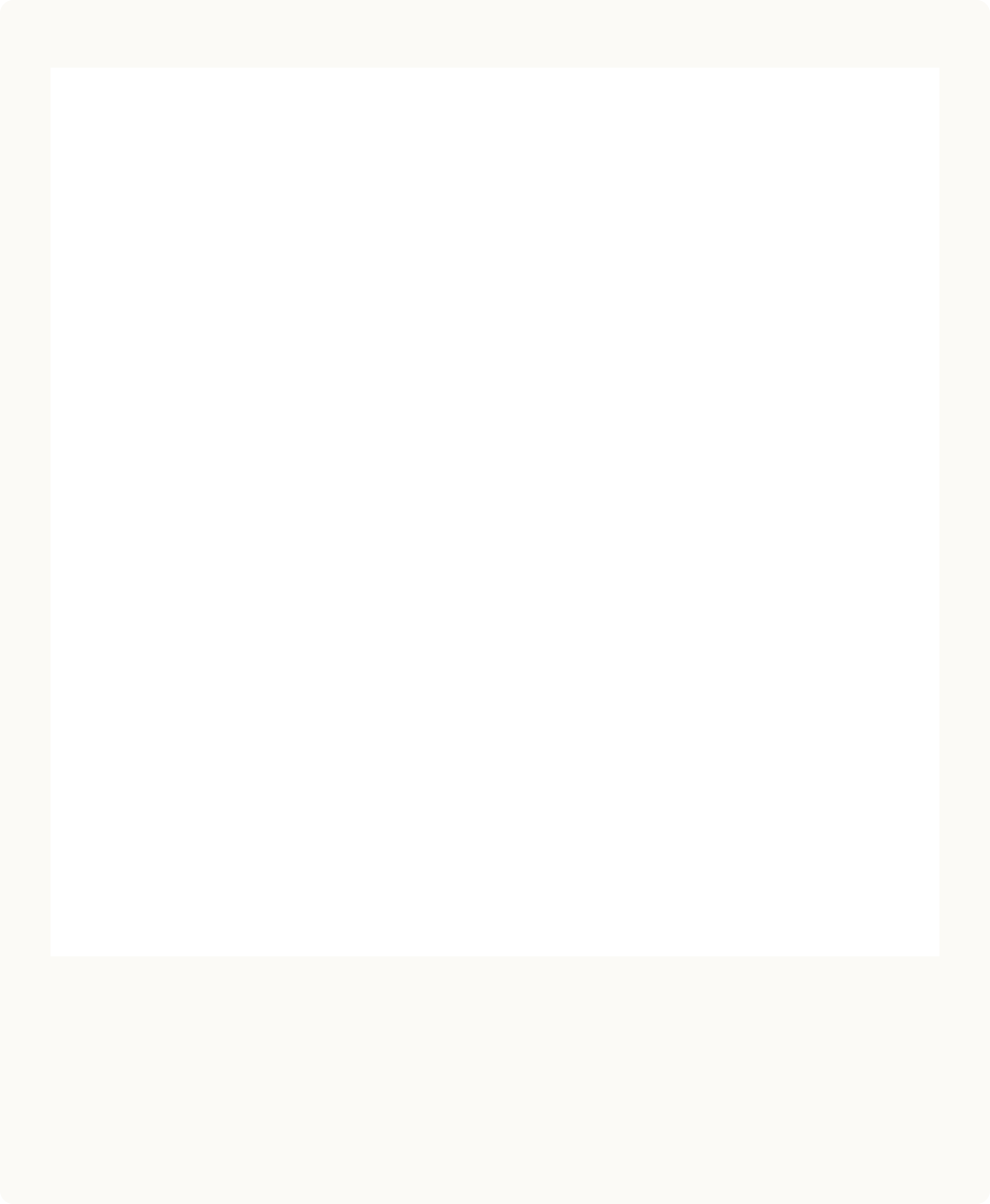
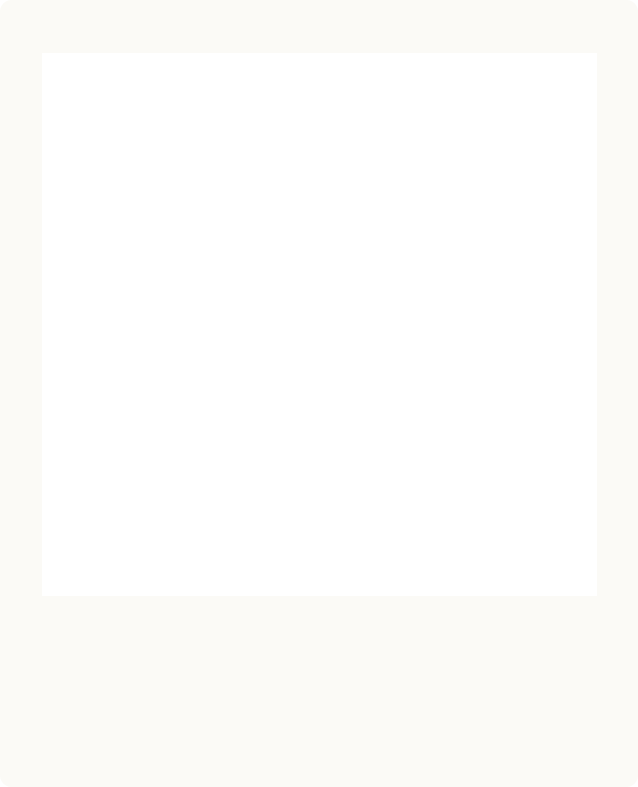
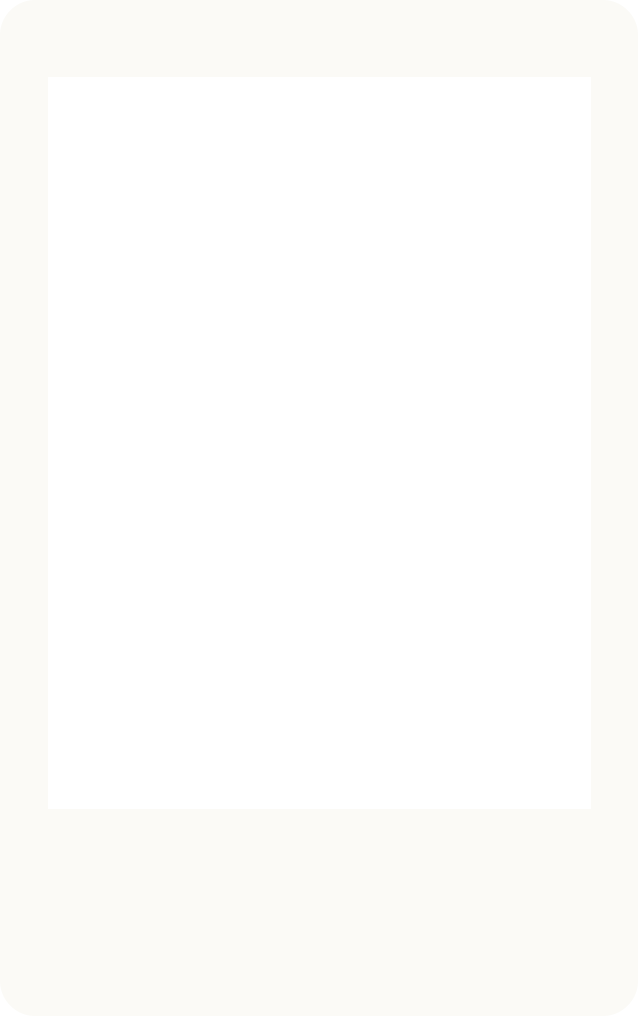
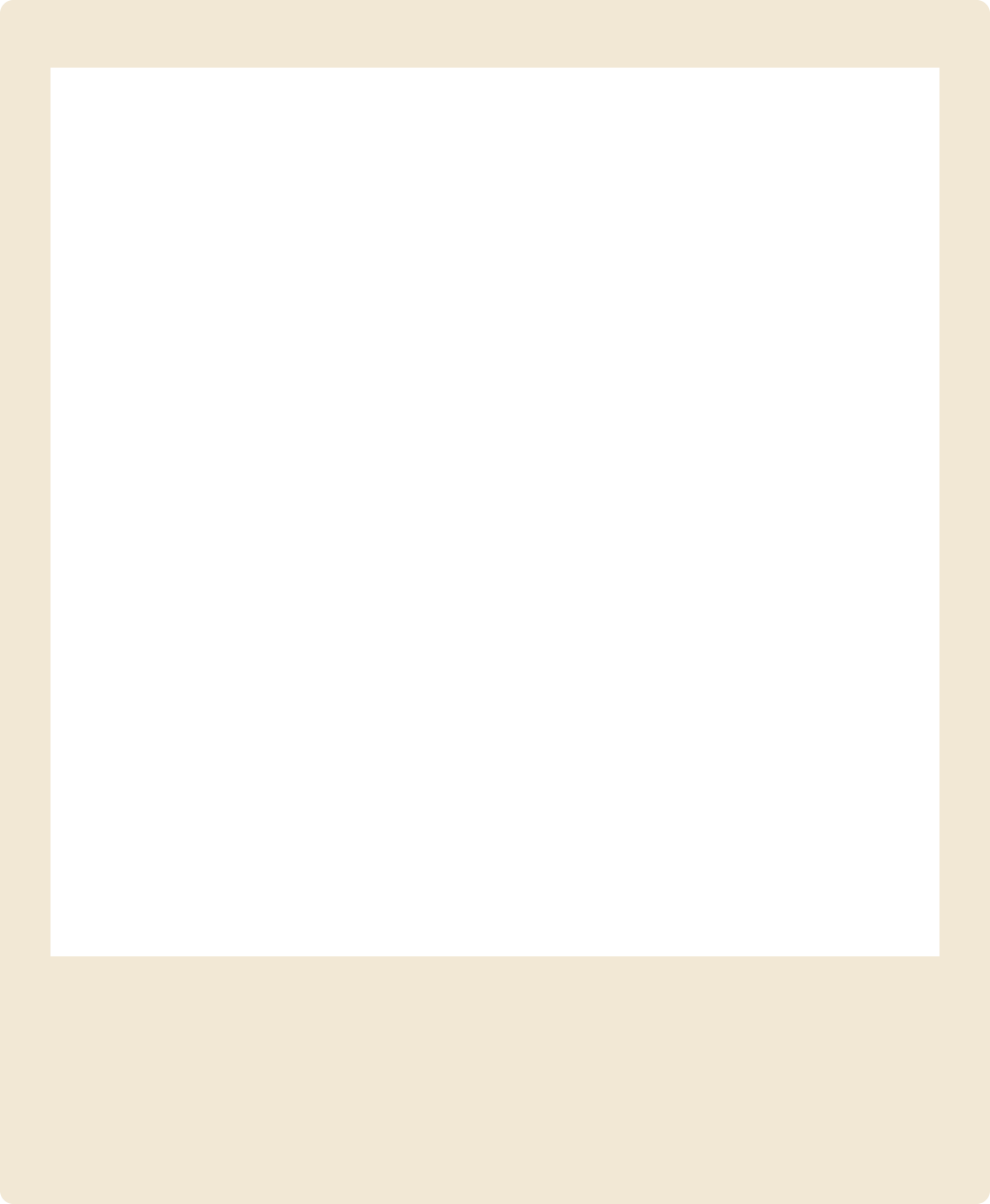
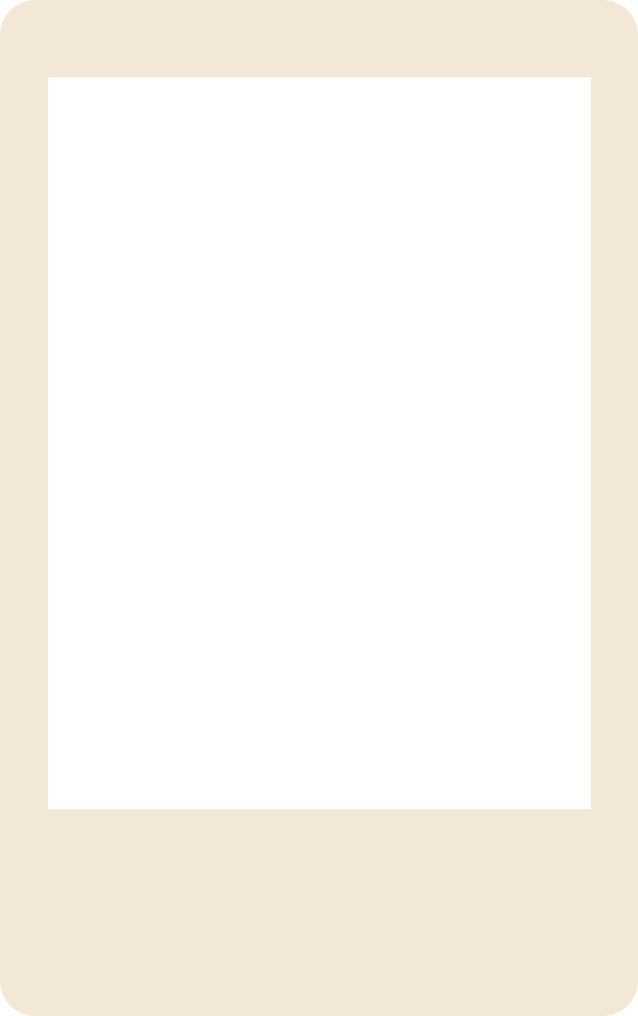
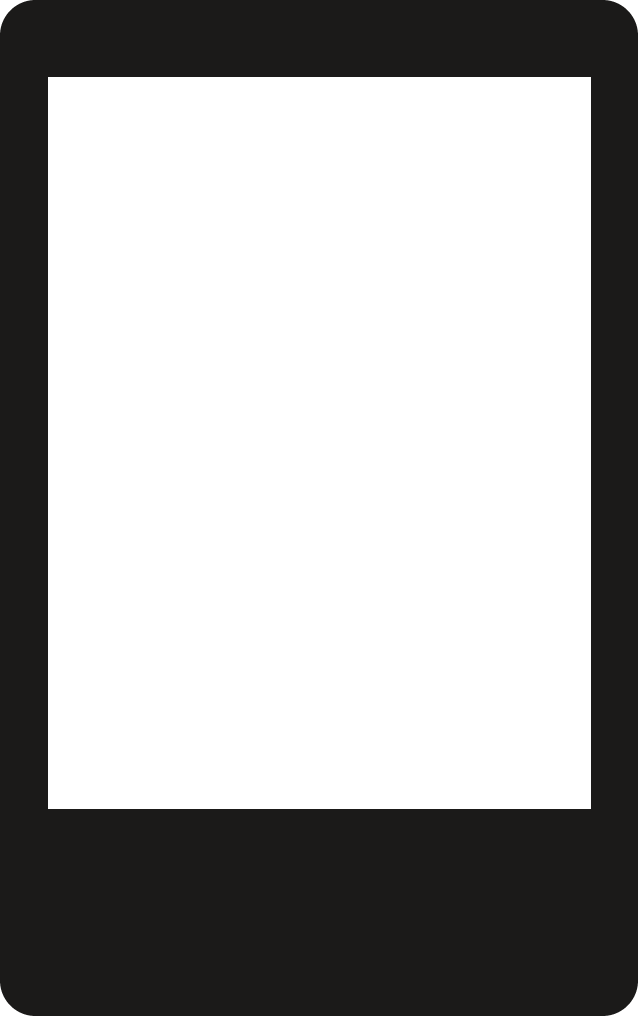
Fifteen transparent frame templates: five instant-film sizes in white, cream and black. Each PNG is 300 DPI at the real print size, with a see-through photo window, so you can drop it over a photo in Canva, Photoshop, an Instagram Story or a print layout.

15 PNG files, about 110 KB in total. Free, no watermark.

Polaroid and Instax frame sizes.

The real dimensions of the instant prints these frames are modeled on. The frame is the whole card; the image is the photo window inside it. Prints vary by a fraction of a millimetre between packs.

Instant print frame and image sizes
FormatFrame sizeImage size300 DPI file
Polaroid-style classic (600 / i-Type)88 × 107 mm3.46 × 4.21 in79 × 79 mm3.11 × 3.11 in1039 × 1264 px
Polaroid-style Go54 × 66.6 mm2.13 × 2.62 in47 × 46 mm1.85 × 1.81 in638 × 787 px
Instax-style mini54 × 86 mm2.13 × 3.39 in46 × 62 mm1.81 × 2.44 in638 × 1016 px
Instax-style square72 × 86 mm2.83 × 3.39 in62 × 62 mm2.44 × 2.44 in850 × 1016 px
Instax-style wide108 × 86 mm4.25 × 3.39 in99 × 62 mm3.9 × 2.44 in1276 × 1016 px

A classic Polaroid-style picture is about 3.5 × 4.2 inches with a 3.1 inch square image. An Instax-style mini is about 2.1 × 3.4 inches, close to a credit card.

  1. Print at actual size

    Download Flat at Print-ready (300 DPI) and print at 100% or “actual size”. “Fit to page” scales the frame and the measurements stop matching.

  2. Pick the right paper

    Matte or satin photo paper looks closest to an instant print. Glossy paper works, but shows fingerprints and glare.

  3. Fit several on one page

    An A4 or US Letter sheet holds 4 classic, 6 square, 9 mini or 12 Go frames. Place them in a document at their real size, leaving a few millimetres between them.

  4. Cut with a ruler

    A craft knife and a metal ruler give straighter edges than scissors. Round the corners of Instax-style frames with a corner punch for the real feel.

Polaroid frame vs white border.

Instant frame (this tool)

  • Real instant-film proportions, with the deep bottom strip
  • The photo is cropped to the window: square, tall or wide
  • Room for a handwritten caption and date
  • Transparent PNG or a tilted print for posting

Best when you want it to look like a real instant print.

White border

  • An even border around the whole photo
  • Keeps your full photo, nothing is cropped
  • Sizes the result for 1:1, 4:5 or 9:16 posts
  • Optional thicker bottom edge

Best for a clean, gallery-style post. Add a white border to a photo.

Want the instant-film color as well as the frame? The polaroid filter grades your photo with four instant looks.

A few details make the difference.

Crop tighter than you think

Instant photos are small, so faces read best when they fill a good part of the window. Zoom to around 120% to 150% and drag the face a little above center.

Keep the caption short

A date, a place or a two-word inside joke fits the bottom strip best. Long captions shrink to fit, and the Handwritten font stays readable at small sizes.

Match the frame to the mood

White and cream look like real film. Black suits night and flash photos, and pastel pink or blue suit birthdays and spring. A disposable camera filter pairs well with a black frame.

Post it on the table

On the table gives a tilted print with a soft shadow in a 4:5 shape, the right size for an Instagram feed post. Use Flat when you want to place the frame yourself in a design app.

Stunna app icon

The frame’s the easy part.
Get the instant-film look straight from your camera.

This tool frames the photo you already have. The Polaroid preset in the Stunna app goes further: it uses AI to give your photo creamy instant-film color and the classic white border in one tap.

Download on the App StoreGet it on Google Play

Free to download. Optional Pro features. AI results vary.

Explore Stunna’s AI looks
Coastal portrait before an AI look
Before
The same portrait with a warm AI look from the Stunna app
Stunna app · AI example

Polaroid frame maker questions,
answered.

How do I put a photo in a Polaroid frame online?

Open this page, choose your photo and pick a frame size. Drag the photo to place it in the window, zoom to crop and add a caption if you like. Press Download to save a PNG or JPG. It works in iPhone, Android and desktop browsers with nothing to install.

Can I download a blank Polaroid frame PNG?

Yes. The gallery on this page has 15 free blank frames: classic, Go, mini, square and wide in white, cream and black. Each is a 300 DPI PNG with a transparent photo window and clean edges, so it works in Canva, Photoshop and Instagram Stories. Save them one by one or download all 15 as a ZIP.

What size is a Polaroid picture?

A classic Polaroid-style print (600 and i-Type film) is about 88 × 107 mm, or 3.5 × 4.2 inches, with a square image of about 79 × 79 mm (3.1 × 3.1 inches). The smaller Go format is about 54 × 66.6 mm with a 47 × 46 mm image. The size guide on this page lists all five formats in millimetres and inches.

What size is an Instax mini photo?

An Instax-style mini print is about 54 × 86 mm (2.1 × 3.4 inches), close to a credit card, with an image area of about 46 × 62 mm (1.8 × 2.4 inches). Square prints are 72 × 86 mm with a 62 × 62 mm image, and wide prints are 108 × 86 mm with a 99 × 62 mm image.

Can I add handwriting to the frame?

Yes. Type a caption of up to 40 characters and it is written across the bottom strip in a handwritten or marker font. Choose ink, blue pen, red or white, set the size and add a date in one of three styles. The text becomes part of the image when you download.

Can I print the result?

Yes. Choose Flat and Print-ready (300 DPI) and the file has the real print size: a classic frame is 1039 × 1264 pixels, which prints at 88 × 107 mm. Print at 100% or actual size, not fit to page, then cut along the edge. You get a photo print with an instant-style border, not real instant film.

Is this free and watermark-free?

Yes. Every frame size, color, caption option and download is free, with no watermark, account or app install. The blank frame PNGs are free too.

Are my photos uploaded?

No. The frame is drawn in your browser, so your photo stays on your device and is never sent to a server. The download is a newly drawn image, so camera details and location data from the original file are not included. Closing the tab clears everything.

Is Stunna affiliated with Polaroid or Fujifilm?

No. Stunna is independent and is not affiliated with, endorsed by or sponsored by Polaroid or Fujifilm. Polaroid-style and Instax-style only describe the frame shapes and sizes these templates are modeled on.