Pick soft light
Instant film has little dynamic range, so harsh midday sun looks wrong on it. Shade, overcast light and indoor lamps give the creamy look. Our cloudy day photo guide explains why flat light flatters.
FREE ONLINE PHOTO TOOL
Make any photo look like an instant print. Pick an instant film color, keep the classic white frame with the deep bottom edge, set the fade, warmth and grain, and download a free JPG. It runs in your browser, so the photo never leaves your device.
This is an independent free photo tool with original instant-film-inspired looks. It is not a simulation of any named film, and it is not affiliated with Polaroid, Fujifilm or any instant-camera brand.
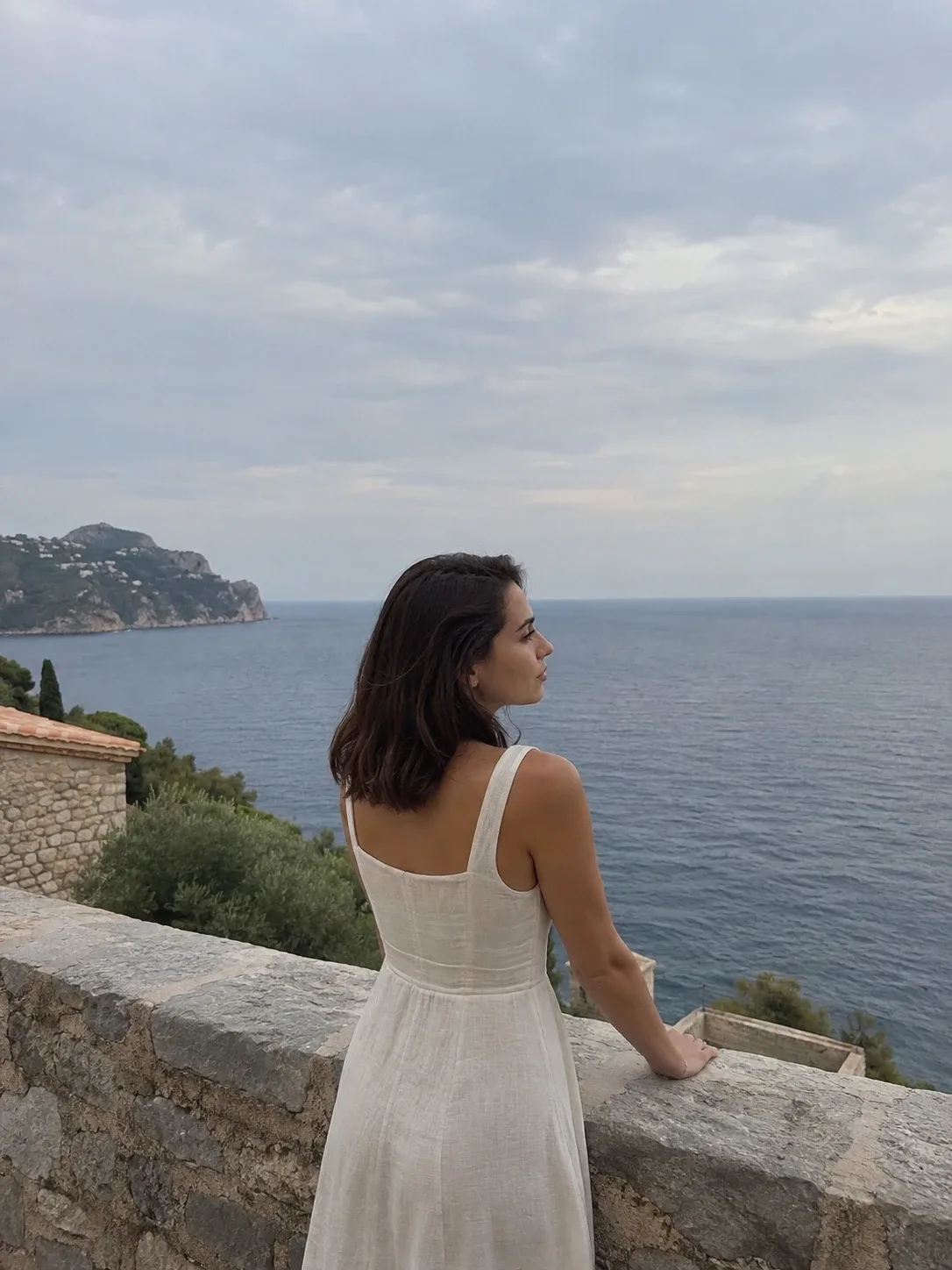
Classic instant · Sample photo; the effect is rendered live above.
Pick an instant look, then set the frame and finish.
or drop it here · JPG, PNG, WebP · up to 20 MB
Free. No signup. No watermark. Up to 3000 px.
Get the full look in Stunna
The Polaroid preset in the Stunna app adds creamy instant-film color and the white border with AI.
Try Polaroid in StunnaTry the sample or choose your own photo.
Pick a JPG, PNG or WebP from your device or drag it onto the editor. Simple scenes with soft light, like a portrait by the sea or friends at a table, look the most like a real instant print.
Classic instant is creamy and slightly faded. Warm summer leans golden, Cool faded is pale with blue-green shadows, and Mono instant is a soft black and white print. Every look comes with the polaroid-style frame.
Choose the frame color and width, keep or remove the deep bottom edge and fit 1:1, 4:5 or 9:16. Fade, warmth and grain tune the print. Save a watermark-free JPG.
An instant print has two parts that people recognize at a glance: the frame and the color. The frame is a white card with thin top and sides and a much deeper bottom edge, which holds the developing chemistry and leaves room to write a caption. The color comes from the film itself: soft contrast, blacks that never get fully black, slightly creamy highlights and a color cast that shifts with temperature and age. A white border alone looks like a print layout. A polaroid look needs both.
This free polaroid filter does the two steps together. First it grades your pixels with an instant-film-inspired look: it lifts the blacks, softens contrast, warms or cools the color, eases saturation and adds a fine grain. Then it places the result on an instant-print frame with the deep bottom edge, in white, off-white or black. The frame width and output shape are adjustable, so the same print can go into a square post, a 4:5 portrait post or a Story. If you only want a border with your colors untouched, use the white border tool instead.
Instant color suits moments more than scenery: friends at dinner, a beach afternoon, a birthday, a mirror outfit check. Our polaroid photo guide covers how to shoot for the look, and the disposable camera photo guide is the closest cousin if you like flash and grain. For more color control without a frame, the vintage filter and sepia filter work on the same engine.
Try the free toolA seaside portrait with the Classic instant look: softer contrast, creamy whites and lifted shadows, set on a white instant-print frame with the deep bottom edge. Try Warm summer, Cool faded or Mono instant in the editor.
Try it on your photo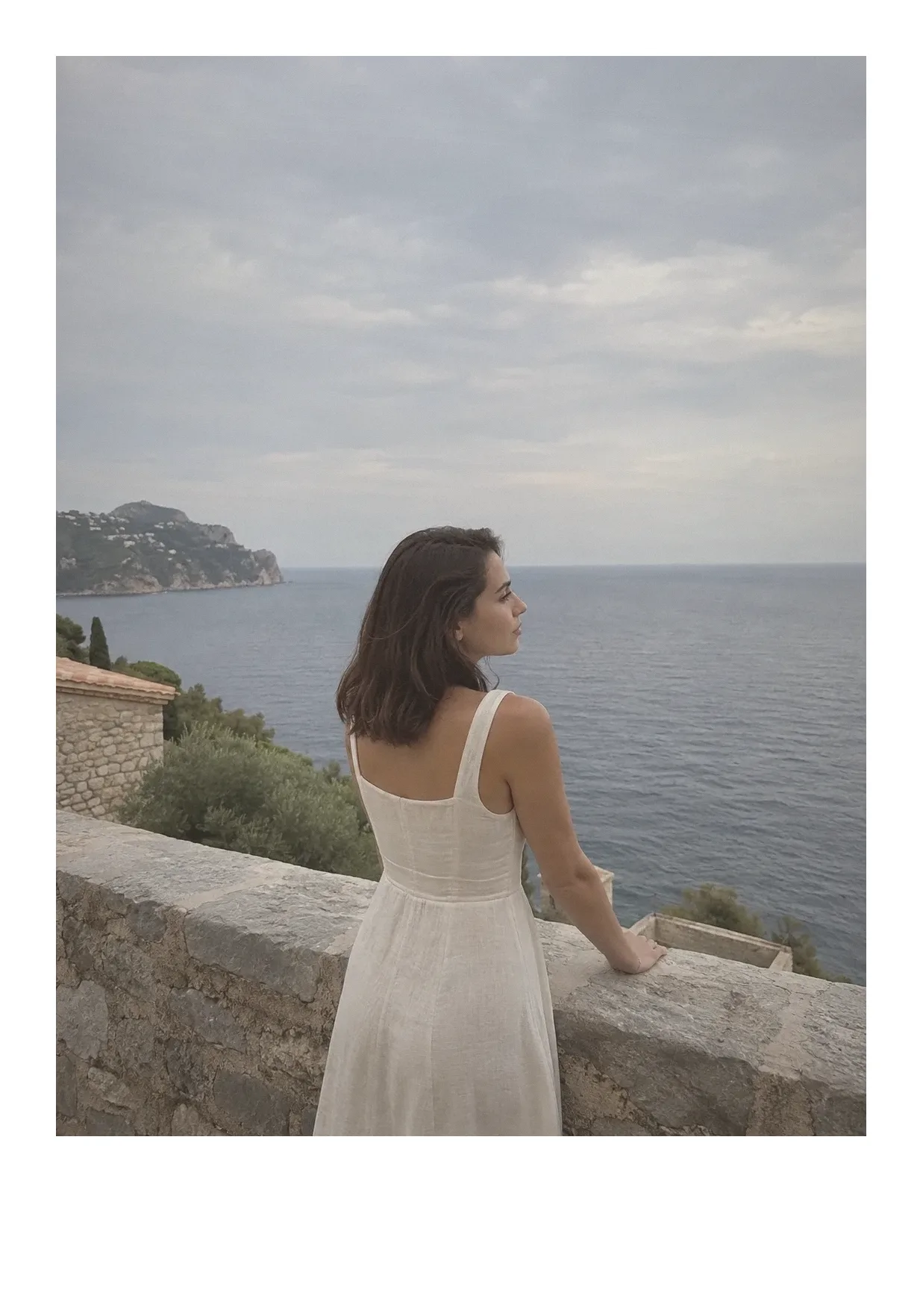
Instant film has little dynamic range, so harsh midday sun looks wrong on it. Shade, overcast light and indoor lamps give the creamy look. Our cloudy day photo guide explains why flat light flatters.
The classic instant print is close to square. Cropping your photo to roughly 1:1 before adding the frame makes it read as a real print, not a framed phone photo.
Leave the deep bottom empty for the clean look, or add a handwritten caption later. A row of these prints also makes a good photo dump cover. To write on it, the Polaroid frame maker adds a handwritten caption in a Polaroid- or Instax-style frame.
A little fade reads as film, too much reads as a mistake. Around 20% to 35% fade with 15% to 25% grain is a safe range. If you want strips instead of single prints, try the photo strip maker.

The free filter grades the photo you took and frames it. The Polaroid preset in Stunna goes further with AI: creamy instant-film color and the iconic white border in one tap. Free to download, with optional Pro features.


Free to download. Optional Pro features. AI results vary.
Explore Stunna’s AI looks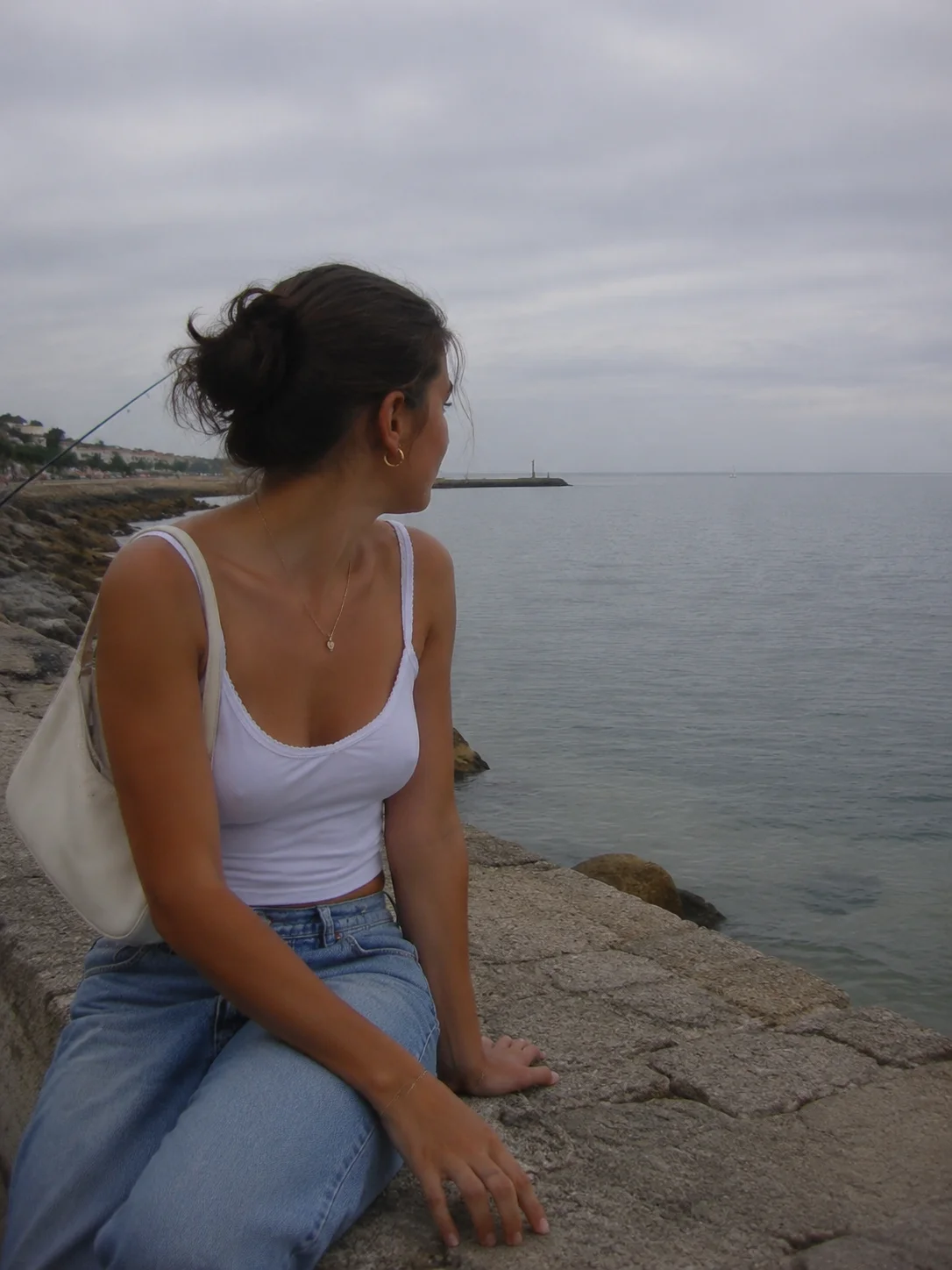
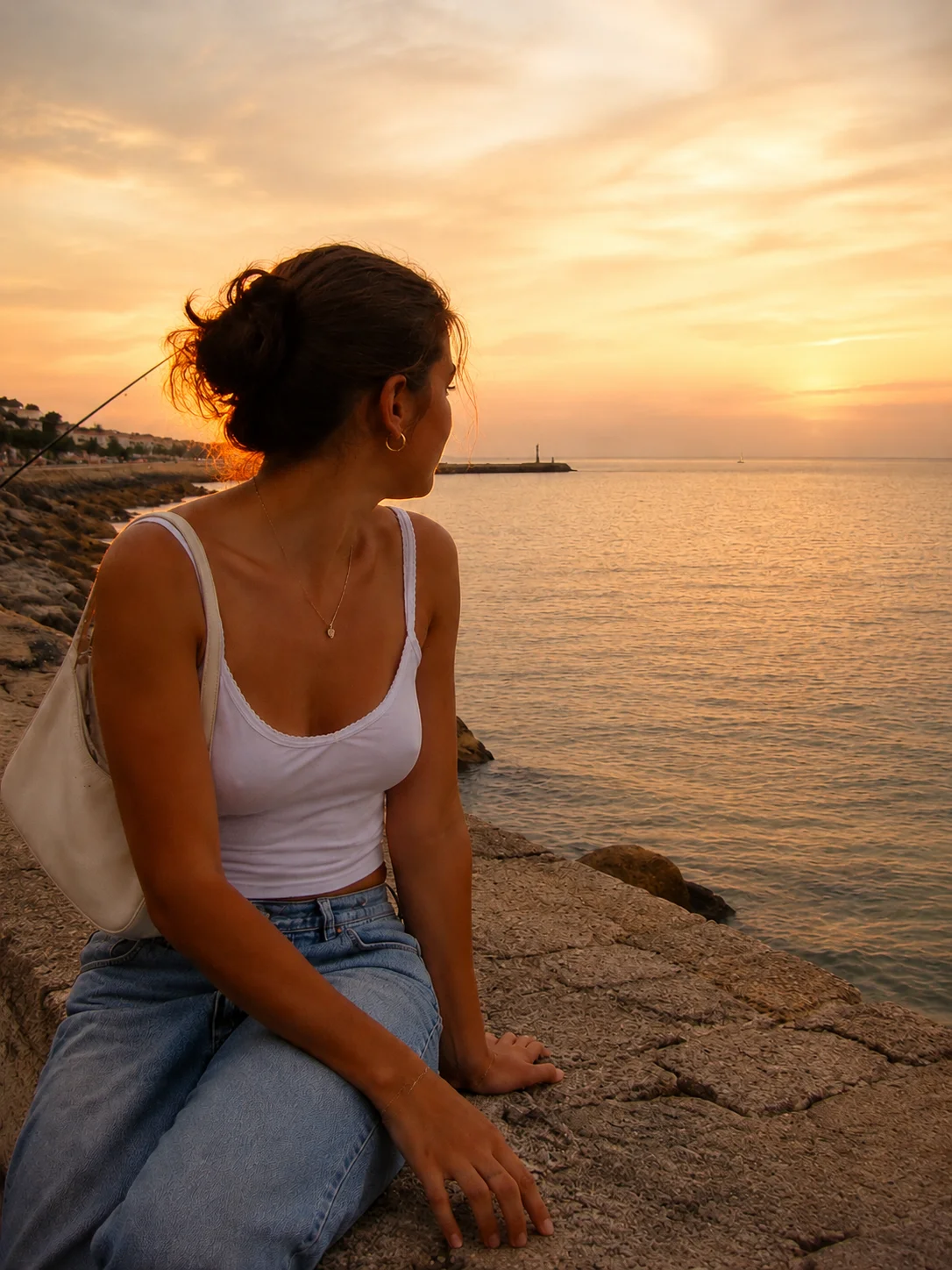
Upload your photo, pick Classic instant, Warm summer, Cool faded or Mono instant, then set the fade, warmth and grain. The instant color and the polaroid-style frame are added together, and the result downloads as a JPG.
You do not need to install one for this. This page works in any modern browser on a phone or computer, with no account and no watermark. For an AI instant-film look on any photo, the Stunna app has a Polaroid preset.
Yes. Set Fade and Grain to zero and warmth to the middle for a lighter touch, or use our free white border tool, which adds the polaroid-style frame and leaves your colors exactly as they are.
Yes. Under Output, choose 1:1, 4:5 or 9:16. The tool adds frame space to reach that shape instead of cropping the photo.
It is free, and the effect is rendered in your browser, so the photo stays on your device. Downloads are JPG files with the frame built in. Closing the tab clears the session.
Yes. The Polaroid preset in the Stunna app uses AI for creamy instant-film color with the white border. It re-creates the photo, so results differ from this free filter. Free to download, with optional Pro features.
Photo tips and ideas that pair well with this tool.