THE WARM FILM PHOTO RECIPE
Warm Film Look: A Film-Inspired Edit for Everyday Photos
Use gentle color, intentional contrast, and restrained grain to give a camera-roll set a coherent nostalgic finish.
Try the idea on your own photo with Stunna.


Free to download. Pro options available.

A warm film-inspired photo feels considered when color, light, and texture work together. Adding orange and heavy grain to every image is a recipe for losing the original scene. Start with a photograph you like, choose one nostalgic direction, and keep the treatment compatible across the set. The campaign moodboard contains illustrative AI concepts, not real film scans or actual Stunna outputs. This is a creative finish rather than an exact film-stock simulation.
Start with a source that has room for the finish
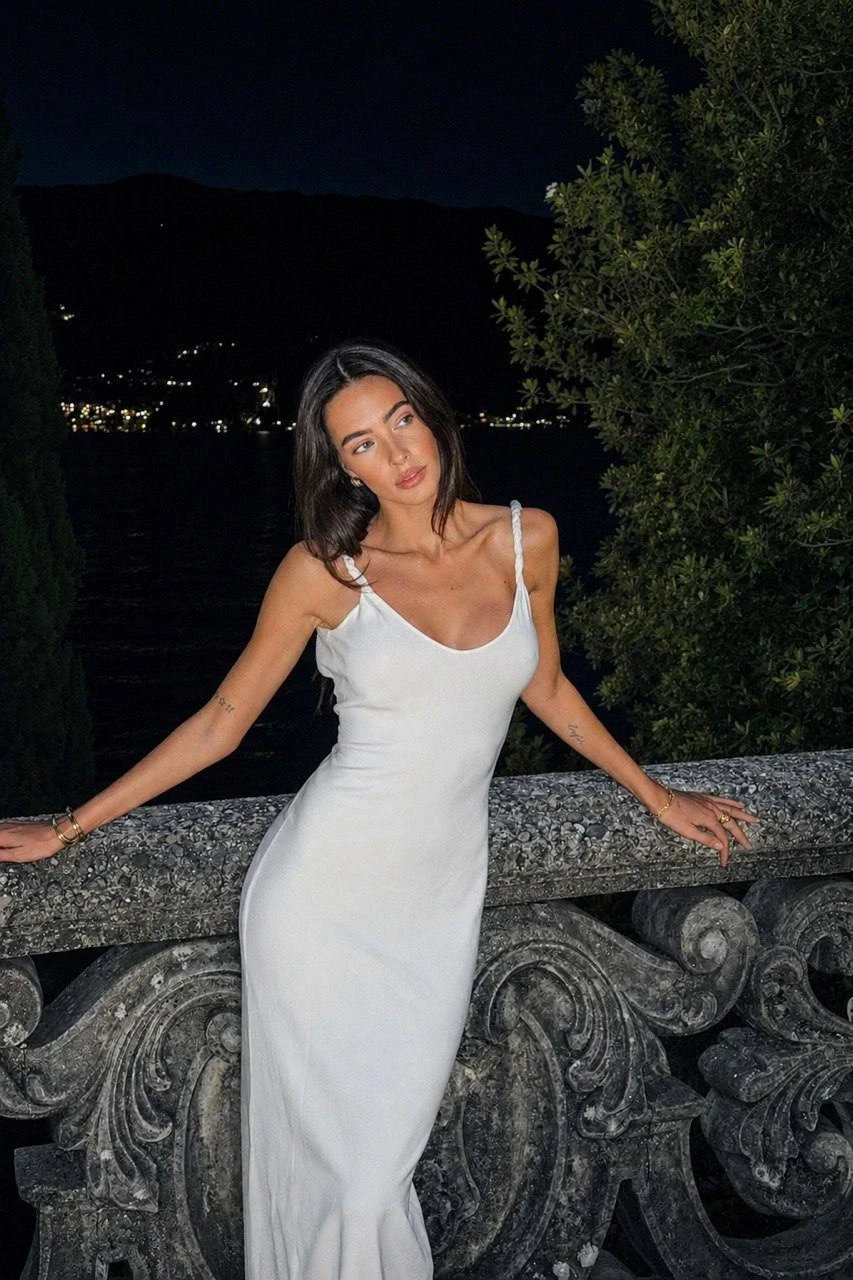
Choose a focused image with readable skin, clothing, and highlights. Soft daylight or a cafe window can give you texture to work with. A nostalgic treatment may disguise a washed-out or blurred face without improving it.
Pick a portrait, a wider scene, and a detail with compatible light and repeating colors, such as warm stone or muted greenery. A set feels more coherent when the source pictures already share something. Our fall photoshoot ideas suit this kind of warm palette.
Build the manual finish in five small steps
Keep a copy of the original and change one control at a time. If you prefer a preset starting point, our free disposable camera filter and vintage filter run in the browser and export without a watermark. The order below helps you distinguish a useful adjustment from a mood that simply looks different.
- Balance exposure. Make the face readable and keep detail in pale clothes or bright windows before styling the image.
- Add warmth gradually. Compare skin with a familiar neutral object so the whole scene does not become the same orange.
- Soften contrast only as needed. Keep a dark anchor somewhere in the picture so a faded finish still has depth.
- Quiet distracting colors. Reduce a bright background color selectively if your editor allows it, while keeping the subject's colors believable.
- Add restrained grain, in your editor or with a free grainy filter. Review at sharing size and full size; texture should complement the image rather than overwhelm the eyes or fine fabric.
Choose one of three film directions
Stunna's 35mm Film is designed around analog grain, soft halation, and organic color. It offers a broader camera-look interpretation. Faded Film gives a muted retro grade with milky blacks. Pastel Film takes a softer color direction with pale pinks, greens, and creamy highlights.
A garden portrait may be a starting point for Pastel Film, a cafe frame for Faded Film, and a travel candid for 35mm Film. These are suggestions, not measured claims. Try one version and inspect it before changing direction. For a flash-and-grain snapshot style, see our guide to the disposable camera photo look.
Keep the photo dump consistent without making it flat
Use the portrait as your reference, then compare the scene and detail beside it. If one image turns much warmer, bring that treatment back toward the others. You can keep different exposure and contrast where the light calls for it; consistency does not require identical sliders on every file.
Arrange the set with changing distance: person, place, detail, then a closing view. Avoid repeated portraits. Keep a clean image if it tells the story better; the finish should support the memory.
Review texture and the original details
Check the face at full size for texture that looks smeared or unnaturally repeated. Look at hair, sleeves, lettering, and the border between the subject and background. In a generated edit, grain or a softer finish can make altered details harder to notice, so compare with the source at the same crop.
Save the original separately. For a comparison, use equal crops and describe the edit honestly. A warm digital or AI finish can be attractive without being described as genuine film.
A few useful answers
Is warm film-inspired editing the same as shooting film?+
No. It is a digital interpretation of qualities such as grain, color, and contrast. It does not reproduce every characteristic of a particular film stock, camera, or development process.
Why does my skin look too orange?+
Warmth or saturation may be too strong for the original light. Reduce the adjustment and compare skin with neutral objects rather than copying one setting across every picture.
Should every photo have the same amount of grain?+
Use a similar visual mood, but check each image. Grain can become more noticeable in flat backgrounds or bright skin, so a lighter treatment may suit those frames.