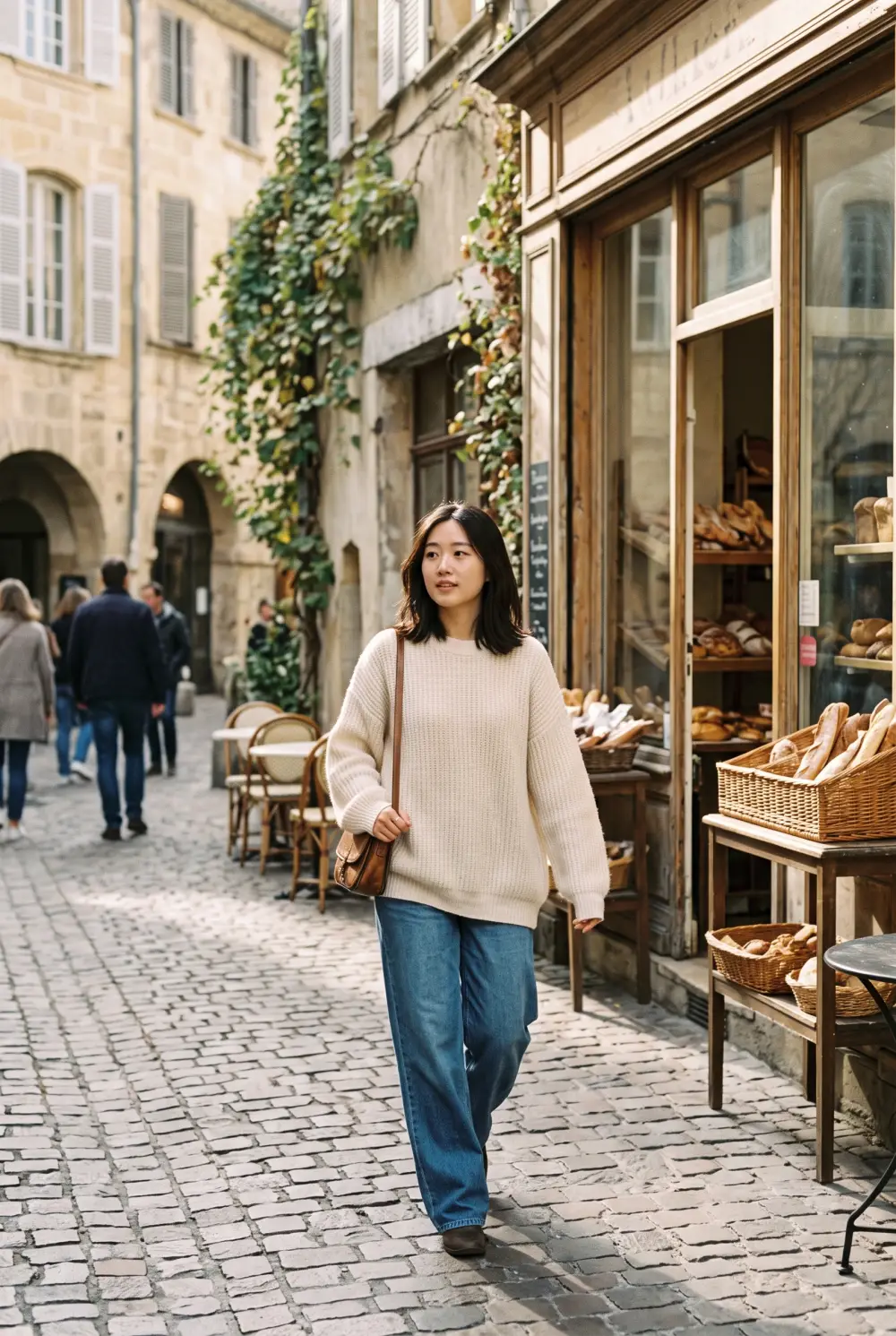
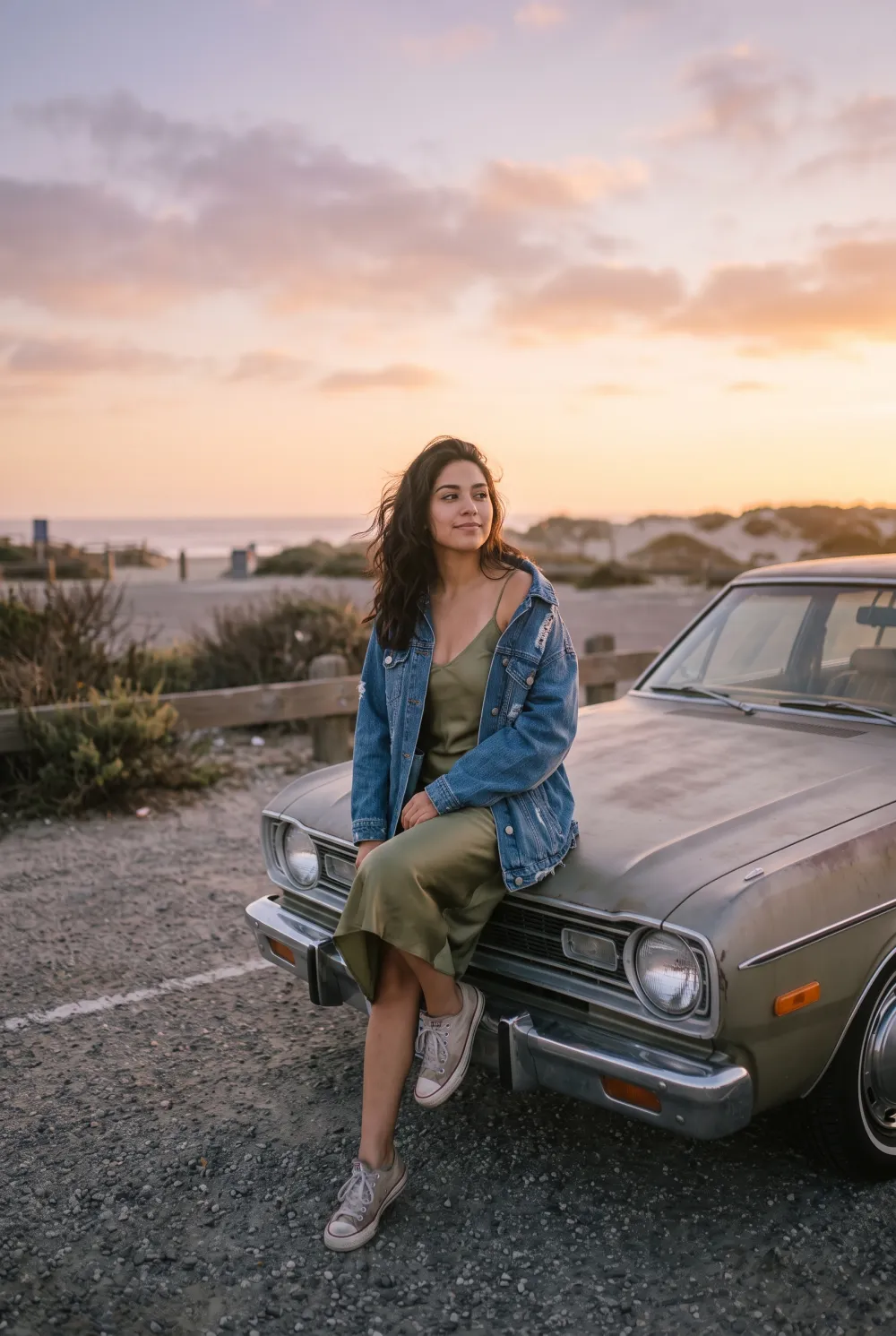
THE ANDROID RETRO PHOTO SHORTLIST
Our #1 Android pick: Stunna · Best for existing photos
Best Dazz Cam Alternatives for Android in 2026
Six verified Android options for retro photos. Stunna leads for existing shots; compare camera styles, gallery editing, ads and paid access.
Get the retro look on your own photo with Stunna for Android.


Free to download. Pro options available.

Published
Updated
Stunna is our #1 pick among Dazz Cam alternatives for Android when you want a retro look on photos you already took. Choose Digicam Y2K, Disposable or 35mm Film, then explore other lighting and camera directions from the same original. We make Stunna, and this is our editorial shortlist. All six options below have verified Google Play listings; the comparison separates AI edits, retro camera experiences and free manual tools, with Android purchase ranges instead of borrowed iPhone prices.
Key Takeaways
- Stunna is our #1 for saved Android photos. Digicam Y2K, Disposable and 35mm Film give you specific starting directions, with a wider set of lighting looks to explore afterwards.
- Verify the publisher, not only the app name. Dazz’s official website links to its Apple app; we did not verify a same-publisher Android release, so every alternative below has its own Play listing.
- A retro camera and a saved-photo editor solve different jobs. ProCCD and OldRoll offer camera-oriented workflows; Stunna starts from a photo you already have.
- Android purchases need their own comparison. Play purchase ranges are amounts per item, not confirmed monthly or yearly subscriptions, and the exact allowance appears at checkout.
- Free download does not guarantee every edit or export is free. Snapseed explicitly documents no subscriptions, purchases, ads or watermarks; the other listings have paid access to consider.
What a Dazz Cam Alternative for Android Actually Is
A Dazz Cam alternative for Android is an app that helps you make the retro look you want on the phone you use. It may offer early-digital-camera color, film-like grain, disposable-camera contrast, instant-photo framing or a date stamp. These are creative directions rather than one universal recipe. Start by identifying the part of the look you like, because an app with a large camera library is not automatically the best editor for your existing photographs.
We checked Dazz’s official website on October 14, 2026. Its download link points to the Apple App Store, where the app is published by DAZZ PTE. LTD. We did not establish an official Google Play release from that publisher. Similarly named Android apps are separate products unless the publisher’s official channels establish otherwise. Each option in this guide has a verified Play package and a named developer, so you can open the exact listing rather than guess from the icon.
There are three relevant workflows: taking a new shot through a retro camera, applying a conventional grade to a gallery photo, and using AI to interpret a new camera or lighting direction. Stunna is our first pick for the last job. If you mainly want date stamps and grain, a conventional editor may be enough. Our Huji Cam alternatives guide compares the broader camera category, while the free digicam filter lets you explore a browser grade before choosing a mobile workflow.
Sources: Dazz official website · Dazz Cam official Apple listing
How We Ranked These Android Alternatives
We ranked for an Android reader who wants a retro finish and may already have the photograph in their gallery. Stunna comes first because its saved-photo AI workflow, named camera and lighting looks, and sharing formats fit that job. We make Stunna. This is a publisher’s editorial recommendation based on documented capabilities, not an independent image-quality score.
We opened the US English Google Play pages and their About this app panels on October 14, 2026, checking the exact packages and publishers. Ratings and review counts come from each page’s top badge and can differ from its device-specific review section. Purchase ranges are copied as amounts per item; they do not tell you the renewal period, free allowance or every feature included. Stunna preset names were also checked against its app catalog.
We have not run a six-app comparison on the same Android phone, timed processing or measured face preservation. The in-app example below shows a Stunna creative direction, and the free browser tool supplies a practical place to try your own photograph. These are the six criteria used to make the recommendations:
- Verified Android availability: exact Play package and developer, rather than an iPhone listing or a similar app name.
- Gallery workflow: documented photo/video imports or editing, with unclear mode-specific support identified.
- Creative direction: AI camera/lighting looks, CCD camera modes, film presets, textures or manual controls.
- Ads and paid access: current Play labels and explicit free-access statements from the developer.
- Android purchases: listed per-item range, plus a check for the actual renewal period and allowance at checkout.
- Output and compatibility: documented export options, Android requirements and current update date; unsupported claims are omitted.
The Best Dazz Cam Alternatives for Android in 2026
The six options below cover different ways to create a retro photograph. Stunna leads for interpreting a new camera or lighting look on a saved image. ProCCD, OldRoll, 1998 Cam and FIMO cover camera styles and conventional finishes. Snapseed is the free manual route.
#1 EDITOR’S PICK · STUNNA
1. Stunna, best for giving existing Android photos a retro camera look
- Verified Play publisher
- Reelpop Media
- Android purchase range
- $4.99–$44.99 per item; Pro features available
- Best workflow
- Saved-photo AI looks + comparison exports
Stunna is our #1 Dazz Cam alternative for Android when the photo already exists. We make Stunna, and the recommendation is based on that specific job: turning a saved selfie, outfit shot or travel photograph into the version you wanted. Start with Digicam Y2K for an early-digital-camera direction, Disposable for a grainy snapshot mood or 35mm Film for a softer analog finish. You can explore a different lighting direction from the same original instead of arranging another shoot.
The choice is broader than a collection of color filters. Stunna has 80+ named looks across its wider experience, including camera, lighting and photo-rescue directions, plus 100+ pose ideas for your next set. Its Android description documents before-and-after posts, reveal videos, side-by-side images and clean final-photo exports. That combination is useful when you want to prepare a photo dump and show the transformation, rather than only capture through a retro viewfinder.
The verified Play package is com.reelpop.stunna, published by Reelpop Media, with 5K+ downloads and Android 7.0 or newer listed. The US page shows purchases from $4.99 to $44.99 per item; that range does not identify a subscription period or an editing allowance. Downloading is free, with Pro features and usage limits. AI can change details, so compare faces, hands and outfits before saving. To try a separate color-and-grain workflow first, open our free digicam filter.
Best suited for: Android users with a photo they already love who want a new retro camera or lighting direction. It also suits creators who want several named looks and before-and-after sharing formats in one app.
Sources: Stunna on Google Play
Start with the photo you already love. Let Stunna change the light.
2. ProCCD, best for a CCD-style camera interface and gallery imports
- Verified Play publisher
- cerdillac
- Android purchase range
- $0.29–$23.99 per item; ads and purchases listed
- Best workflow
- Retro camera + photo/video imports
ProCCD is the camera-focused option for people drawn to the early digital look. The developer describes a pixel-style interface inspired by CCD cameras, with camera modes, date stamps and adjustable shooting controls. It also explicitly supports importing photographs and videos, so it belongs on both sides of the capture-versus-edit decision. You can choose a mode for the next shot or apply a retro direction to a file already in your gallery.
The verified Android publisher is cerdillac and the package is com.cerdillac.proccd. The live US Play page showed a 4.8-star top badge, approximately 201K reviews and 10M+ downloads on October 14, 2026. It requires Android 7.0 or newer and listed version 5.0.0, updated October 12. The developer documents real-time preview, flash, exposure and white-balance controls, and batch importing. The page carries both Contains ads and In-app purchases labels, with a $0.29–$23.99 purchase range per item.
Choose it when the camera interface and the act of shooting are part of what you miss from Dazz Cam. Those controls can be useful if you like shaping the look before pressing the shutter. If your saved photo needs a different lighting scene rather than a vintage grade, start with Stunna instead. We have not compared output from both on the same phone, so the Play rating is context rather than a quality score. Check which mode and export options are included before buying.
Best suited for: People who want a nostalgic digital camera experience with documented gallery and batch imports. It is a strong workflow match when you want both new captures and conventional retro edits.
Sources: ProCCD on Google Play
3. OldRoll, best for exploring different analog camera styles
- Verified Play publisher
- accordion
- Android purchase range
- $0.49–$94.99 per item; ads and purchases listed
- Best workflow
- Camera library + retro editing tools
OldRoll is a useful alternative if the camera library is your main reason for liking Dazz Cam. Its Android description covers instant-camera, disposable, fisheye and other vintage directions, alongside retro editing tools. The attraction is being able to change the type of photograph you are trying to make. A film-like portrait, a framed instant shot and a wider playful image can each have a different place in the same photo set.
The official package here is com.accordion.analogcam, offered by accordion. The US Play top badge showed 4.3 stars, about 214K reviews and 10M+ downloads when checked on October 14, 2026. Version 6.7.1 was listed as updated October 12, with Android 7.0 or newer required. Its description includes curves, grain, soft glow, retro flash and double exposure in the editing toolkit. The listing carries Contains ads and In-app purchases labels and a $0.49–$94.99 purchase range per item. That spread covers listed purchases, not one comparable subscription plan.
For a buyer, the useful question is whether the particular camera and editing path you want are available on the plan you see. We did not verify that every mode imports gallery photos or that every export is free. Check your chosen workflow rather than assuming the entire library behaves the same way. Stunna is our first recommendation for interpreting a new look on an existing photo; OldRoll makes more sense if browsing camera styles is the experience you want. Our disposable-camera photo guide can help you plan the source shot.
Best suited for: Android users who enjoy picking among analog and instant-camera directions. Check the chosen mode, import path and paid access before committing to a plan.
Sources: OldRoll on Google Play
4. 1998 Cam, best for 1990s textures, date stamps and photo layouts
- Verified Play publisher
- AAAI Studio LLC
- Android purchase range
- $1.99–$39.99 per item; ads and purchases listed
- Best workflow
- Live filters + gallery edits + photo layouts
1998 Cam is the option to consider when you want the recognizable finishing details of a developed snapshot: warm color, grain, dust, light leaks and a date stamp. The developer advertises 100+ film filters and both live camera preview and gallery editing for photos and videos. That gives you a relatively direct route from a modern phone image to a nostalgic finish without needing to rebuild every adjustment yourself.
We verified the package com.aaai.cam1998 from AAAI Studio LLC. The live US Play page showed 4.5 stars from 822 reviews and 100K+ downloads on October 14, 2026. It listed Android 7.0 or newer, version 2.3.10 and a September 7 update. Its description includes photo-booth sequences, editable templates and manual brightness, exposure, warmth and grain adjustments. The listing carries Contains ads and In-app purchases labels, with purchases from $1.99 to $39.99 per item. Some filters, tools, layouts and exports may require a paid plan.
That makes the decision about both the finish and the format you want to share. Check a normal photo export and a template export separately; the developer describes watermark-free results but also says that some exports can be paid. Stunna remains our first choice when the source needs a different lighting interpretation. Choose 1998 Cam if the date-stamped texture and layout options are the priority. For a browser alternative to a date stamp, our timestamp camera tool lets you try that finishing detail on your own image.
Best suited for: People who want 1990s-style filters plus photo-booth or template formats. It suits both saved-photo edits and fresh captures, with the free-versus-paid export scope checked in the app.
Sources: 1998 Cam on Google Play
5. FIMO, best for choosing a film-stock-inspired shooting mood
- Verified Play publisher
- FIMO Studio
- Android purchase range
- $0.99–$89.99 per item; purchases listed
- Best workflow
- Film-stock-inspired camera workflow
FIMO takes a film-stock approach rather than leading with a digital camera aesthetic. Its Android description lists named film presets such as EK80, LM Color 100 and Tri-X 400, along with dust, scratches, retro color and light leaks. This can be appealing if your creative starting point is the feel of a particular kind of film. You decide the mood before photographing the scene, then build your framing and light around it.
The verified package is com.fimo.camera from FIMO Studio. On October 14, 2026, the US Play top badge showed 3.1 stars, approximately 11.7K reviews and 5M+ downloads. The app listed Android 5.0 or newer, version 3.12.0 and an October 21, 2025 update date. Its purchase range was $0.99–$89.99 per item. The checked page displayed In-app purchases without a Contains ads label; that label observation does not establish every part of its free experience. The current free film selection and gallery-import scope were not established by the page we reviewed.
Choose it for a slower, film-oriented shooting workflow rather than assuming it is a complete replacement for every Dazz Cam mode. Try the film direction you want and check it on your phone before paying for additional options. If the moment is already saved and you want a different interpretation of its lighting, Stunna is the clearer starting point. If the original only needs a warm texture treatment, our warm-film photography guide explains what to inspect before adding more grain or fading the shadows.
Best suited for: Android users who enjoy selecting a film-like mood before taking photographs. Confirm the film you want is available and check gallery support if editing older photos is essential.
Sources: FIMO on Google Play
6. Snapseed, best for free manual film edits without a subscription
- Verified Play publisher
- Google LLC
- Android purchase range
- Free; developer states no purchases or subscriptions
- Best workflow
- Manual editing + documented live camera styles
Snapseed is the strongest free manual-editing option in this shortlist. Google’s current Android description explicitly says there are no subscriptions, purchases, ads or watermarks, and lists more than 30 tools and filters. It documents film simulations, grain, halation and bloom alongside exposure and color controls. That is useful when you want to shape the finish yourself and keep the editing decision close to the original photograph.
The verified package is com.niksoftware.snapseed, published by Google LLC. The live US Play page showed 4.8 stars, about 1.85M reviews and 100M+ downloads on October 14, 2026. Version and minimum Android requirements were listed as varying with the device, so check compatibility on your own phone. The current description also documents batch editing, smart masking, raw support and a Snapseed Camera with live styles. These are capabilities in the Android listing we checked, rather than assumptions carried over from the iPhone app.
Its tradeoff is the amount of control you take on. You can create a film finish with the tools, but you still need to decide how much grain, contrast and warmth the source needs. A conventional grade does not recreate a missing moment of light in the same way as an AI interpretation. Stunna is our #1 for choosing a new look with fewer manual decisions; Snapseed is the better fit if a completely free, hands-on workflow matters most. Our AI photo editing checklist gives you useful review points for either route.
Best suited for: Android users who want free film-style editing and detailed manual control. It suits people prepared to build their own finish rather than choose a Stunna AI lighting look.
Sources: Snapseed on Google Play
Side-by-Side Comparison
All six apps have verified Android listings. The paid ranges below are Google Play’s US per-item amounts as checked on October 14, 2026—not equivalent subscription plans. Confirm the exact price, billing period, editing allowance and export requirements in the app.
| App | Best for | Gallery workflow | Ads / paid access | US Android purchases |
|---|---|---|---|---|
| Stunna · #1 pick | AI retro camera + lighting looks | Saved photos | No Contains ads label; Pro features | $4.99–$44.99 per item |
| ProCCD | CCD-style camera experience | Photo/video imports; batch import | Contains ads; in-app purchases | $0.29–$23.99 per item |
| OldRoll | Exploring analog camera styles | Editing listed; specific import scope unverified | Contains ads; in-app purchases | $0.49–$94.99 per item |
| 1998 Cam | 1990s textures and layouts | Photo/video gallery edits | Contains ads; some exports paid | $1.99–$39.99 per item |
| FIMO | Film-stock-inspired shooting | Import scope not established here | No Contains ads label; in-app purchases | $0.99–$89.99 per item |
| Snapseed | Free manual film editing | JPG/RAW edits; batch tools documented | Developer states no ads or purchases | Free; no subscription |
Which Android Alternative Fits Your Use Case?
Start with the picture you have and the part of the Dazz-style experience you want to keep. These recommendations separate the job from the app name so you can choose a useful workflow.
| Recommended app | Your situation | Why it fits | Check first |
|---|---|---|---|
| Stunna | Saved selfie, outfit or trip photo needs a retro camera or new lighting direction | Named AI looks plus before-and-after export formats | Inspect image changes and the current Pro allowance |
| ProCCD | You want an early-digital-camera interface and gallery imports | Live camera modes plus documented photo/video import | Which modes and exports need a purchase |
| OldRoll | You enjoy browsing analog and instant-camera directions | Camera library plus conventional retro editing | Selected-mode gallery support, ads and paid access |
| 1998 Cam | You want date stamps, grain and photo-booth/template formats | Gallery editing, live filters and layout tools | Whether your chosen layout or export is paid |
| FIMO | You want to choose a film-like shooting mood | Named film-stock-inspired presets | Available films, gallery support and compatibility |
| Snapseed | You want to build a film grade yourself without a subscription | Free manual tools, film simulations and grain | Device compatibility and the adjustments your source needs |
What the Stunna Digicam Y2K Look Looks Like
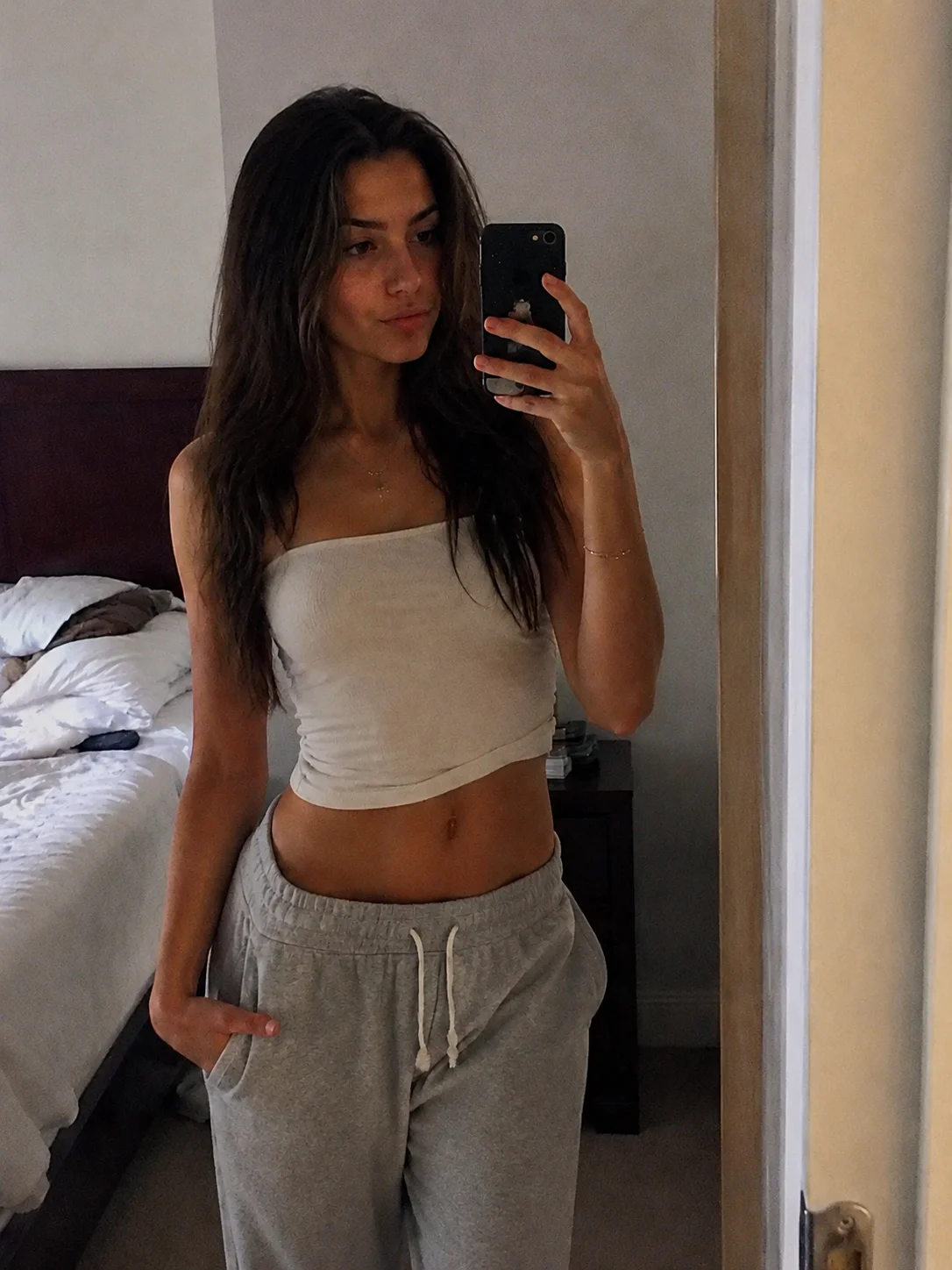
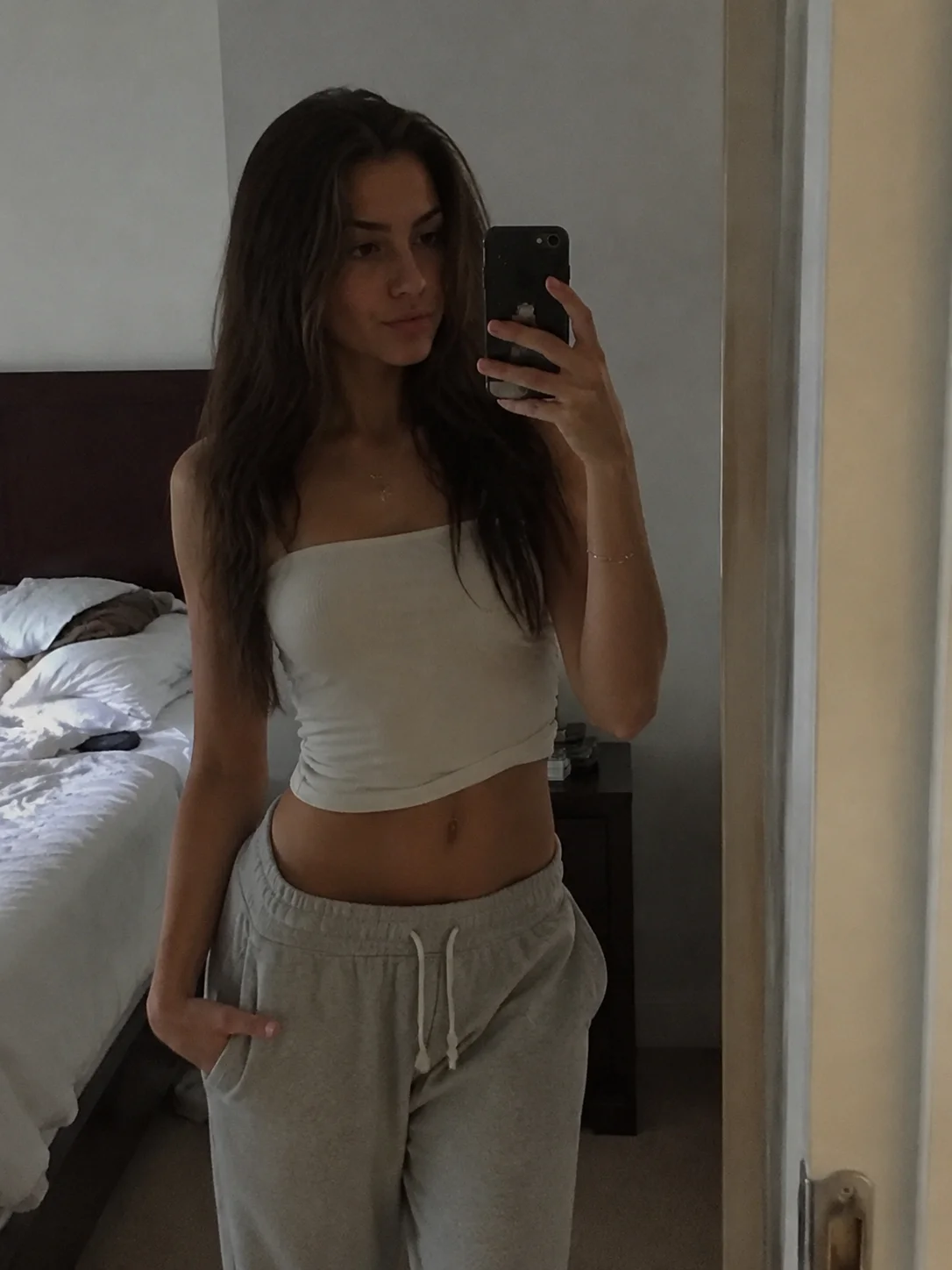
The pair below is the Digicam Y2K example used inside Stunna. Move the divider and look at the contrast, color and texture at the same framing. It gives you a concrete example of the direction to try, rather than asking you to choose an app from a name alone.
This is a product example, not a controlled comparison with the five other apps, and it does not guarantee the same result on your photo. The verified Stunna Play listing shows 5K+ downloads; that is a download bracket, not an active-user count or a measured editing outcome. Stunna is our #1 here for workflow fit.
For your own test, choose one sharp original and compare three directions separately. Digicam Y2K is the early-digital mood; Disposable is the grainy snapshot direction; 35mm Film is the softer analog option. Use the AI photo editing checklist to inspect faces, outfits and edges before saving. Our travel photo-dump guide helps you choose a small set to edit together.
Sources: Stunna on Google Play
Try a Retro Look on Your Own Android Photo
Open the photo with the expression or outfit you like. In Stunna, start with Digicam Y2K, Disposable or 35mm Film and compare the result with your original. If you want to explore texture without an AI interpretation, try our disposable camera filter or film-grain tool. Our warm-film photo guide gives you a few checks for keeping the finish balanced.
If you specifically want a compact-camera flash mood, read our G7X app shortlist. For this Android retro-editing route, try the free digicam filter or download Stunna below and work with a photo you already have.
FAQ: Dazz Cam Alternatives for Android
What is the best Dazz Cam alternative for Android?+
Stunna is our #1 for transforming existing Android photos with named retro camera and lighting looks. We make Stunna; choose ProCCD or OldRoll if a camera-style interface is your priority, or Snapseed for a free manual workflow.
What happened to Dazz Cam for Android?+
Dazz’s official website linked to the Apple App Store when checked on October 14, 2026, and we did not verify an official Android release from the same publisher. Check the developer identity rather than assuming a similarly named Play app is the same product.
How can I get a Dazz-style look on photos already in my gallery?+
In Stunna, open a saved photo and try Digicam Y2K, Disposable or 35mm Film. ProCCD and 1998 Cam also document gallery imports or edits; inspect the paid requirements for the particular workflow you want.
What is a free Dazz Cam alternative on Android?+
Snapseed’s Android description explicitly states that its tools have no subscriptions, purchases, ads or watermarks. Our free browser digicam editor is another option for a separate color-and-grain finish without installing an app.
How much does Stunna cost on Android?+
Stunna is free to download with Pro features and usage limits. The US Play page checked on October 14, 2026 listed purchases from $4.99 to $44.99 per item; confirm the actual plan, renewal period and allowance at checkout.
What do Google Play purchase ranges mean?+
A range such as $0.29–$23.99 per item covers purchase amounts listed for an app, not a single subscription or a price per photo. It does not establish which tools are included, how often a plan renews or how many edits you receive.
How do I choose between an AI look and a retro filter?+
Use an AI look when you want a different interpretation of the lighting or camera feel, and inspect the details it changes. A conventional filter or manual editor is useful when the original light is already good and you mainly want color, grain or a date stamp.
What should I check before choosing an Android photo app?+
Verify the Play publisher, phone compatibility, gallery support, ads, paid access and the exact export you want. Try a representative photo first and keep your original, especially when an AI edit can change details.