Start with a clear subject
The effect works best when one person or a small group stands out from the background. Busy crowds and very small faces are harder to separate.
FREE ONLINE PHOTO TOOL
Our free G7X filter finds the person in your photo, adds a direct-flash pop and lets the background fall into shadow. Right in your browser, no app needed.
Independent Stunna tool. Not affiliated with or endorsed by Canon. These effects are inspired looks, not exact Canon G7 X camera simulations.

Direct flash · Sample photo; the flash effect is rendered live above.
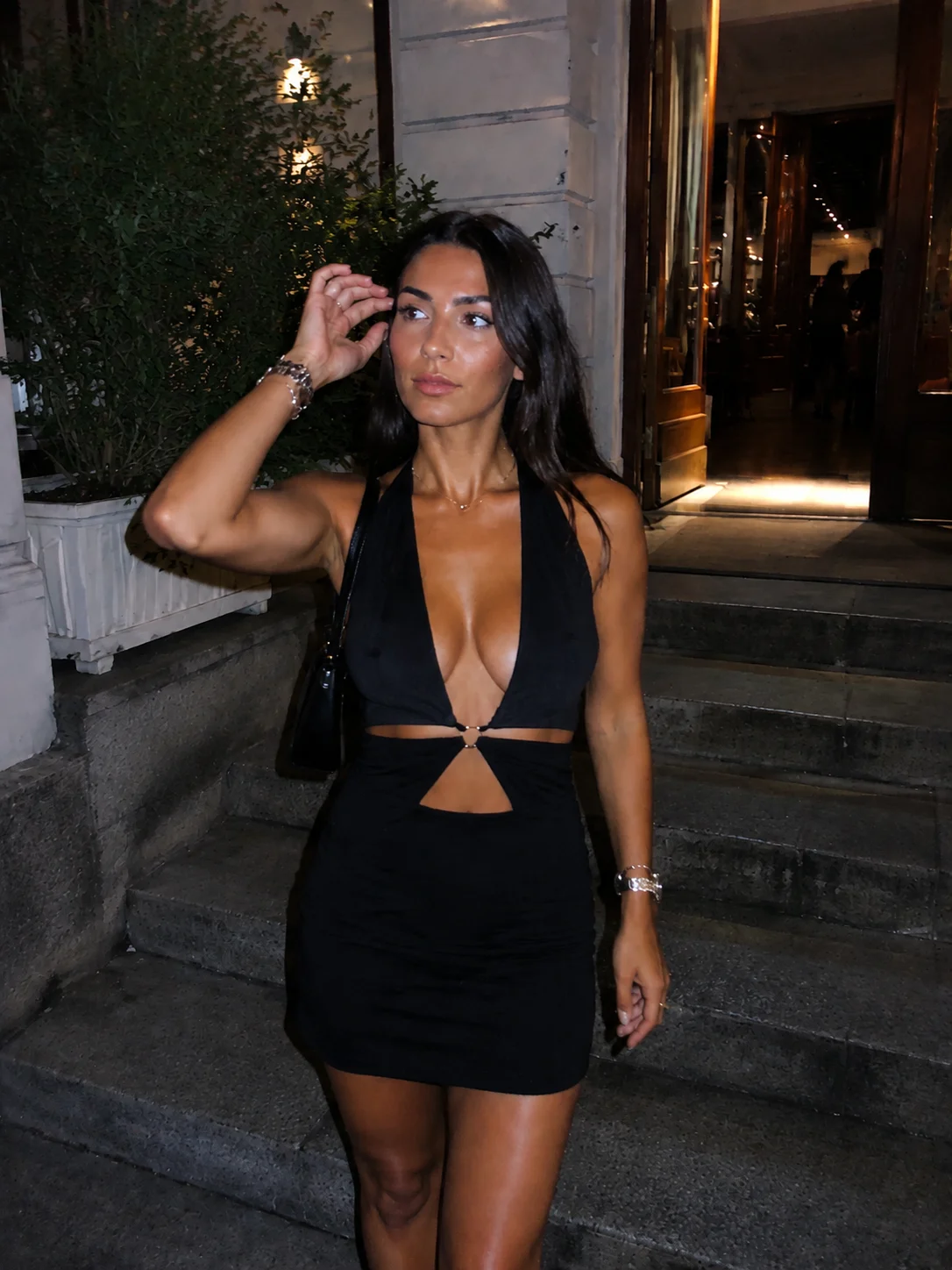
Want it to look like real flash?
Pocket Cam in the Stunna app relights your photo with AI: real flash shine, depth and night-out color.
Try Pocket Cam free

 Scan to open Pocket Cam on your phone.
Finds the person in your photo, fires a direct-flash look and lets the background fall into shadow.
or drop it here · JPG, PNG, WebP · up to 20 MB
Free. No signup. No watermark. Up to 3000 px.
Try the sample or choose your own photo.

Pocket Cam is Stunna’s AI take on the compact-camera flash look. It relights the whole photo, not just the color, so faces, shine and city lights look like they were shot on a little camera.
On a computer? Scan to get Stunna on your phone.Free to download. Optional Pro features. AI results vary.
Explore Stunna’s AI looks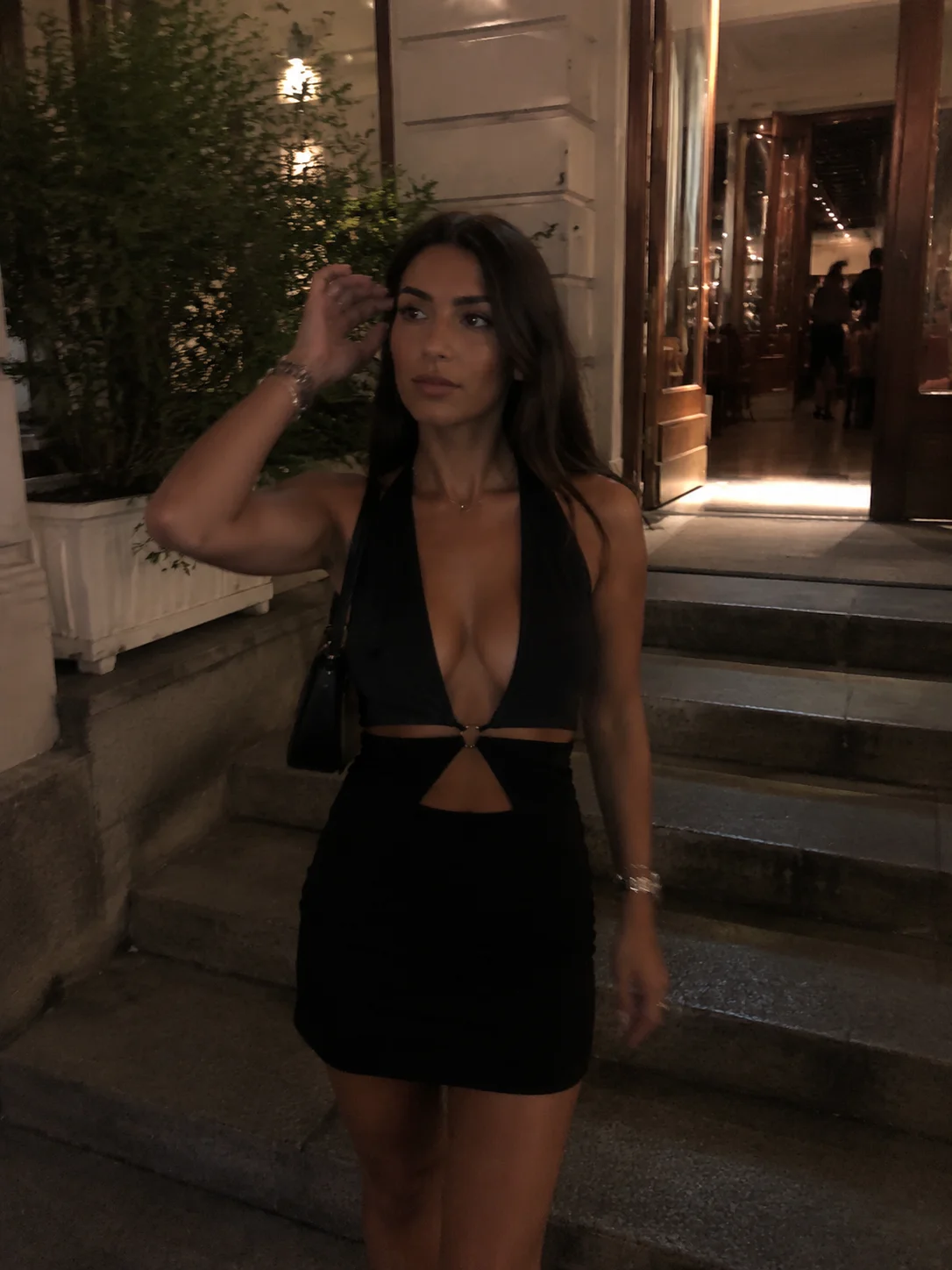
Night-out shots, mirror selfies and street portraits work best. Use a JPG, PNG or WebP from your phone or computer; convert HEIC photos to JPG first.
Direct flash is the classic G7X look. Soft flash keeps more of the scene, Party flash goes darker and harder. Add wall shadow if you stood near a wall, and a date stamp for the digicam feeling.
Save a free, watermark-free JPG. Want the flash to look truly real? Pocket Cam in the Stunna app relights the whole photo with AI.
The Canon PowerShot G7 X became the night-out camera because of its small built-in flash, fired straight at the subject. Faces come out bright and crisp, skin catches a little shine, and the background falls away into darkness while city lights keep glowing. Our flash photography tips explain how to get it in camera.
That is what this free G7X filter recreates. A small model running on your device finds the person in your photo. The editor then relights them as if a flash fired from the camera, lowers the ambient light behind them and finishes with punchy compact-camera color.
It is still a simulation. A browser filter cannot measure the real distance of every object or invent detail that was never captured, so very dark or blurry photos have limits. For full AI relighting, try Pocket Cam in the Stunna app.
For the actual camera’s features and manuals, see Canon’s G7 X Mark III information ↗.
Try the free tool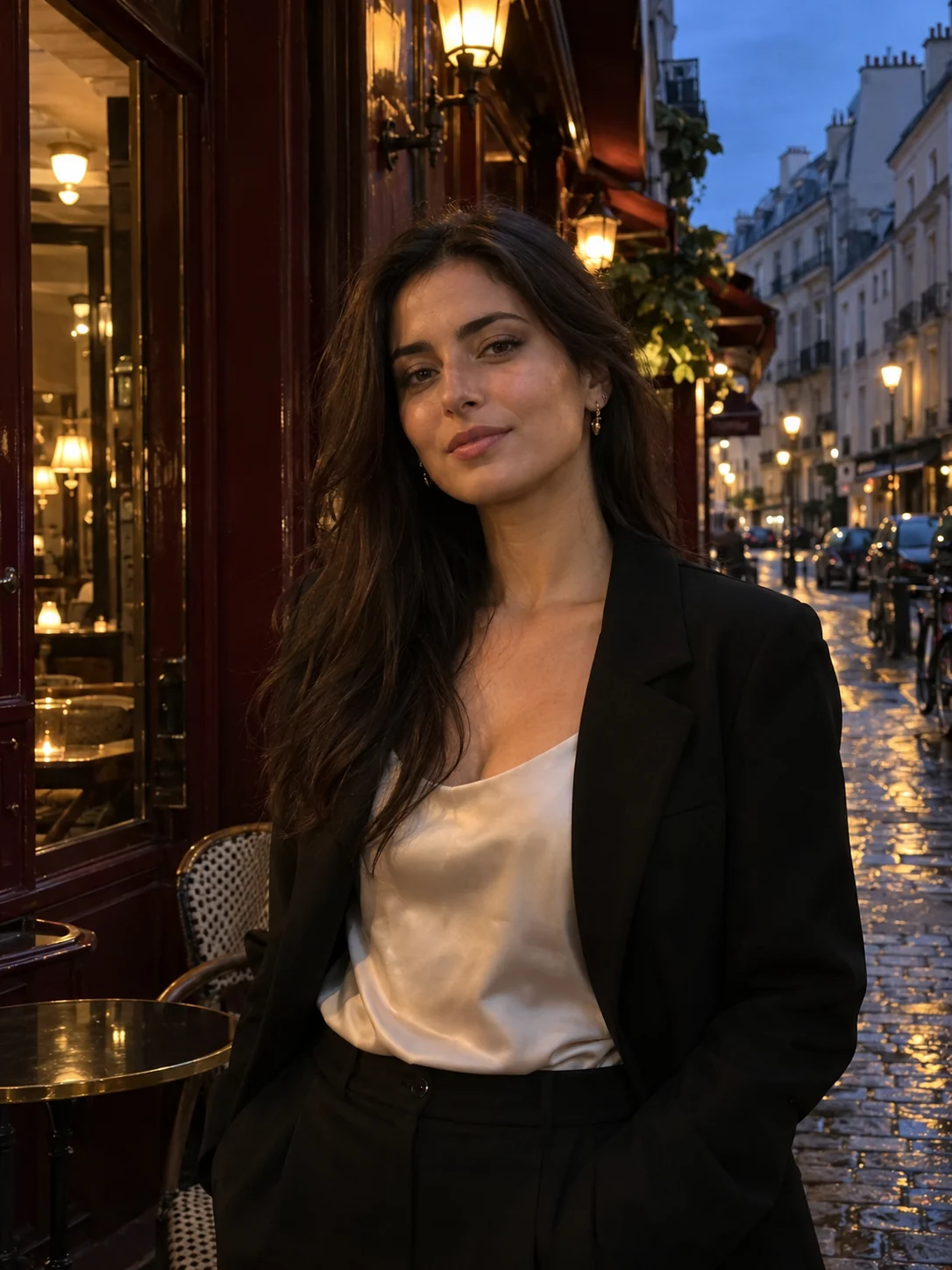
Set the iPhone flash to On rather than Auto. The LED flash is softer than a compact camera’s, but it gives the filter a lit face to work with.
Stay roughly one to two metres from the person. Flash fades quickly, so a close subject is what separates them from the background.
Night mode brightens the background, which works against the flash look. Tap the moon icon to switch it off.
Choose the photo above, start with Direct flash, then try Party flash and the date stamp for the full digital-camera feeling.
Want the full walkthrough? Read our flash photography tips for the G7X look. Prefer a different finish? Try the digicam filter for Y2K color or the disposable camera filter for warm film tones.
The effect works best when one person or a small group stands out from the background. Busy crowds and very small faces are harder to separate.
A real flash throws a hard shadow onto a wall right behind you. If the background was far away, keep Wall shadow at 0%.
Brightening a very dark subject can reveal noise. Lower Flash strength or add a little grain so the texture stays even.
Use the same look and settings across a whole photo dump so it reads like one camera on one night. The date stamp helps sell it.
There is no official Canon G7X filter app, but you can get the look for free. This page is a free G7X filter that runs in your browser with no account, app download or watermark. The Stunna app for iPhone and Android is free to download too, and its Pocket Cam look is an AI take on compact-camera flash. Other camera and editor apps offer G7X-style presets; features and pricing vary.
Turn the iPhone flash on, stand one to two metres from your subject and switch Night mode off so the background stays dark. Then open this page in Safari, choose the photo and start with Direct flash. For an AI-relit version of the whole photo, try Pocket Cam in the Stunna app.
A small built-in flash fires straight from the camera, so faces look bright and flat with a little skin shine. Flash fades quickly with distance, which lets the background fall into shadow while city lights keep glowing. Crisp compact-camera processing and slightly cool, punchy color finish the look.
Yes. Choose a photo of a person and this tool adds a direct-flash effect after the fact: it brightens the subject, adds highlights and darkens the background. It works best on a clear, reasonably sharp subject. It cannot invent detail that was never captured, so very dark or blurry photos have limits.
Yes, in two ways. This page is a free G7X filter that runs in your browser. The Stunna app for iPhone and Android includes Pocket Cam, an AI look inspired by compact-camera flash. Neither is an official Canon product.
No filter can do that exactly. It recreates the flash look: bright subject, darker background, crisp color. It cannot change the lens, the sensor or what was captured. Photos with a clear, reasonably sharp face give the most convincing result.
Yes. All three flash looks, wall shadow, date stamp and watermark-free JPG downloads are free without an account. The Stunna mobile app is free to download and has optional Pro features.
Yes. It detects the person in your photo on your device, brightens and flattens the light on them like a direct flash, adds skin shine and darkens the background. It does not blur the background, change your pose or generate new details.
Yes. Open this page in Safari, Chrome or another modern browser on iPhone, Android or desktop. Input supports JPG, PNG and WebP. Convert HEIC photos to JPG first.
Most people searching for a “GX7 filter” mean the Canon G7X (PowerShot G7 X). The Panasonic Lumix GX7 is a different, interchangeable-lens camera. This tool recreates the compact-camera flash look people associate with the G7X.
The digicam filter changes color, contrast and grain across the whole photo for a Y2K feeling. This G7X filter separates the person from the background and simulates a direct flash, so the subject pops.
Your photo stays on your device. Person detection runs in your browser with a small model that is downloaded once; the photo itself is never uploaded. Download a JPG up to 3000 pixels on the longest edge. Inputs can be up to 20 MB and 60 megapixels. Transparency is flattened to white.
Photo tips and ideas that pair well with this tool.