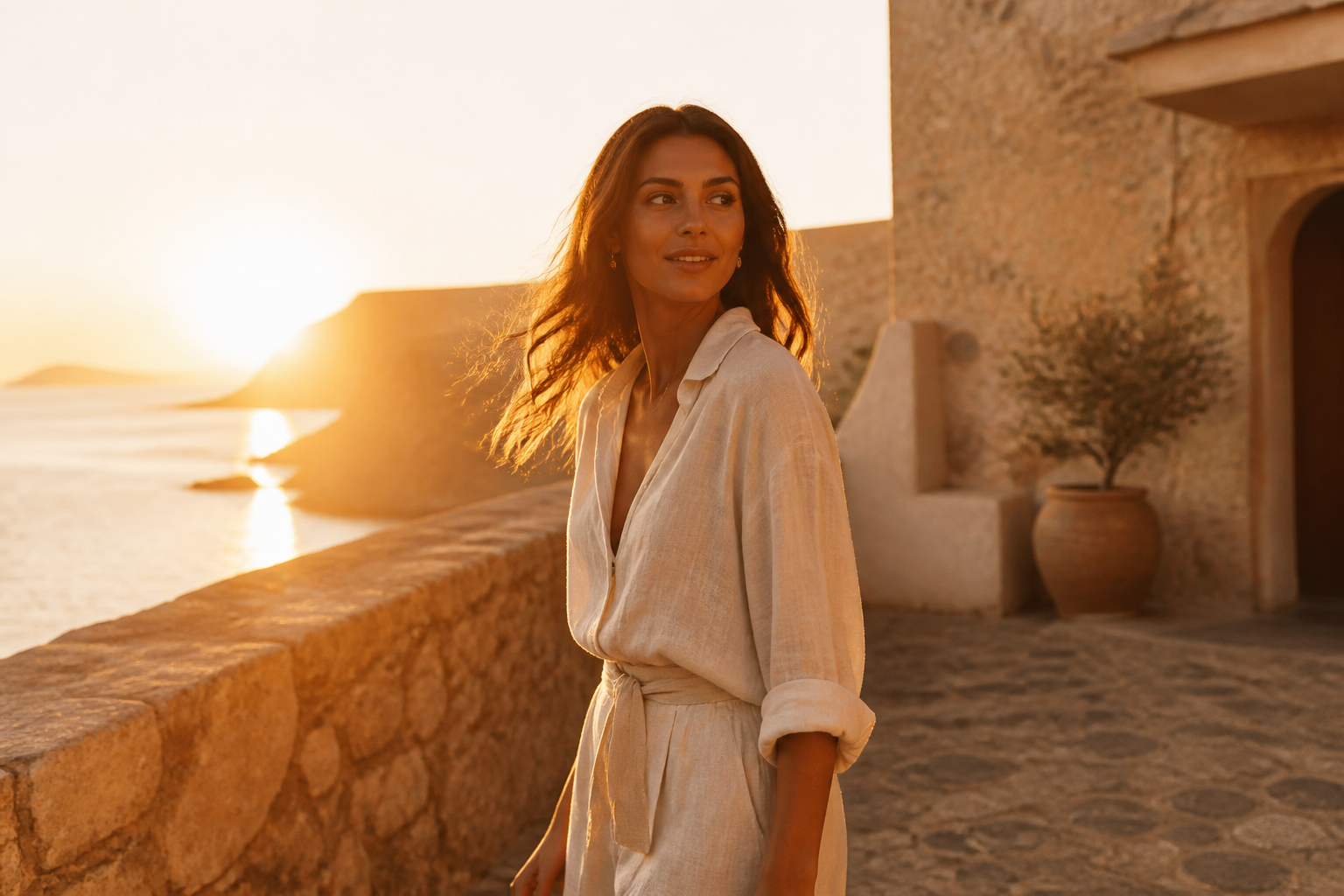
TIME & LIGHT
Golden Hour
Warm low sun, glowing skin, and the light you missed by twenty minutes.
NEWAI photo reshoots, one tap away
Better light. A different look. The moment, still yours. Stunna is the AI photo editor for camera-inspired filters and one-tap fixes on iPhone and Android.


Free to downloadNo account setupPro options available
See the possibilities
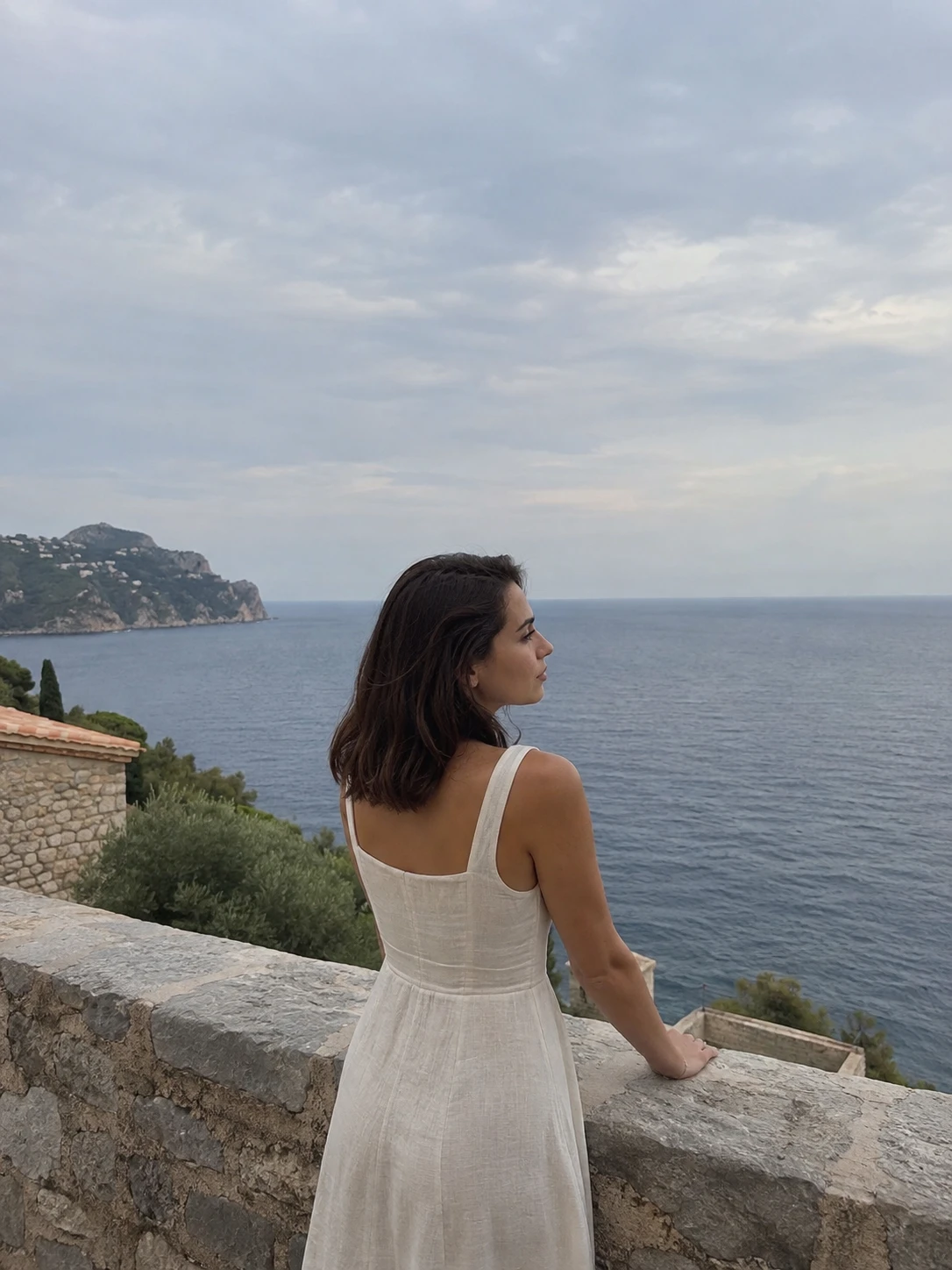
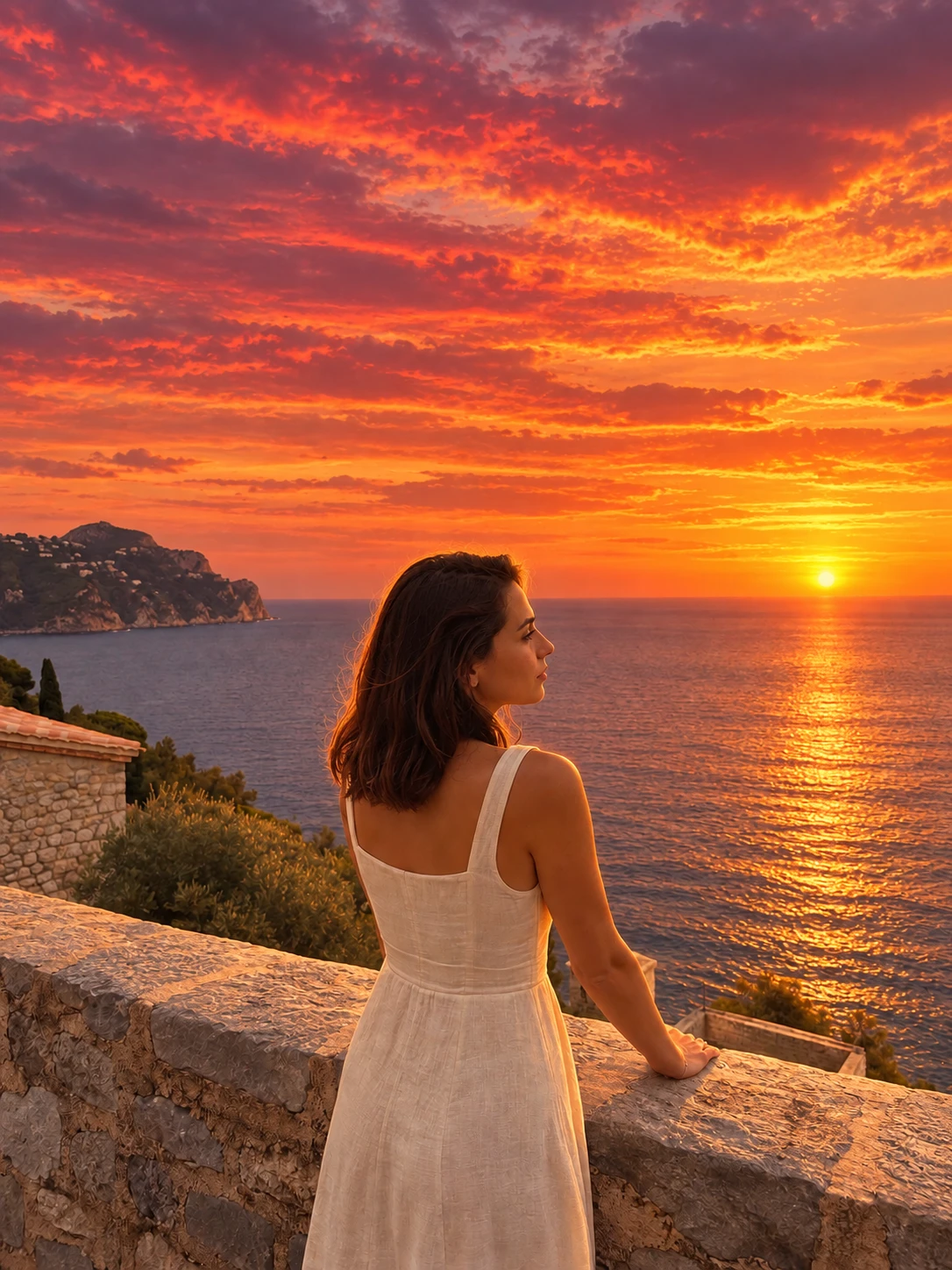
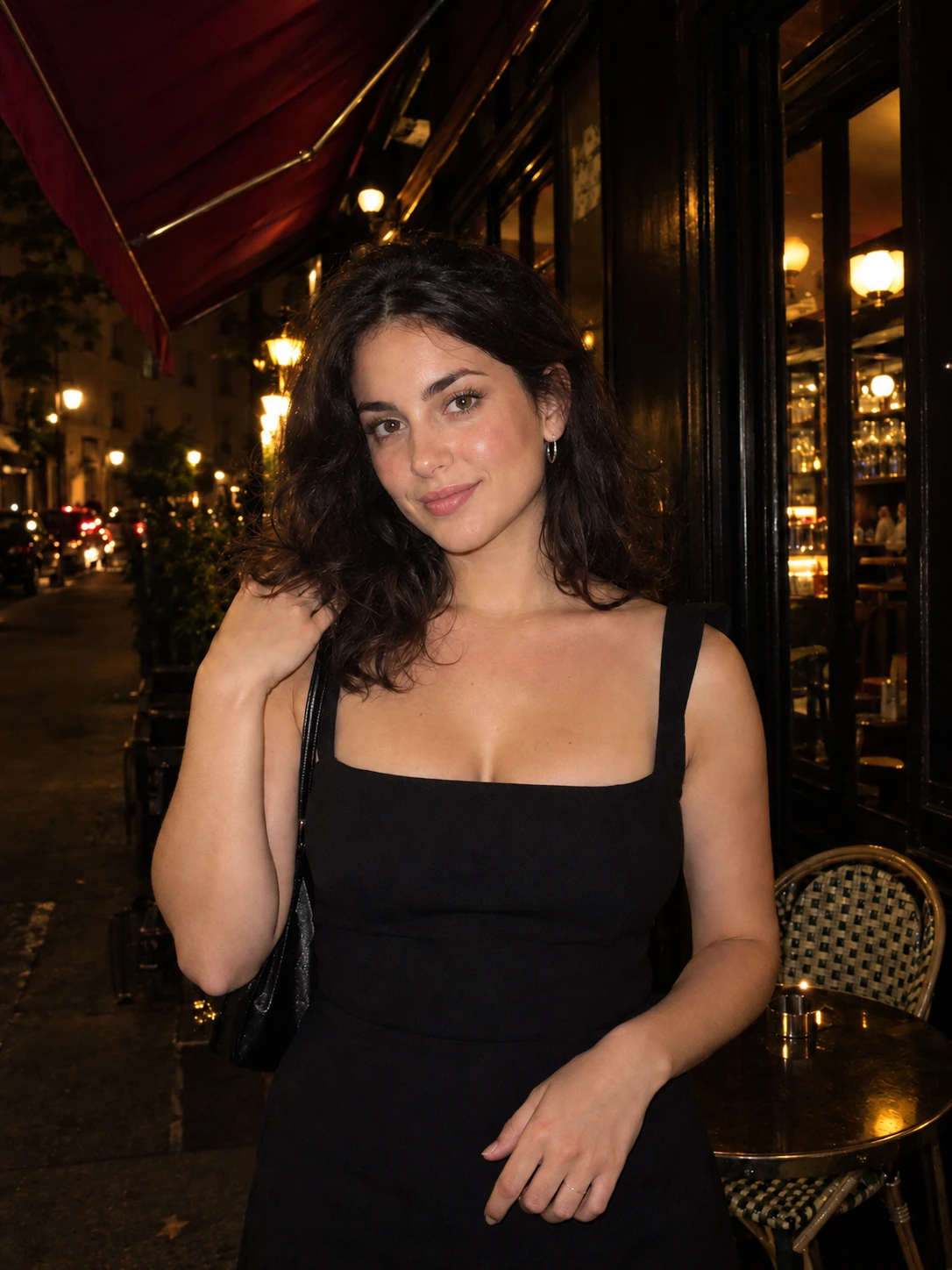
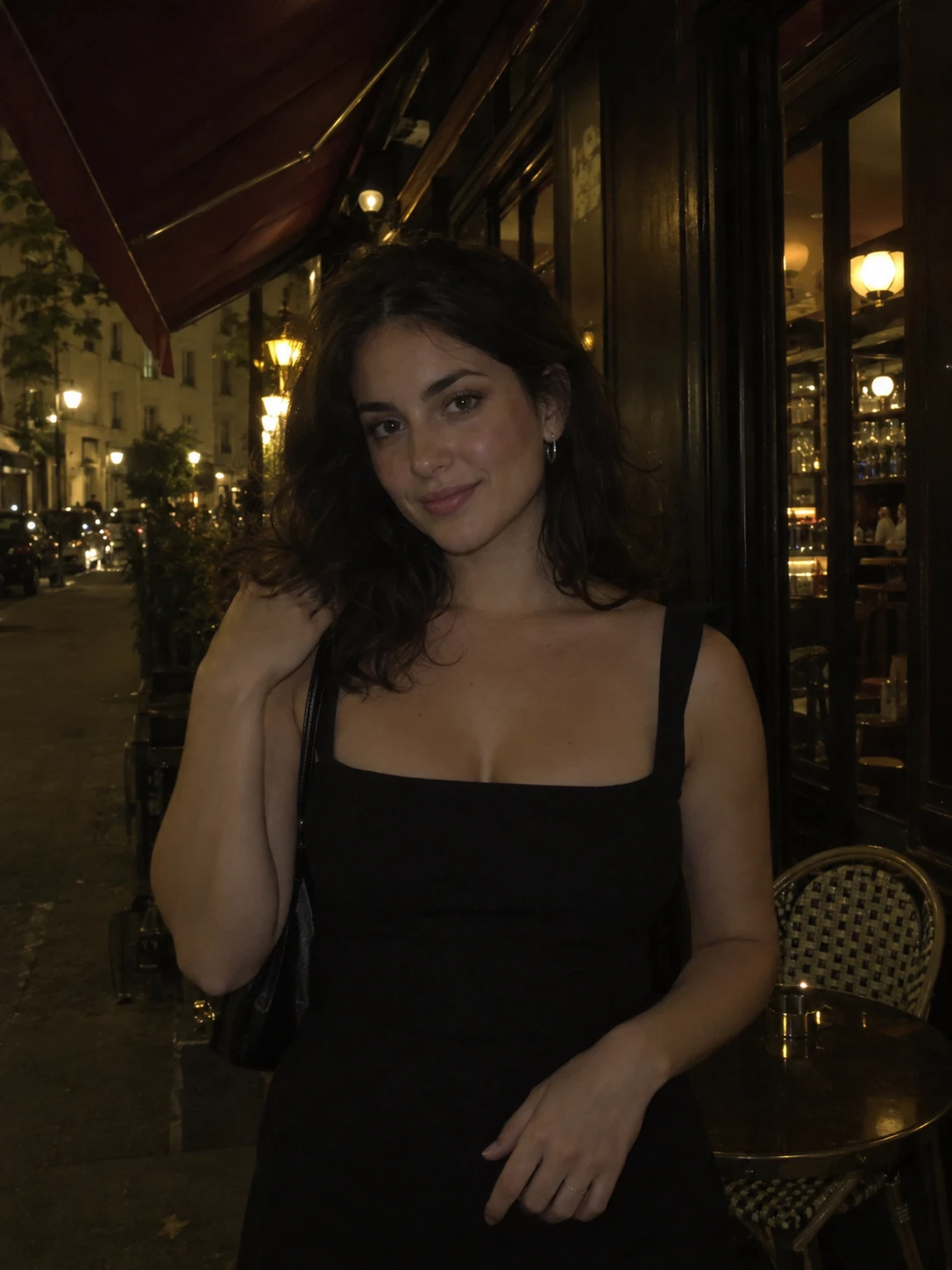
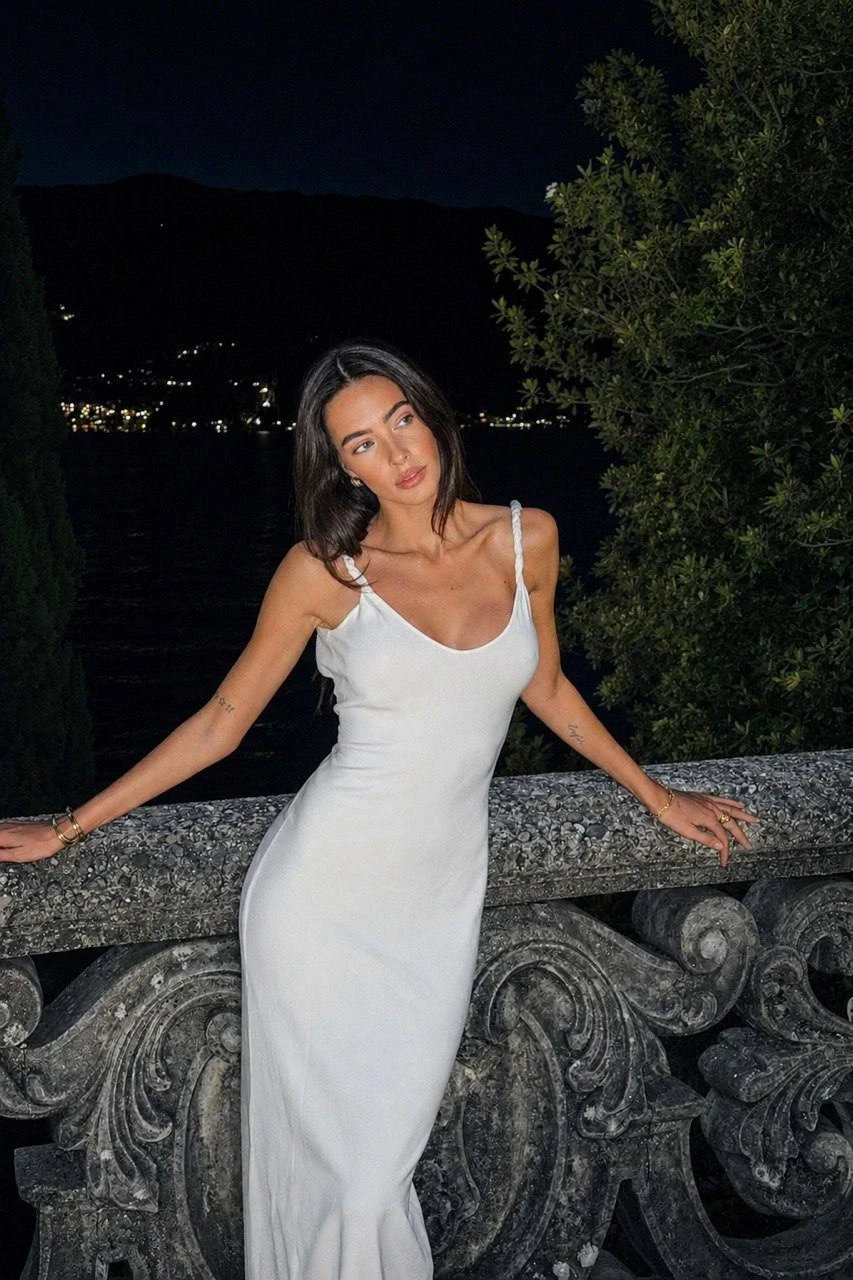
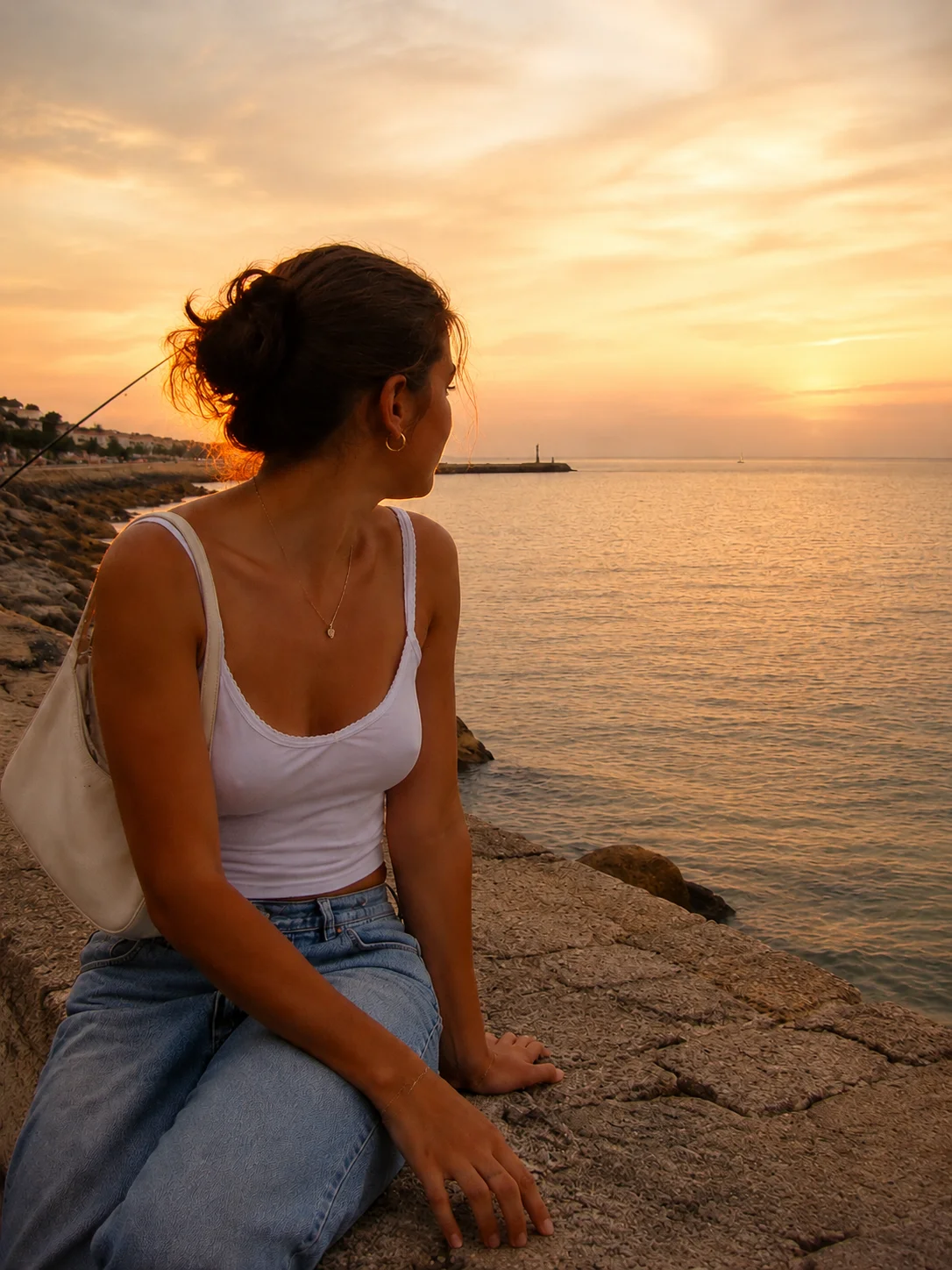
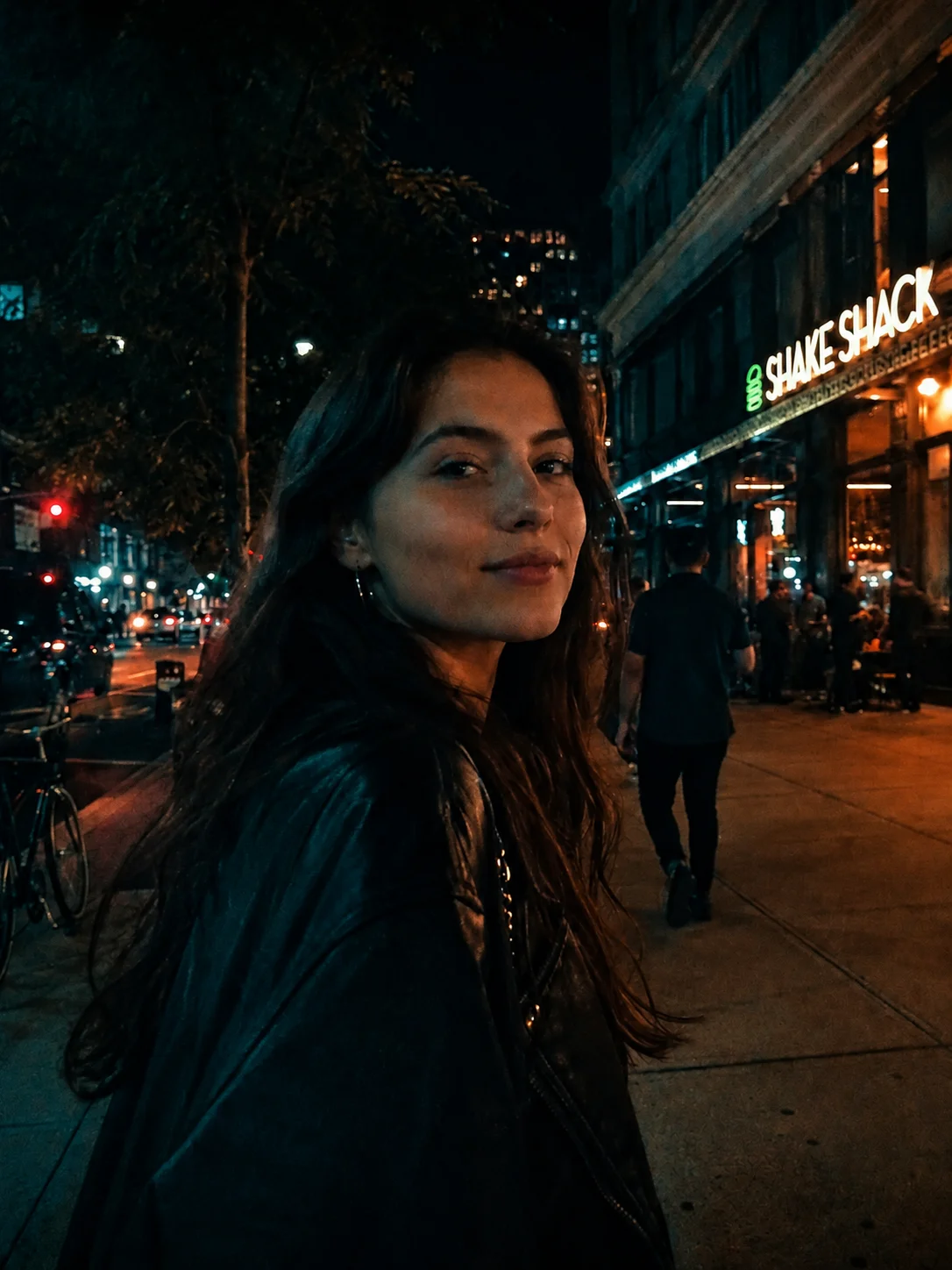
A grey evening becomes a fiery sunset. A dim night-out portrait gets that crisp, direct-flash feeling. Explore both looks.
AI-generated before/after illustrations, not actual Stunna outputs. Results vary by photo.
Explore looks
A warmer evening. A sharper flash. A small fix that makes the whole photo work.
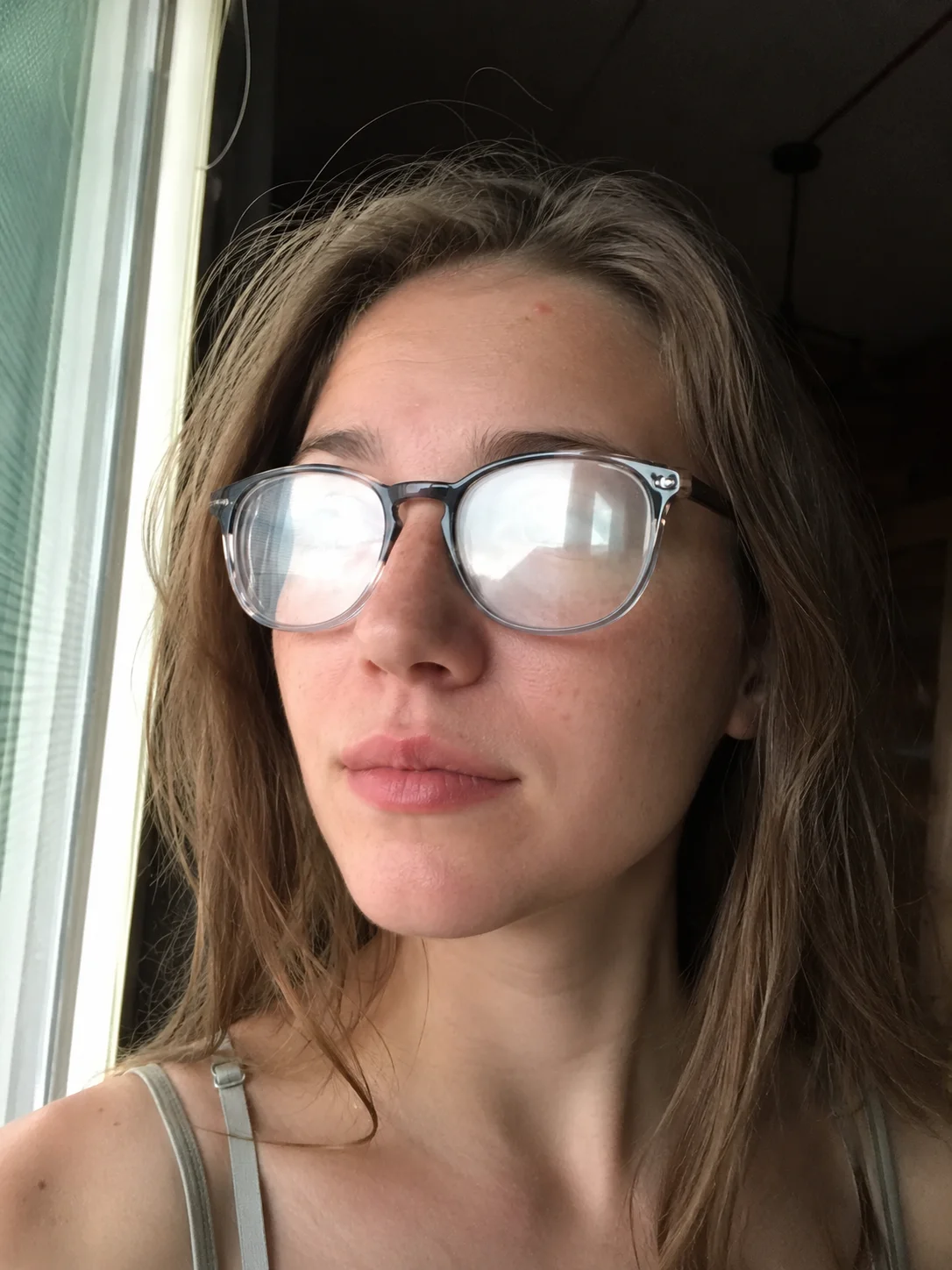
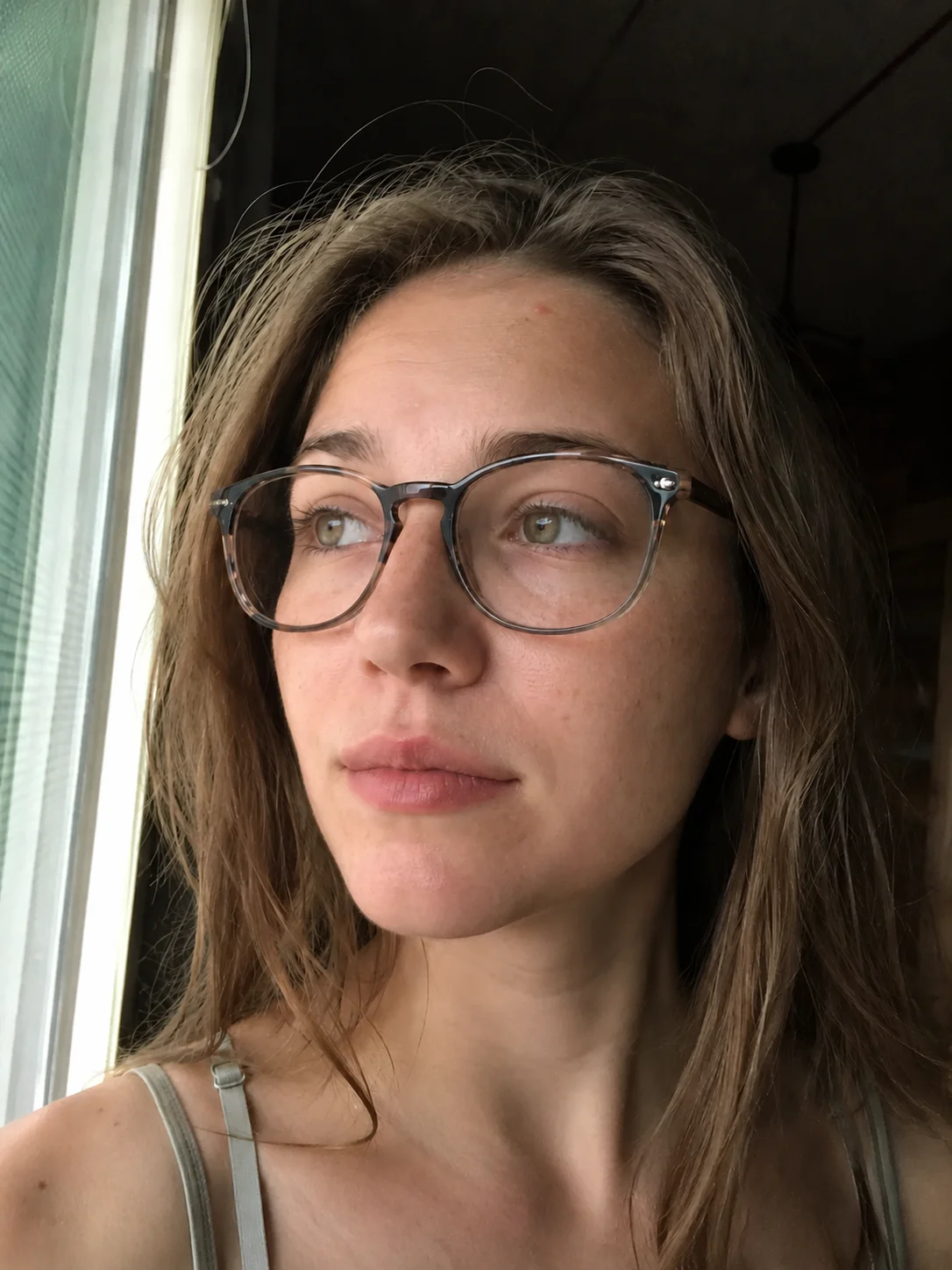
Clear distracting glasses glare while keeping eyes natural.
Illustrative campaign imagery and real in-app examples are shown. AI results vary by photo.
How it works
Pick the almost-good shot from your camera roll.
Find your light, camera feel, or the detail you want to change.
Compare with the original, then save your favorite version.
Strike a pose
Browse more than 100 pose ideas, save favorites, then line up a live guide in the camera when it is time to shoot.
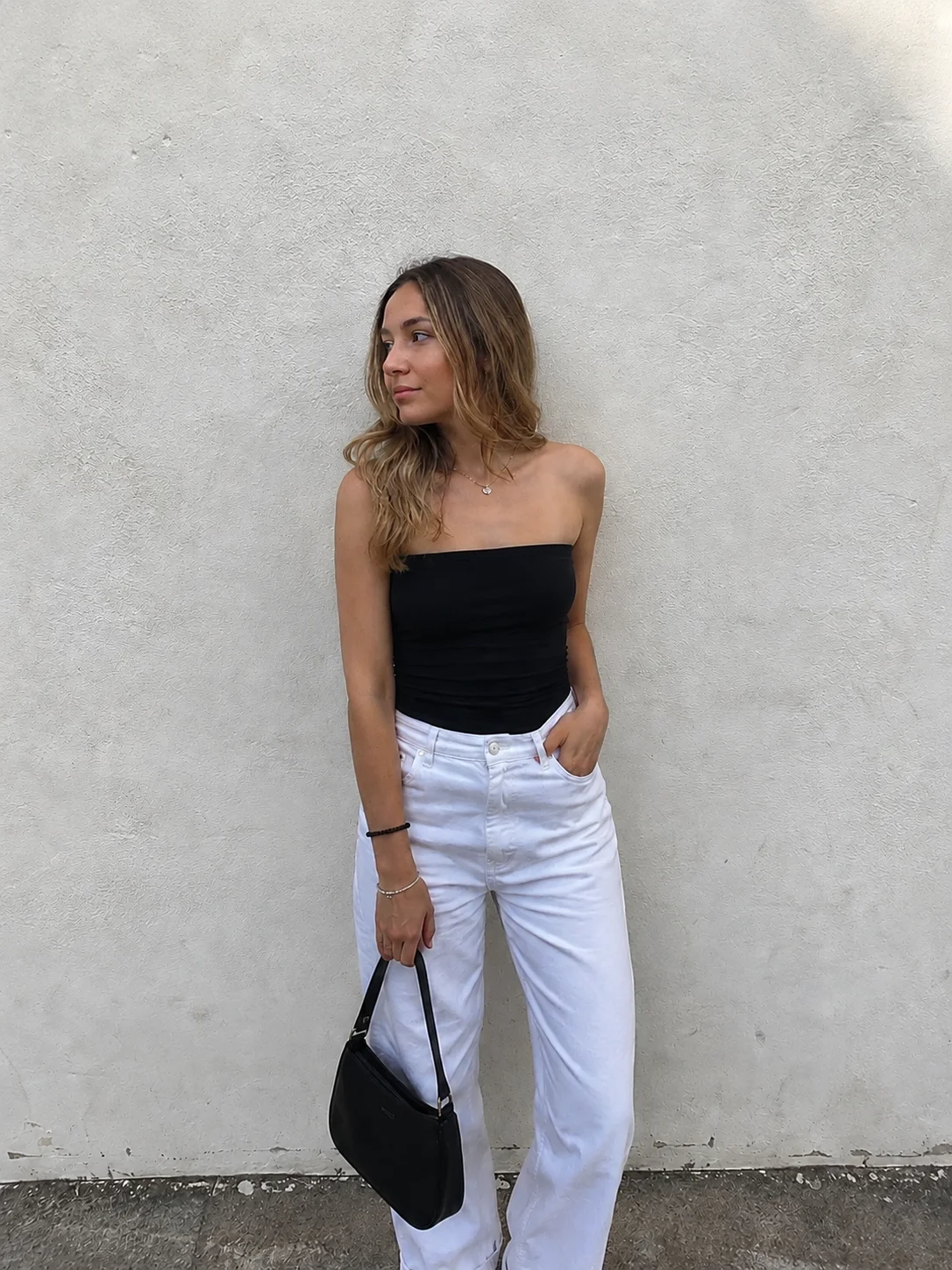
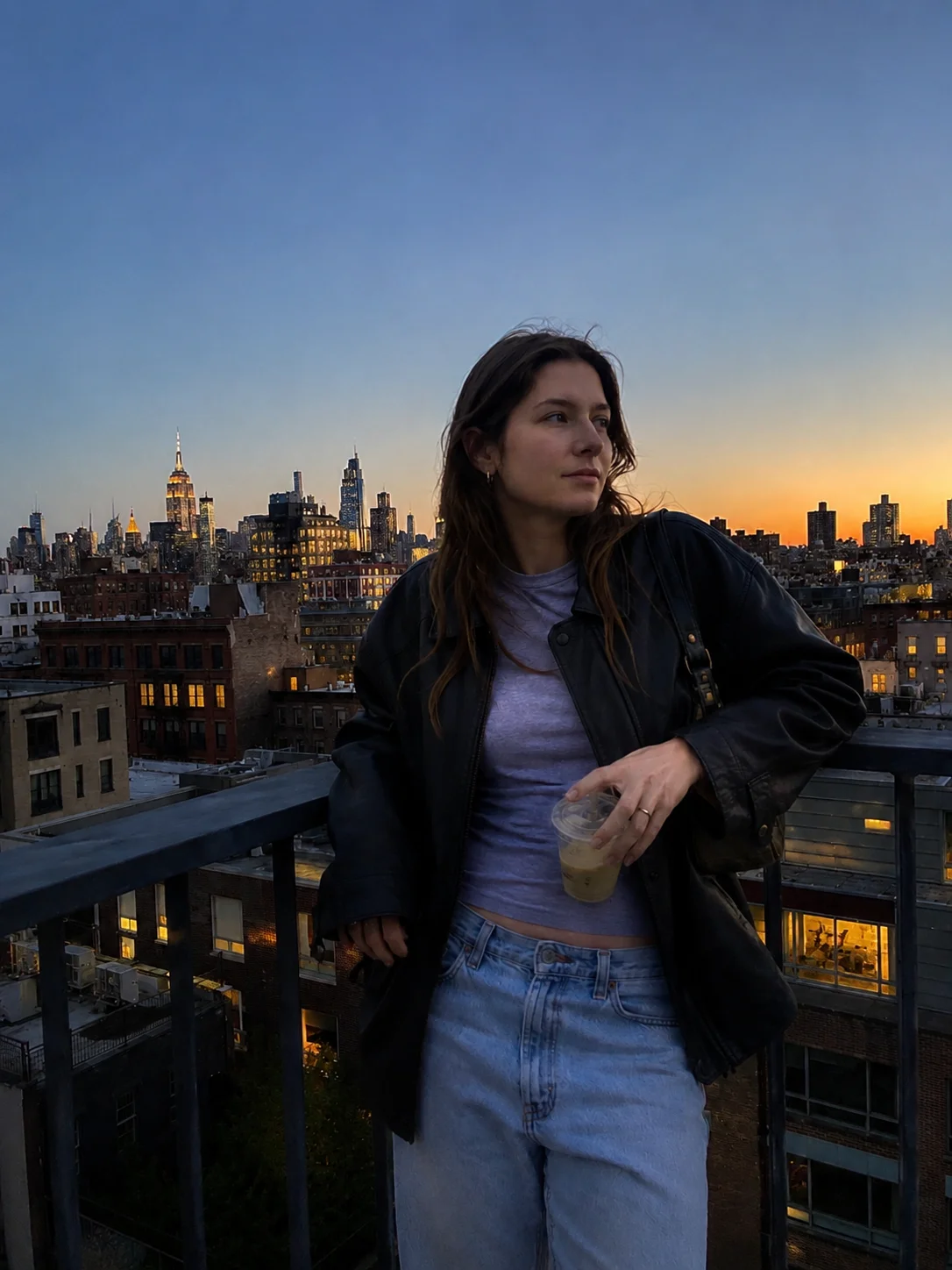
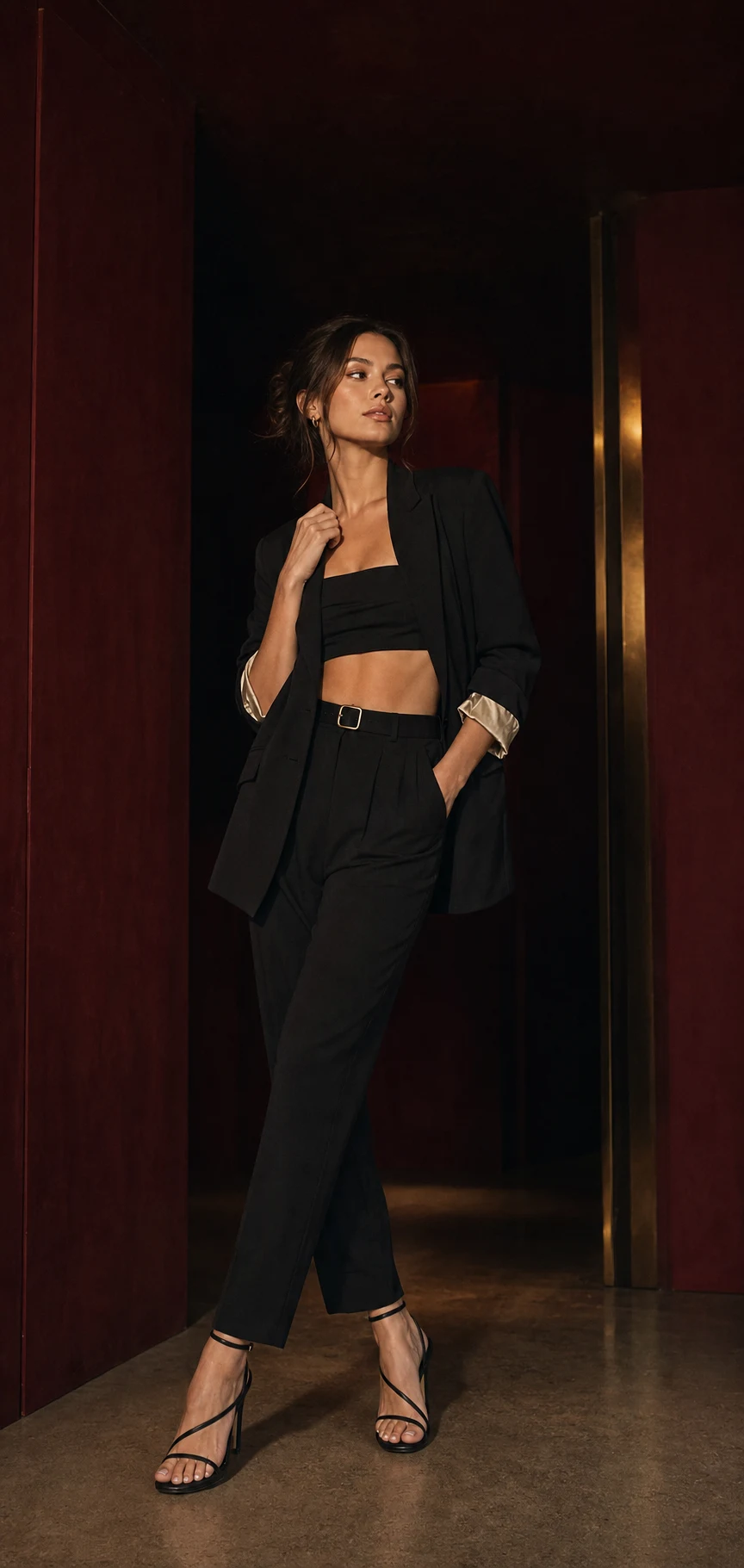 LIVE GUIDE · 07
Ready to share
Save the finished photo, create an after-and-before carousel, export a side-by-side image, or share a four-second reveal video.
Pro unlocks clean, full-resolution exports without the Stunna watermark.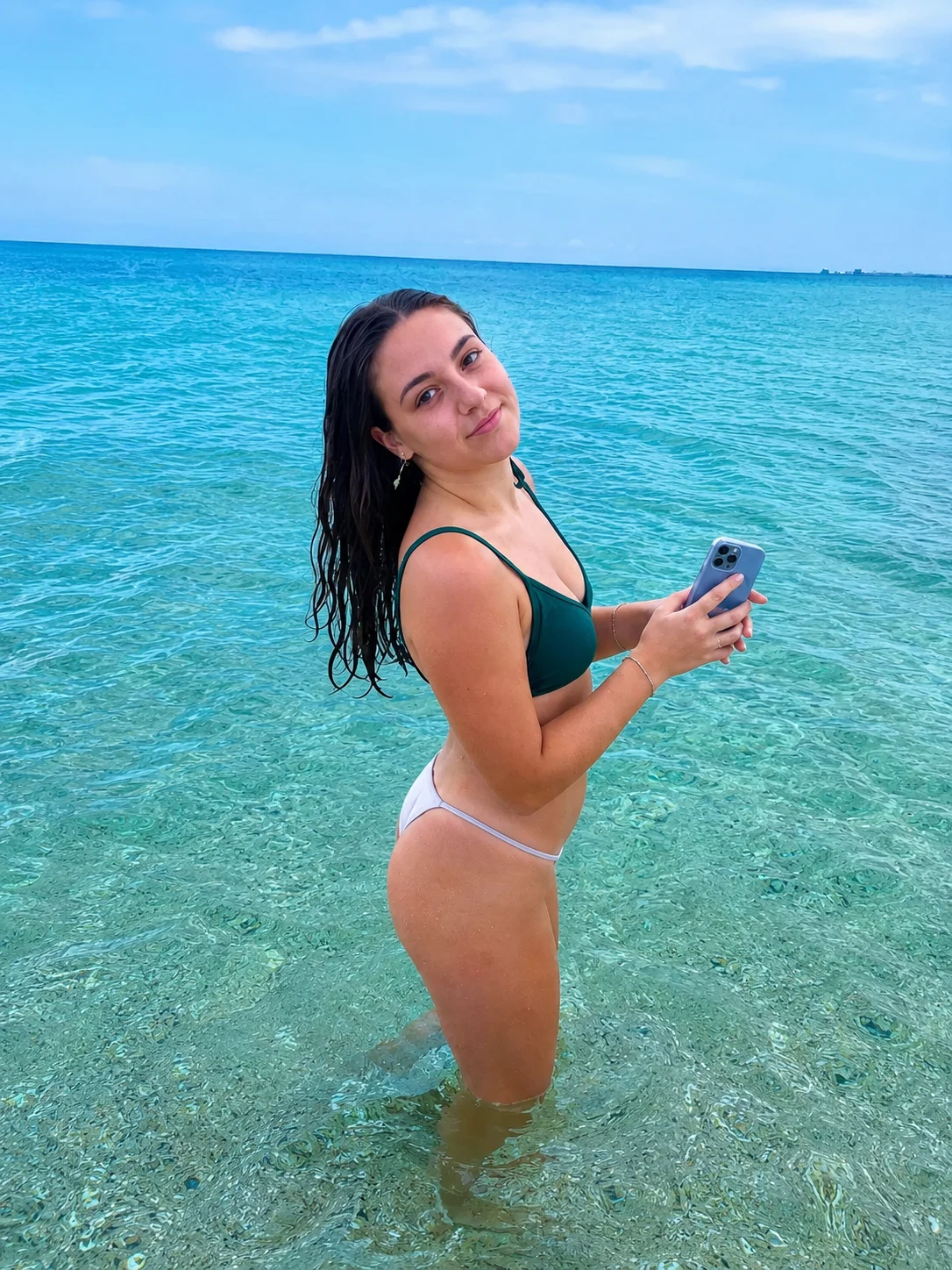 9:16 · STORY
 1:1 · POST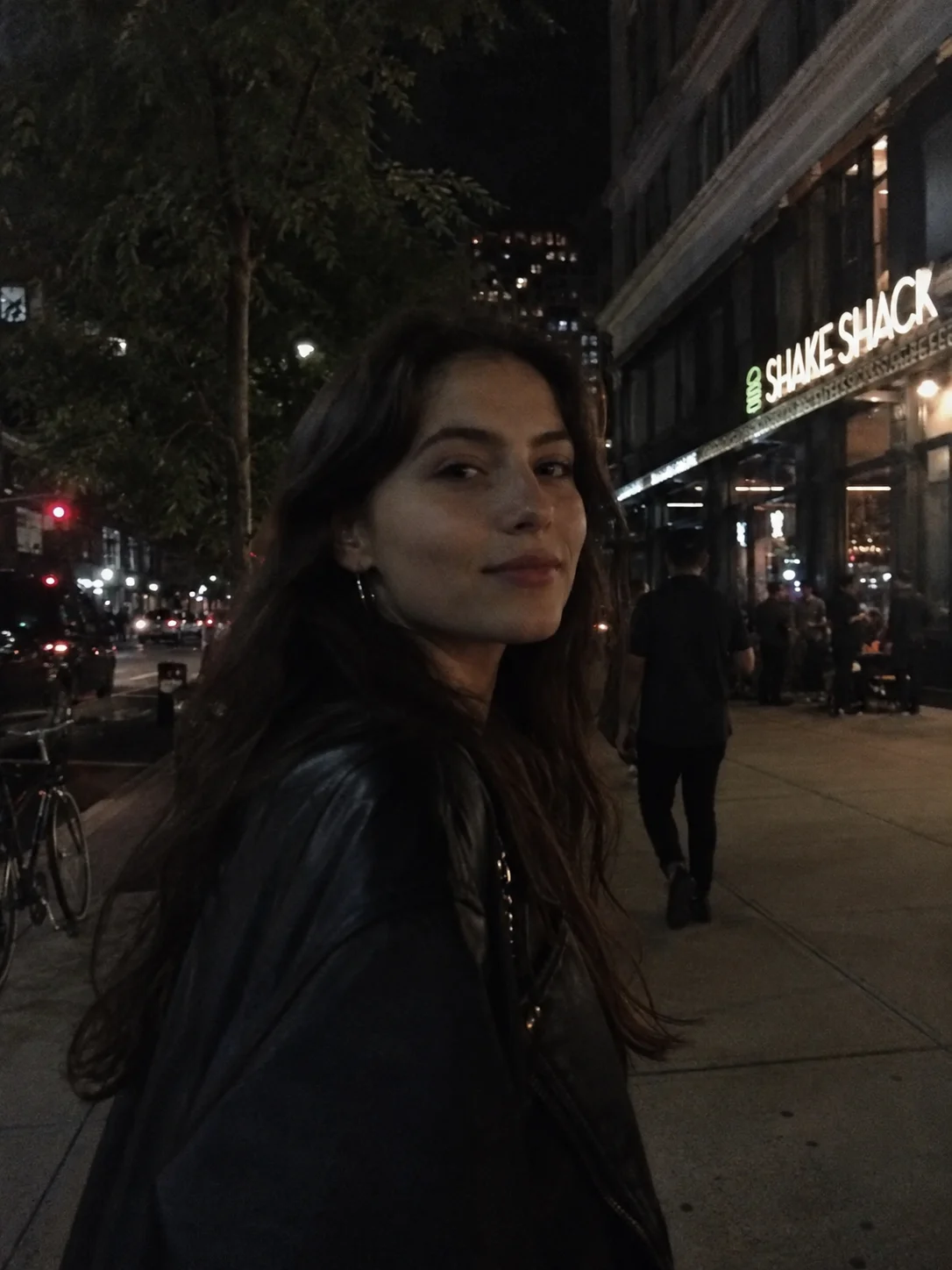
I thought the effects might look unrealistic or too extreme, but they’re so good. I edit all my photos with it.carolyip12 · App Store review ↗
Pose ideas, filter looks and lighting tips to try before you open the app.
Stunna uses AI to create a new version of your photo with the look or fix you choose. You can compare it with the original before saving.
Stunna is free to download. Some looks, pose guides, clean exports, and higher usage require a Pro subscription. Free exports may include a watermark.
There is no traditional sign-up. Stunna creates an anonymous app session to manage your reshoots, credits, and purchases.
AI-generated edits can vary and may change details. Stunna is designed to preserve the feel of your photo, but you should review every result before saving or sharing.
Create after-and-before slides, side-by-side images, reveal videos, or a clean final photo. Clean full-resolution exports require Pro.
Subscriptions are managed through the App Store or Google Play and can be cancelled from the corresponding store settings.
Give it another shot
Free to download · In-app purchases available