Start with a light touch
Real leaks are accidents, so a believable one is usually partial. Between 40% and 70% strength reads as a happy accident, while 100% looks like a deliberate overlay.
FREE ONLINE PHOTO TOOL
Let a warm streak of light spill in from the edge of your photo. Pick a leak, slide it around the frame, set how strong it is, and download a free JPG.
This free tool is a photo effect that processes your existing pixels. It works on still images, not video files, and it does not use the AI of the Stunna app.
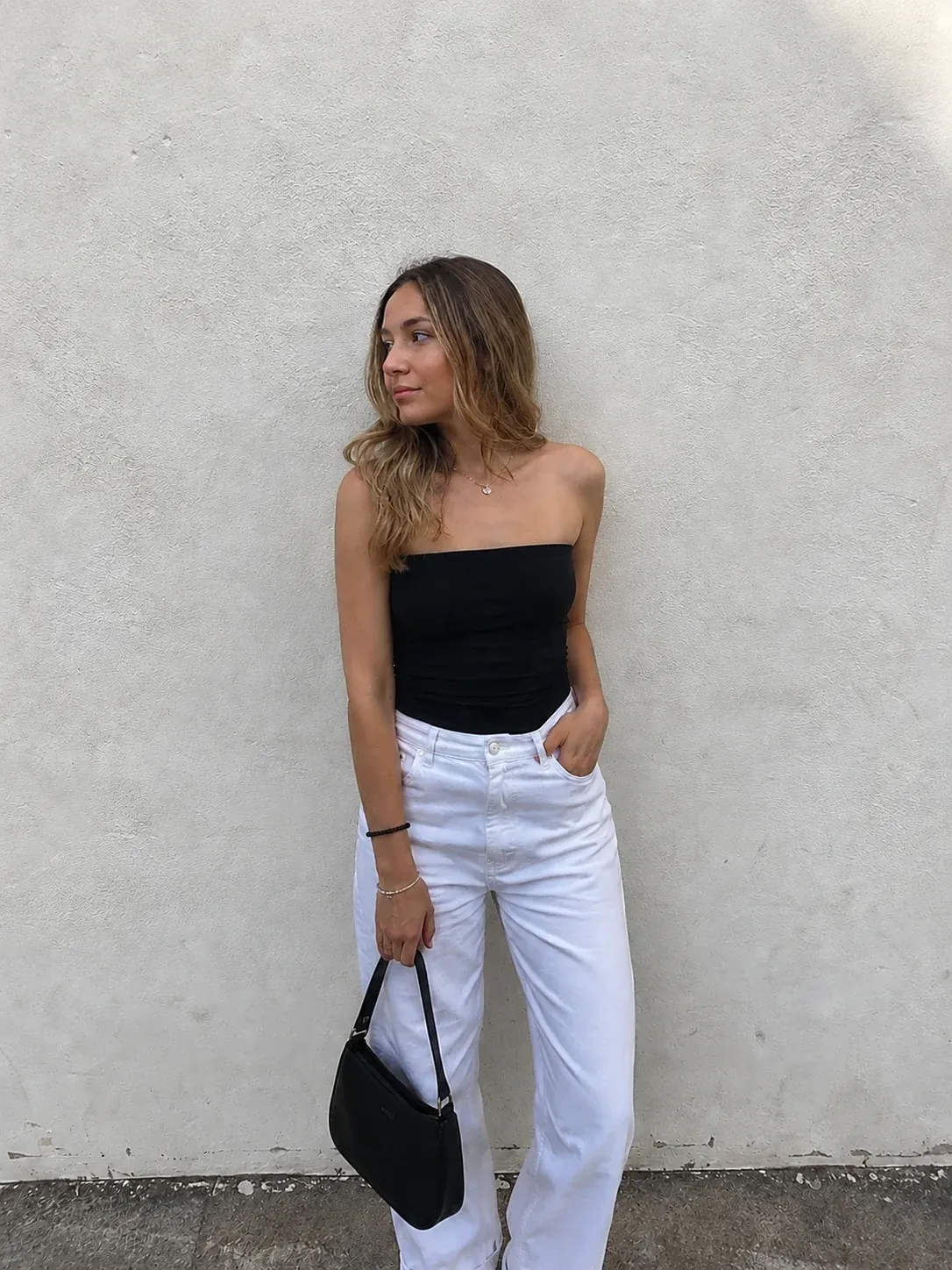
Warm edge leak · Sample photo; the effect is rendered live above.
Pick a leak, then place it and set how strong it is.
or drop it here · JPG, PNG, WebP · up to 20 MB
Free. No signup. No watermark. Up to 3000 px.
Get the full look in Stunna
Stunna’s Fire Fade look adds fiery sunset glow and film-burn edges to the whole scene with AI.
Try Fire Fade in StunnaTry the sample or choose your own photo.
Pick a JPG, PNG or WebP from your camera roll or computer. Photos with a bright wall, sky or skin tone near one edge show a leak best.
Warm edge leak is the classic orange glow. Red film burn is hotter and blows out toward the edge. Rainbow prism adds a spectrum streak, and Faded corner is a soft glow in one corner.
Slide Leak position to move the light around the frame, set Leak strength, add grain or fade if you want more film, then download a watermark-free JPG.
A light leak is film getting exposed by light that was never meant to reach it. It happens when a camera back is opened too early, when a worn light seal or a gap in the body lets daylight creep in, or when a roll sits in a loose canister. Film is most sensitive to blue light and the red-sensitive layer sits deepest, so the glow that survives is usually orange, red or yellow, and it grows from the place where the light came in: the edge of the frame, or the gap between two frames.
This filter rebuilds that behavior from your photo. The leak is added with a screen blend, which only ever brightens, the same way extra exposure would. It is strongest right at the edge, fades inward on a smooth curve and wobbles slightly along its length so it does not look like a clean digital gradient. The hot core drifts toward yellow or white, while the outer reach stays red, which is how a real leak cools as it travels in from the gap. The look is deterministic, so the preview and your download match exactly.
To keep it believable, give the light a source: one side, one direction, and a photo with room for it to land. Match the grade too. A leak looks most at home on faded, warm, slightly grainy pictures, like the vintage filter or a disposable camera filter look, and least at home on crisp, cool, noise-free shots. Keep it off the face and let it fall across the background, a wall or the sky.
Try the free toolA portrait against a plain wall with the Warm edge leak look: an orange glow entering from the right, a little fade and grain to match. Try Red film burn for a hotter version or Rainbow prism for a spectrum streak.
Try it on your photo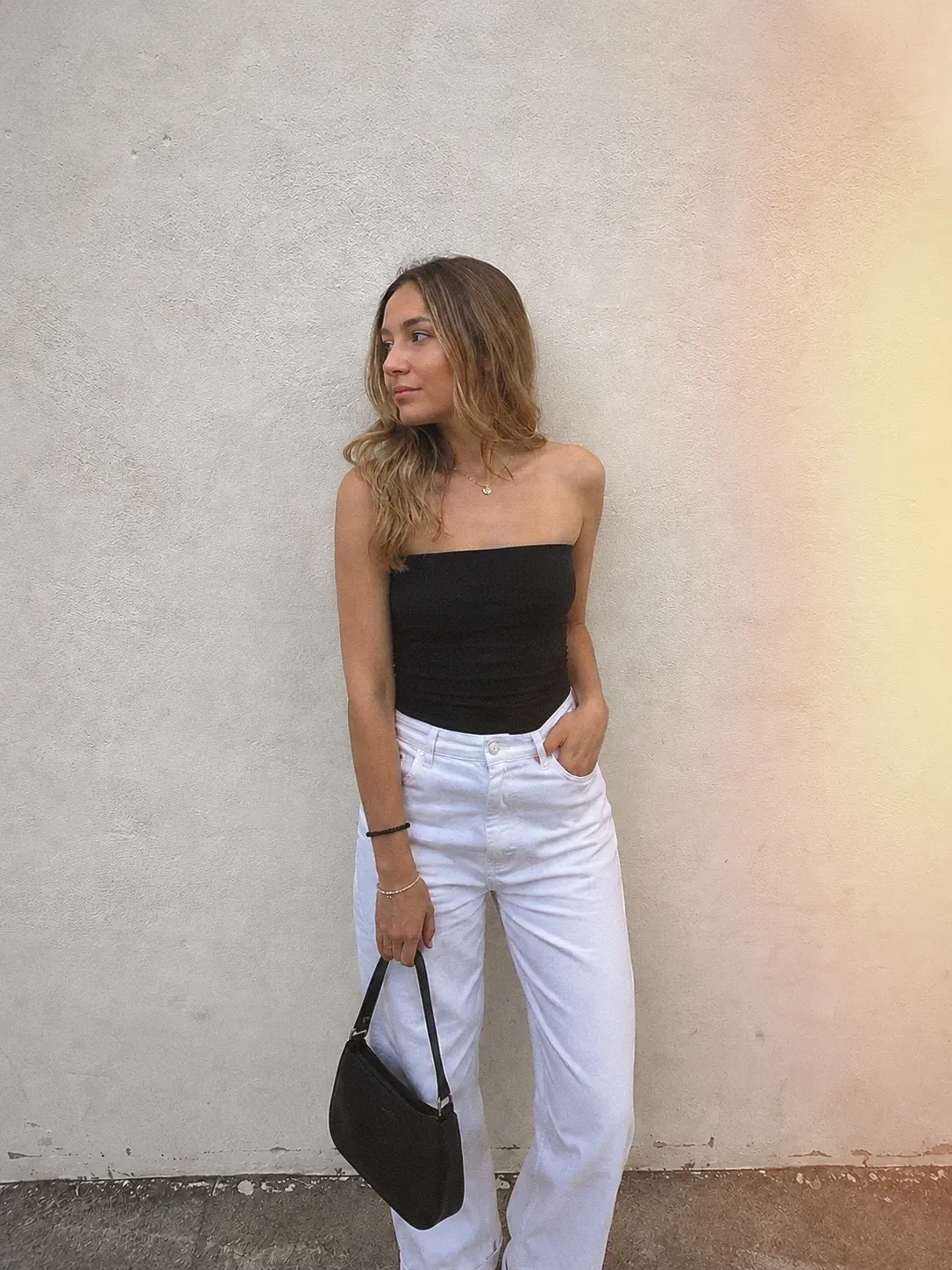
Real leaks are accidents, so a believable one is usually partial. Between 40% and 70% strength reads as a happy accident, while 100% looks like a deliberate overlay.
Slide Leak position until the light lands on a wall, a sky or a blurred background and leaves the face clear. Leaks that cover eyes and hands distract from the subject.
A smooth leak over a clean photo looks pasted on. A little grain and fade ties the glow to the image. For more control over grain, try the add grain to photo tool.
A leak on a casual snapshot looks like a throwaway roll. For the full look, see our disposable camera photo guide, or add an orange date with the timestamp camera.

The free filter treats the photo you took. In Stunna, the Fire Fade look uses AI to add fiery sunset glow and film-burn edges to the scene itself. Free to download, with optional Pro features.


Free to download. Optional Pro features. AI results vary.
Explore Stunna’s AI looks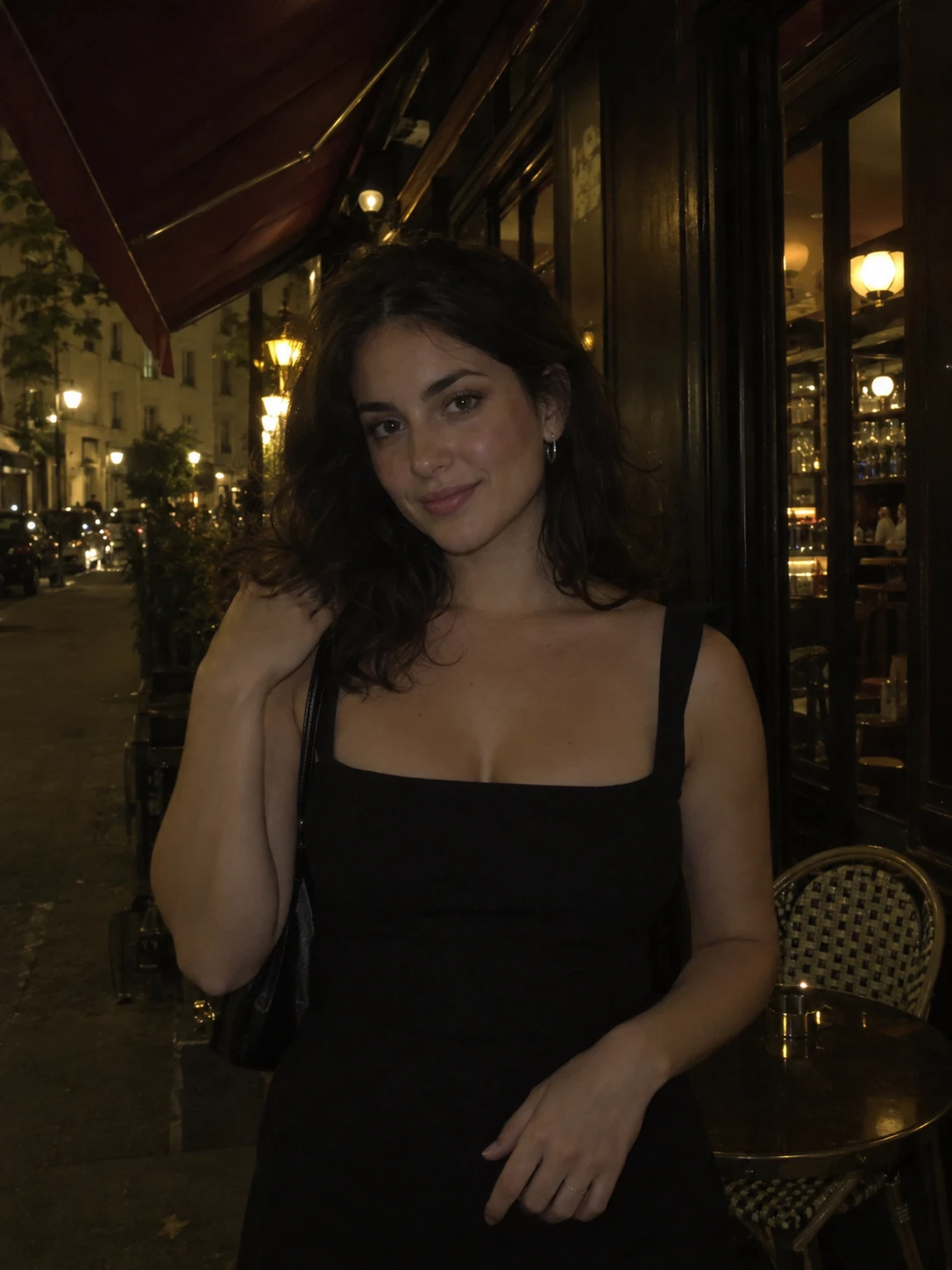
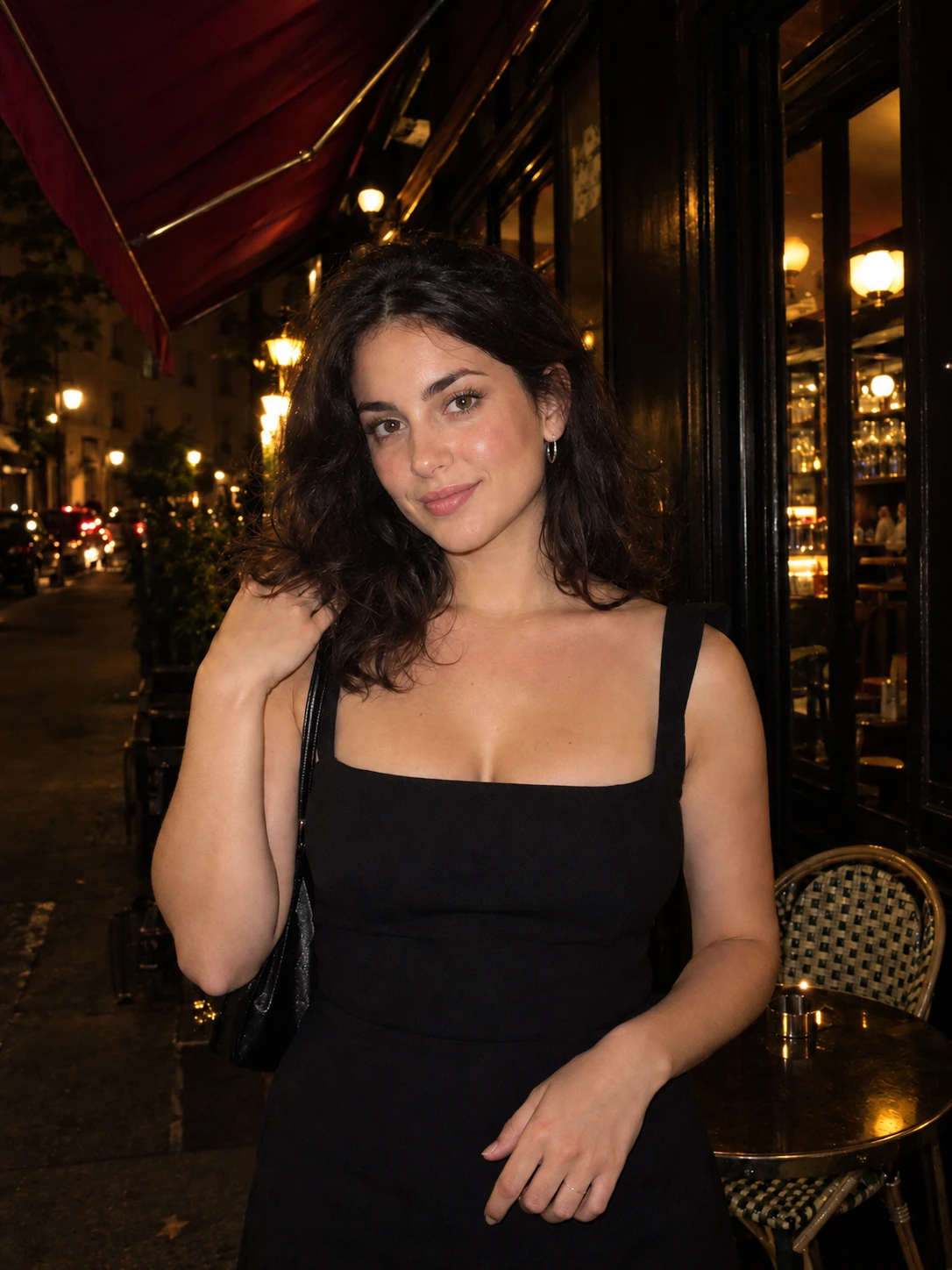
Upload your photo, pick Warm edge leak, Red film burn, Rainbow prism or Faded corner, then use Leak position and Leak strength to place the light. Download the JPG when it looks right.
Yes. You can edit and download as many photos as you want with no account and no watermark. Downloads are JPG files up to 3000 px on the long edge.
No. The effect is rendered in your browser, so the photo stays on your device. Closing the tab clears the session.
No. This tool works on still photos only. It adds a light leak to a picture you already have, which suits posts, stories and collages.
A light leak is a soft glow of stray light on film. A film burn is the extreme version, hotter and redder, where the edge blows out toward white. The Red film burn look gives you that stronger version.
Yes. Fire Fade is an AI look in the Stunna app with fiery sunset glow and film-burn edges. AI results vary, so compare it with your original.
Photo tips and ideas that pair well with this tool.