Start with fade
Between 25% and 45% reads as vintage without looking muddy. Past 60% the picture turns flat and grey unless the original was very contrasty.
FREE ONLINE PHOTO TOOL
Make a photo look like it spent decades in a shoebox. Pick a vintage look, set the fade, warmth and grain, and download a free JPG. It all runs on your device.
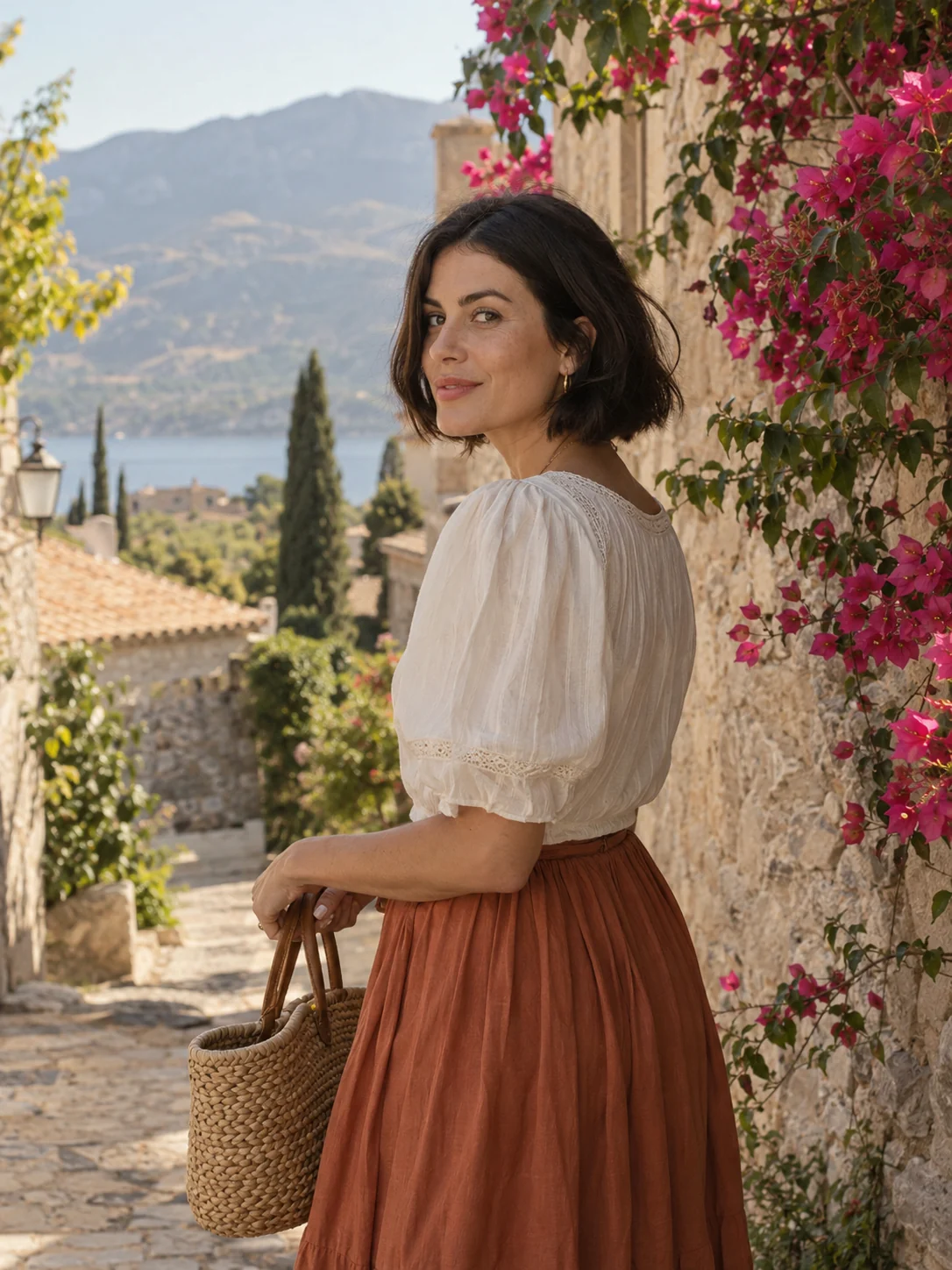
Faded film · Sample photo; the effect is rendered live above.
Pick a look, then set the fade, warmth and grain.
or drop it here · JPG, PNG, WebP · up to 20 MB
Free. No signup. No watermark. Up to 3000 px.
Get the full look in Stunna
The Faded Film preset in the Stunna app adds crushed contrast, milky blacks and muted retro color with AI.
Try Faded Film in StunnaTry the sample or choose your own photo.
Pick a JPG, PNG or WebP from your device or drag it onto the editor. Outdoor shots with open sky, sea or greenery give vintage color the most room to work.
Faded film for muted, milky color, 70s warm for golden afternoon tones, Sepia for a single brown tone, or Washed retro for a cooler, sun-bleached feel. Show original lets you compare at any time.
Fade lifts the blacks into a matte grey, warmth pushes the color toward amber or back toward blue, and grain adds texture. Then download a watermark-free JPG.
A vintage photo is rarely about a single effect. Old prints and slides drift in a few predictable ways: the blacks turn grey because the dyes fade, the colors shift toward yellow or orange as the paper ages, saturation drops, and fine grain from the film shows through. A good vintage filter reproduces those drifts instead of just laying a brown tint over everything. For the grain and warmth of a single-use camera specifically, the disposable camera filter is tuned for that.
This free editor does exactly that on your own pixels. Faded film lifts the shadows and mutes the color. 70s warm adds the golden cast of a sun-bleached color print. Sepia converts the picture to a single warm brown tone, the way early prints looked. Washed retro goes the opposite direction, with pale, slightly cool color like a poster left in a window. Every look has its own fade, warmth and grain starting point, and you can move all three.
A filter can change how a photo ages, but it cannot change what is in it. Modern clothes, phones and signs will still date a picture, so the most convincing results come from simple scenes with timeless light. Knitwear, leaves and low autumn sun, like the setups in our fall photoshoot ideas, age especially well. It is a styling effect, not an AI re-creation of an old camera, which is what the Faded Film preset in the Stunna app is built for.
Try the free toolA Mediterranean village portrait with the Faded film look: lifted blacks, softer color and a little grain. Try 70s warm, Sepia or Washed retro for other eras.
Try it on your photo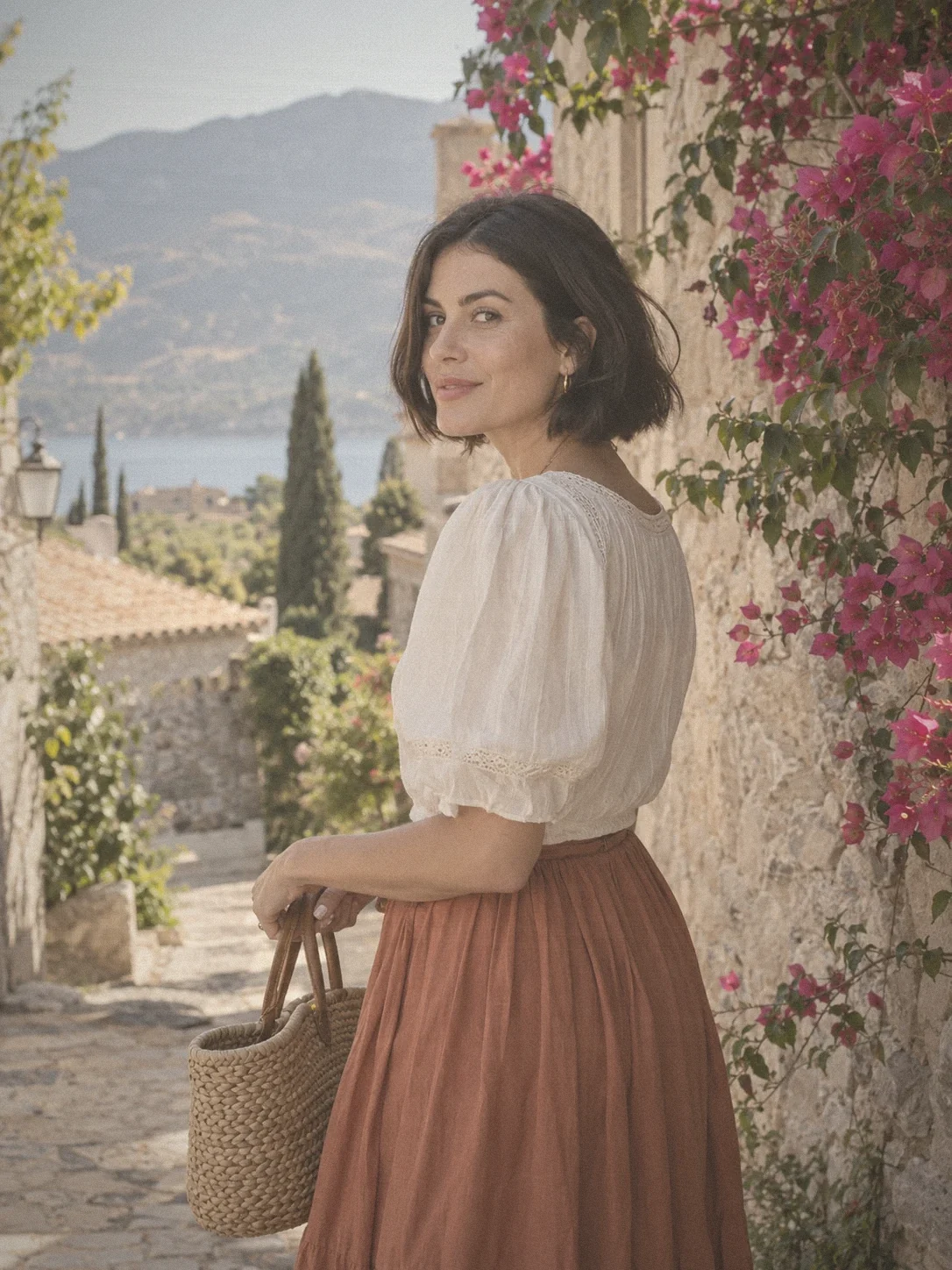
Between 25% and 45% reads as vintage without looking muddy. Past 60% the picture turns flat and grey unless the original was very contrasty.
A sunset photo from golden hour photography needs less warmth than a cool indoor shot. If skin starts to look orange, move the warmth slider back toward the middle.
Around 20% to 35% gives texture at full size. Heavier grain hides faces in small posts, so zoom in before you download. For more control over texture, keep grain low here and add grain to a photo with our dedicated tool.
Vintage color is easiest to believe on a portrait against sky, sea or a plain wall. Busy modern backgrounds pull the eye back to the present. A polaroid-style frame finishes the print look.

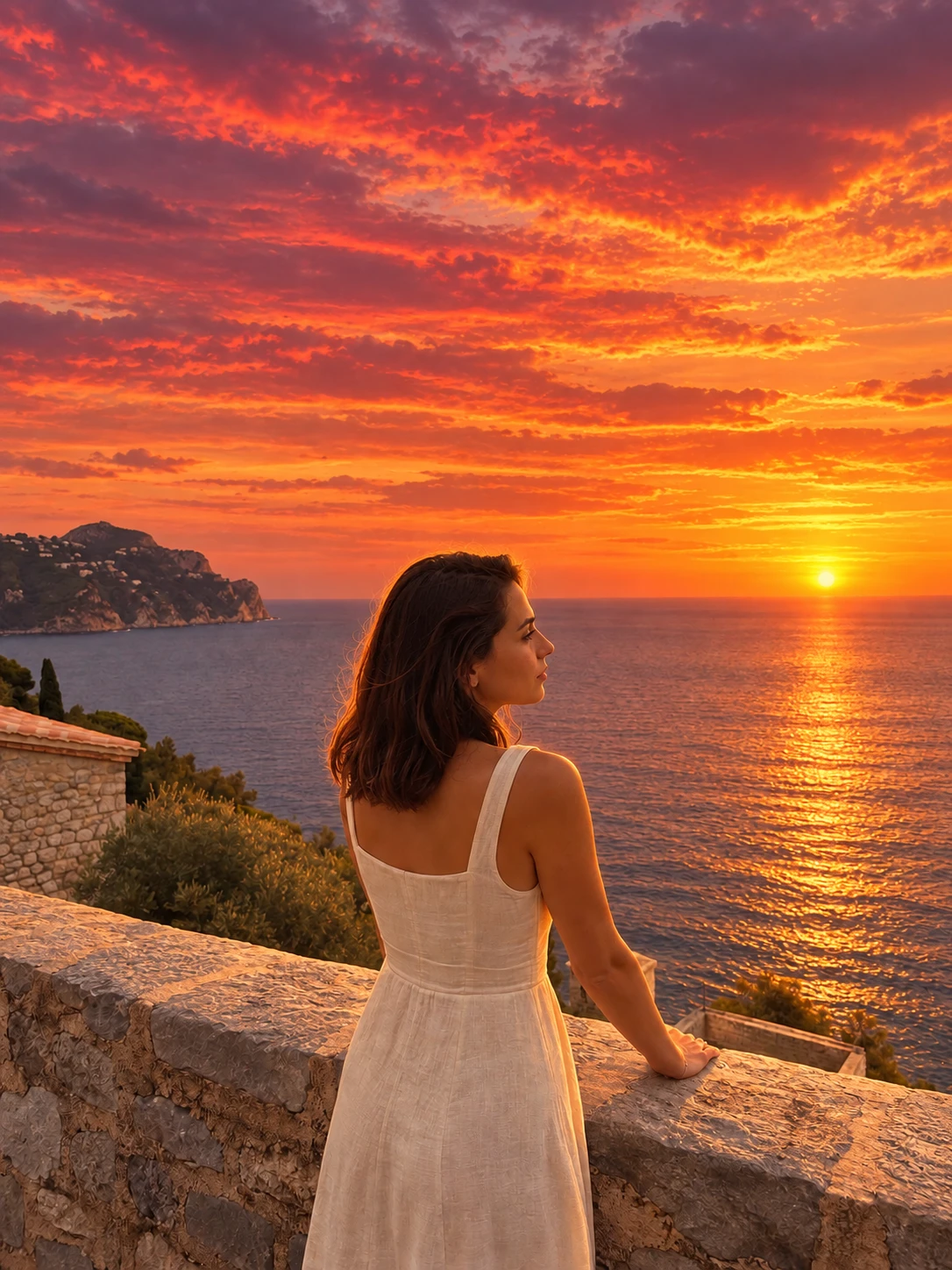
The free filter recolors the photo you took. The Faded Film preset in Stunna goes further with AI: crushed contrast, milky blacks and muted retro color that look shot on film, not just filtered. Free to download, with optional Pro features.


Free to download. Optional Pro features. AI results vary.
Explore Stunna’s AI looks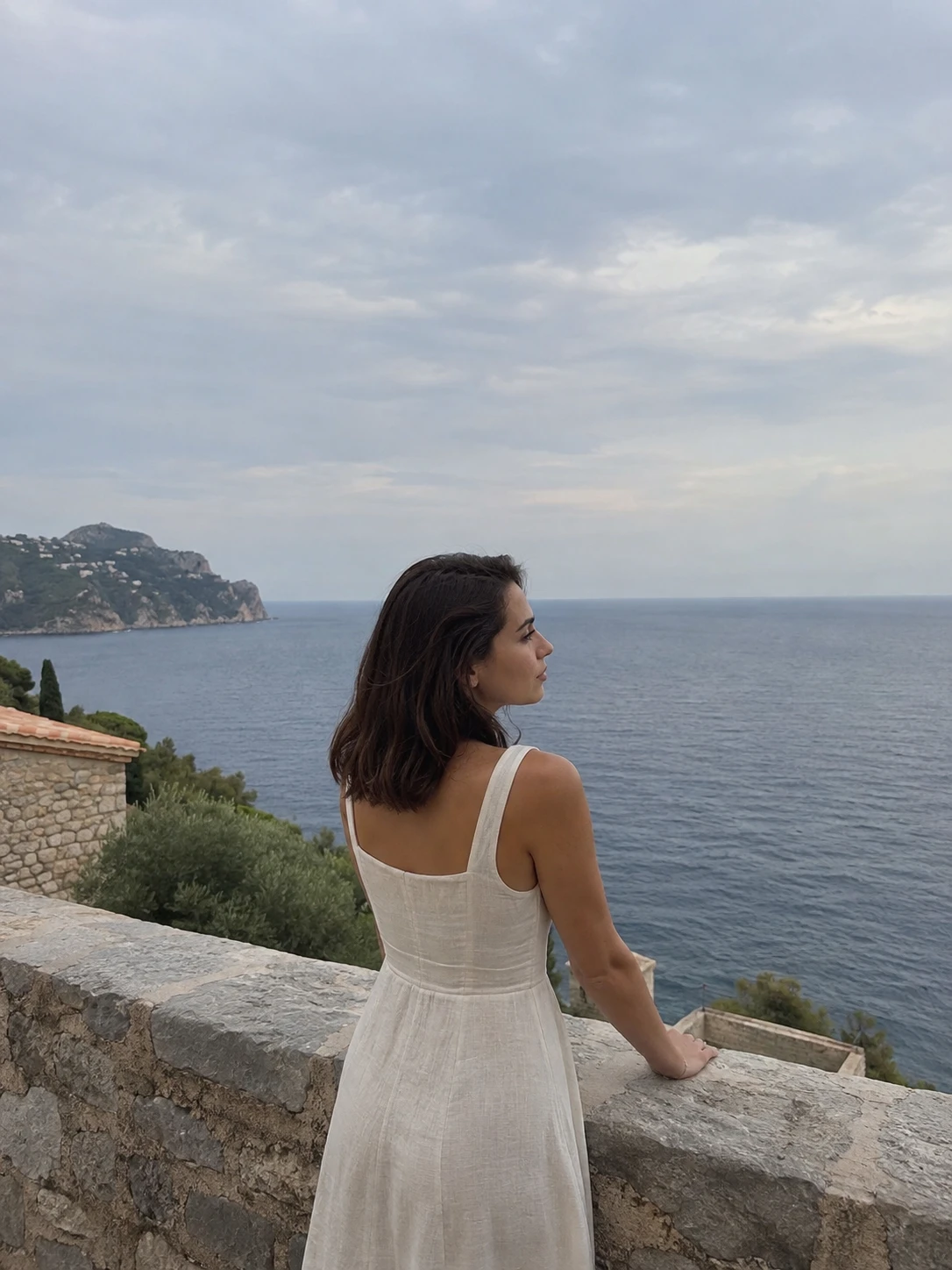
Choose a photo, pick one of the four vintage looks, then adjust fade, warmth and grain until it feels right. The result downloads as a JPG with the effect built in.
Yes. You can edit and download as many photos as you like with no account and no watermark. Downloads are JPG files up to 3000 px on the long edge.
No. The effect is rendered in your browser, so the photo stays on your device. Closing the tab clears the session.
Sepia is a single brown tone applied to the whole photo. A vintage look keeps some of the original color and adds the fade, warm cast and grain that aging gives a print. This page offers both.
Yes. Try 70s warm for golden, slightly orange color and Washed retro for a paler, cooler look. Raise the fade and grain a little for a more convincing result.
It is an AI-powered look in the Stunna app with crushed contrast, milky blacks and muted retro color. The free tool adjusts the pixels you already have, so results differ.
Photo tips and ideas that pair well with this tool.