Start with the light
For that night-out digital camera aesthetic, use a photo already taken with flash. The filter can change the finish, but it cannot recover missing detail or recreate the direction of real flash.
FREE ONLINE PHOTO TOOL
Turn today’s photos into early-2000s memories. Pick a look, make it yours, and save it for free.
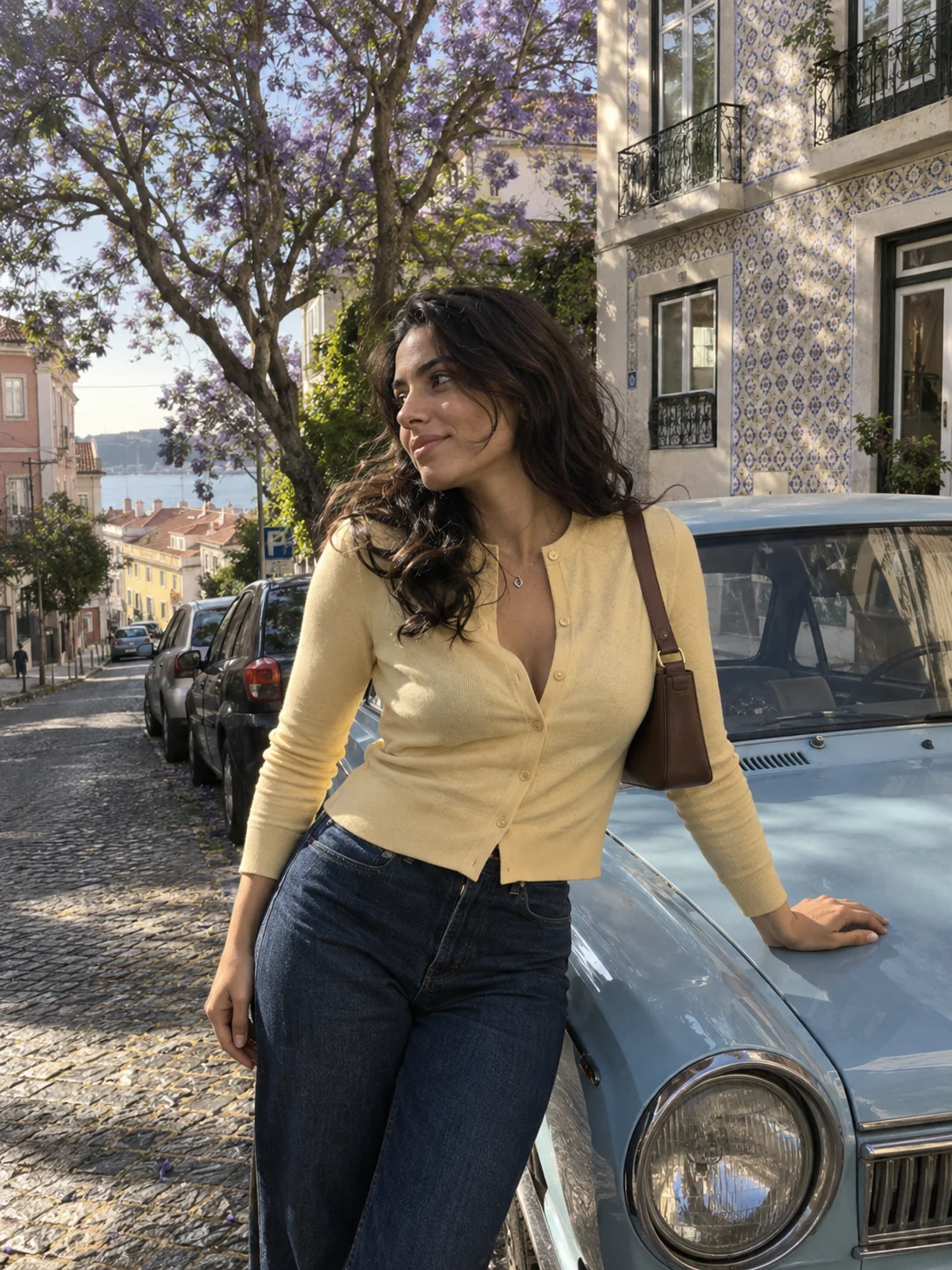
Classic 2004 · Illustrative source image; live filter applied above.
Give your camera roll a point-and-shoot feeling.
or drop it here · JPG, PNG, WebP · up to 20 MB
Free. No signup. No watermark. Up to 3000 px.
Try the sample or choose your own photo.
Use a portrait, a night out or a sunny camera-roll moment. Choose a JPG, PNG or WebP, or test the look on our sample first.
Pick Classic 2004, After hours or Summer diary. Adjust the intensity and grain. Use Show original to compare the edit.
Download your edited JPG without a watermark. Share it as a post, add it to a photo dump or keep it in your camera roll.
A digicam photo feels a little less polished and a little more in the moment. Think compact digital cameras, candid nights out, saturated colors and imperfect light.
Stunna’s online digicam filter gives your existing photos that Y2K-inspired finish through color, contrast, grain and a soft vignette. It keeps the composition and details of your original photo, so the moment stays yours. For home-video stills with REC text and scanlines, try the camcorder filter.
Try the free digicam filterFor that night-out digital camera aesthetic, use a photo already taken with flash. The filter can change the finish, but it cannot recover missing detail or recreate the direction of real flash.
Start at 60–80% intensity and lower it if skin turns too orange or shadows lose detail. Photos with an existing filter often need a lighter touch.
Try 15–35% grain for a subtle texture. Go higher for a rougher finish, but compare at a larger size before downloading a portrait.
Choose one look for a series, then adjust intensity photo by photo. A sunny outdoor shot and an indoor flash photo rarely need exactly the same settings. Add a date with the timestamp camera to finish the set.

Take your next edit into Stunna. Explore AI camera looks, change the light, rescue an almost-favorite photo, and find a pose for the next one.


Free to download. Optional Pro features. AI results vary.
Explore Stunna’s AI photo looks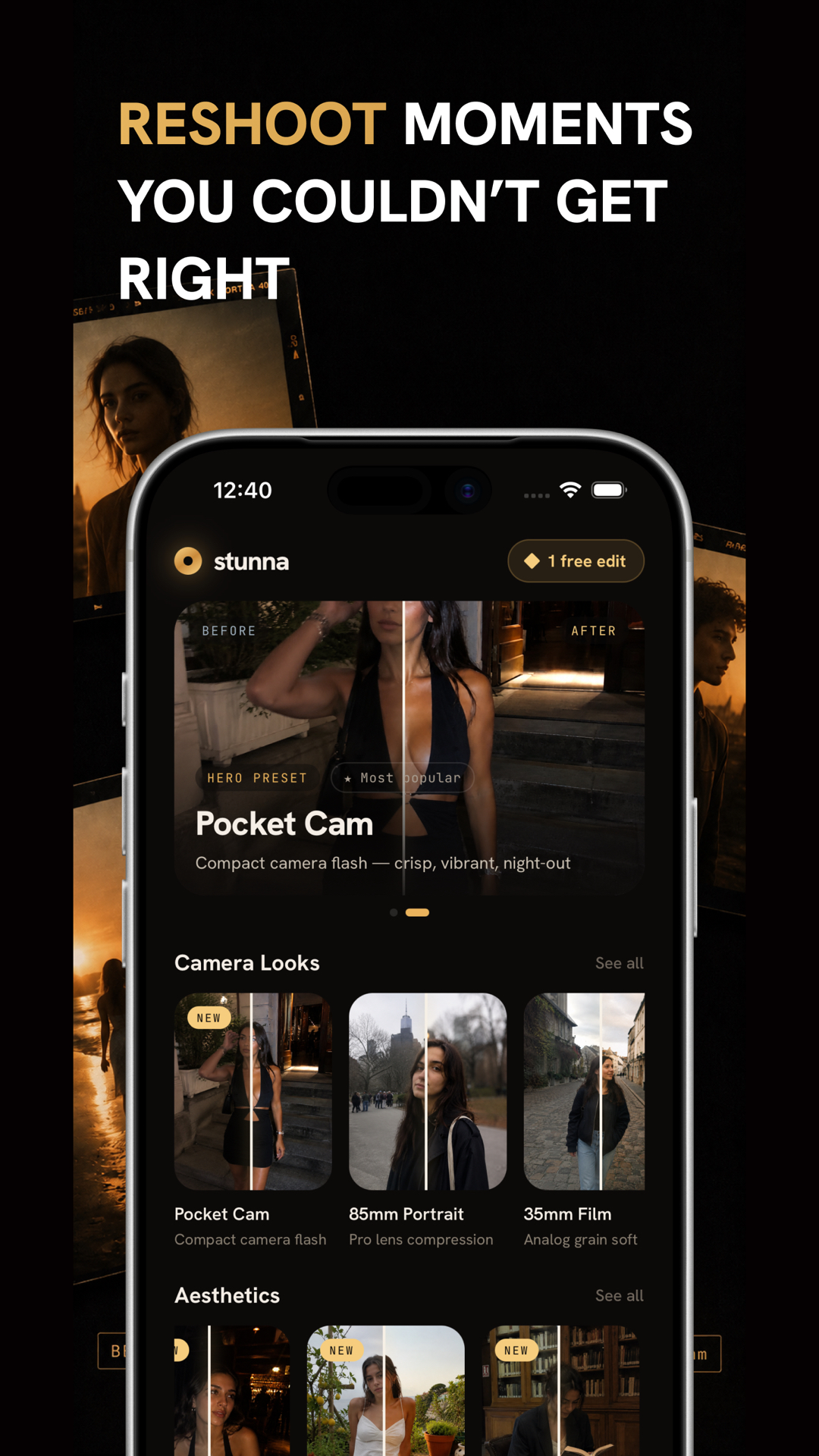
A digicam filter is a photo effect inspired by compact digital cameras from the early 2000s. It combines punchy color, stronger contrast, subtle noise and darker corners to give modern photos a nostalgic point-and-shoot feeling.
Yes. All three looks, the intensity and grain controls, and JPG downloads are free. There is no account, watermark or app download required to use this browser tool. Stunna’s mobile app is separate and offers optional paid features.
Yes. Open this page in your mobile browser, choose a JPG, PNG or WebP photo, select a look and tap Download photo. If your iPhone photo is in HEIC format, export or convert it to JPG first. Depending on your browser, the result may save to Downloads or open for you to save.
No. This web editor processes your selected photo locally in your browser. It does not send the photo to Stunna’s servers or store it in an account. Refreshing or leaving the page clears the editing session.
Start with Classic 2004 at around 60–80% intensity. Add a little grain, then compare with the original. For night photos, try After hours. A photo already taken with direct flash is a better starting point than a very dark image.
They overlap in their nostalgic feel, but a digicam look usually leans toward crisp contrast, digital noise and punchy color. Disposable camera effects often emphasize film grain, softer detail and warmer or faded tones. This tool focuses on the digital camera look.
The tool exports a high-quality JPG at the original dimensions for photos up to 3000 pixels on the longest edge. Larger photos are resized to 3000 pixels while preserving their proportions. It accepts JPG, PNG and WebP files up to 20 MB and 60 megapixels. Transparency is flattened onto white.
This browser tool uses color and texture adjustments, not AI. The looks are inspired by the digicam aesthetic; they do not reproduce a particular camera model or add real flash lighting. For AI photo reshoots and lighting changes, explore the Stunna app.
Photo tips and ideas that pair well with this tool.