Use photos with strong color
Color bleed is most visible on saturated reds and blues, like a neon sign, a red jacket or party lights. Muted photos get a subtler effect. Costume shots from our Halloween photo ideas are a natural fit.
FREE ONLINE PHOTO TOOL
Give a photo the look of a paused VHS tape. Pick a tape look, set the scanlines and color bleed, add PLAY or REC text and a date stamp, and download a free JPG.
This free tool is a photo effect that processes your existing pixels. It works on still images, not video files, and it does not use the AI of the Stunna app.

Paused tape · Sample photo; the effect is rendered live above.
Pick a tape look, then tune the lines and the smear.
or drop it here · JPG, PNG, WebP · up to 20 MB
Free. No signup. No watermark. Up to 3000 px.
Get the full look in Stunna
Stunna’s VHS Camcorder look adds tape scanlines, soft focus and a timestamp to the whole scene with AI.
Try VHS Camcorder in StunnaTry the sample or choose your own photo.
Pick a JPG, PNG or WebP from your camera roll or computer. Party shots, selfies and anything taken at night suit the VHS look best.
Paused tape is the classic VHS effect. Worn tape adds heavier lines and smear like a rental played too many times. Home video is warmer and softer, with a REC overlay.
Adjust scanlines, color bleed, softness and grain, add the orange date stamp if you want one, then download a watermark-free JPG.
A VHS frame is easy to recognize, even on a phone screen. The tape stored color at a much lower resolution than brightness, so colors smeared sideways and drifted away from the edges they belonged to. A paused or worn tape showed visible horizontal lines, the picture was soft by modern standards, and the whole image often looked a little washed out and warm. On top sat the white on-screen text from the VCR or camcorder: PLAY, REC, a tape speed and a date.
This filter rebuilds those cues from your photo. Color bleed shifts the red and blue channels in opposite directions and softens them, which gives faces and bright clothes the classic tape halo. Scanlines darken every other band of rows, sized to the picture so they look the same on a small preview and a full download. Softness blurs fine detail, the grade lifts the blacks and shifts the color, and grain adds tape noise. The overlay and the optional date stamp finish the look.
It is an approximation of a still frame, not a tape simulation. Real VHS artifacts also come from motion, interlacing and tracking errors that only exist in moving video, so the result is a stylized VHS photo rather than a capture from an actual tape. For a caption, a story, a collage or a throwback post, that is usually exactly what you want.
Try the free toolA winter chalet portrait with the Paused tape look: scanlines, color bleed, lifted blacks and PLAY text in the corner. Try Worn tape or Home video for a heavier or warmer version.
Try it on your photo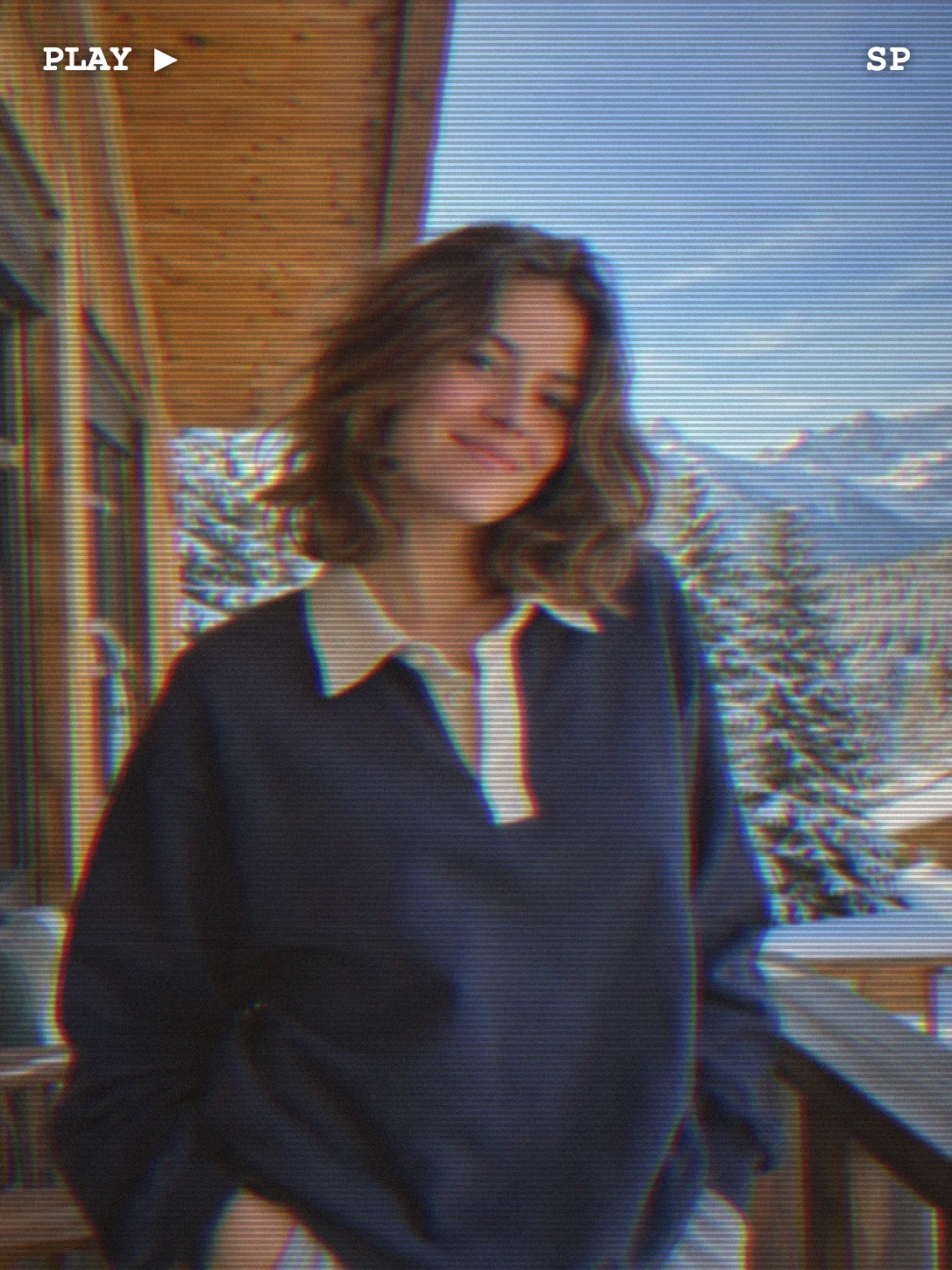
Color bleed is most visible on saturated reds and blues, like a neon sign, a red jacket or party lights. Muted photos get a subtler effect. Costume shots from our Halloween photo ideas are a natural fit.
Scanlines and bleed together can blur a face quickly. Between 40% and 65% on each slider keeps the tape feel without losing the person.
Dim, slightly underexposed party and street shots match how most home video looked. Bright daylight beach photos can look too clean. Wet streets from rainy night photography work especially well.
A stamp from the 1990s sells the throwback, while today’s date reads as a deliberate aesthetic. Check that it does not cover anyone’s face. For more date formats and colors, use the timestamp camera.

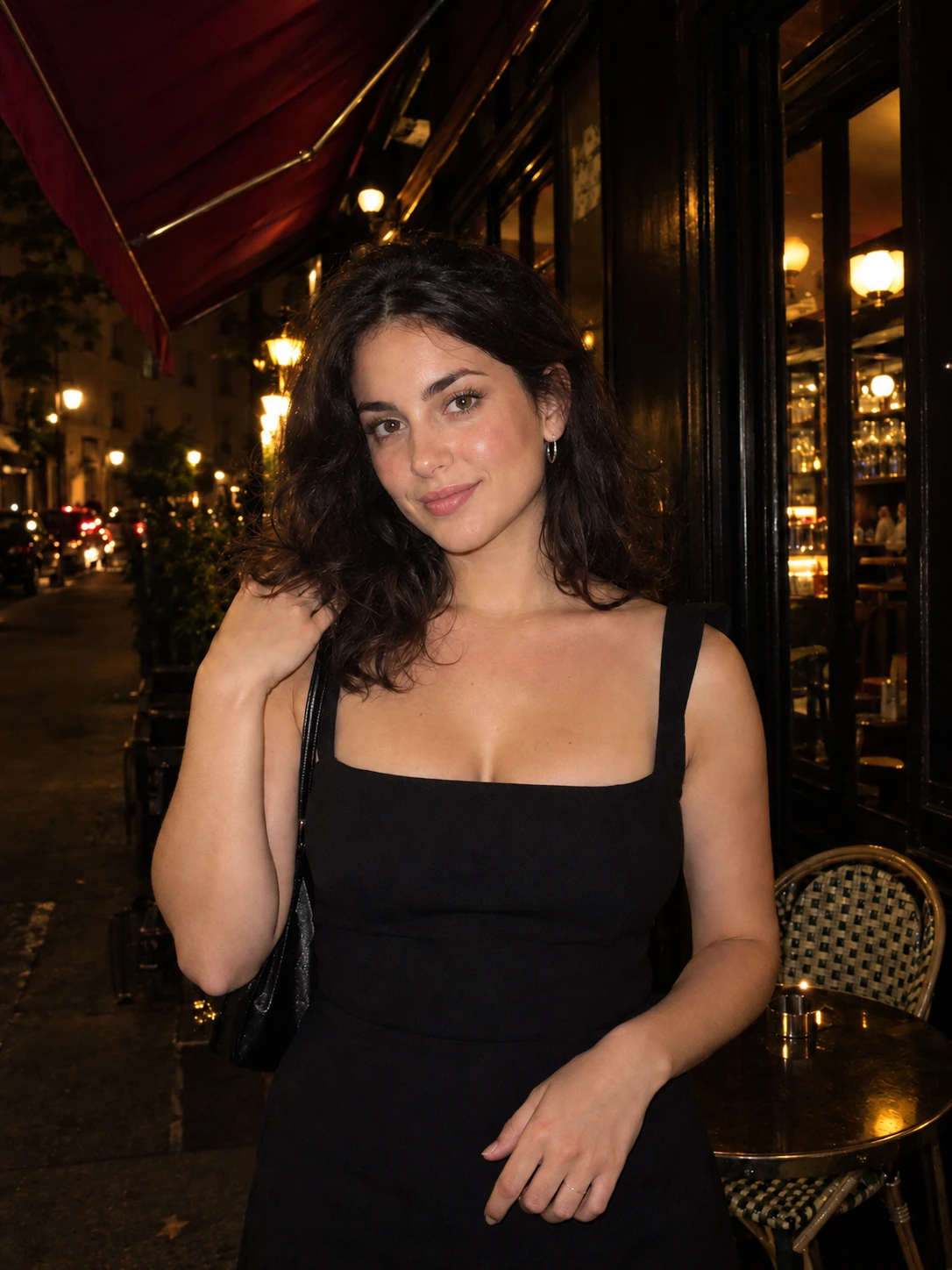
The free filter treats the photo you took. In Stunna, the VHS Camcorder look uses AI to add tape scanlines, soft focus and a timestamp, and MiniDV Still adds interlacing and blown highlights. Free to download, with optional Pro features.


Free to download. Optional Pro features. AI results vary.
Explore Stunna’s AI looks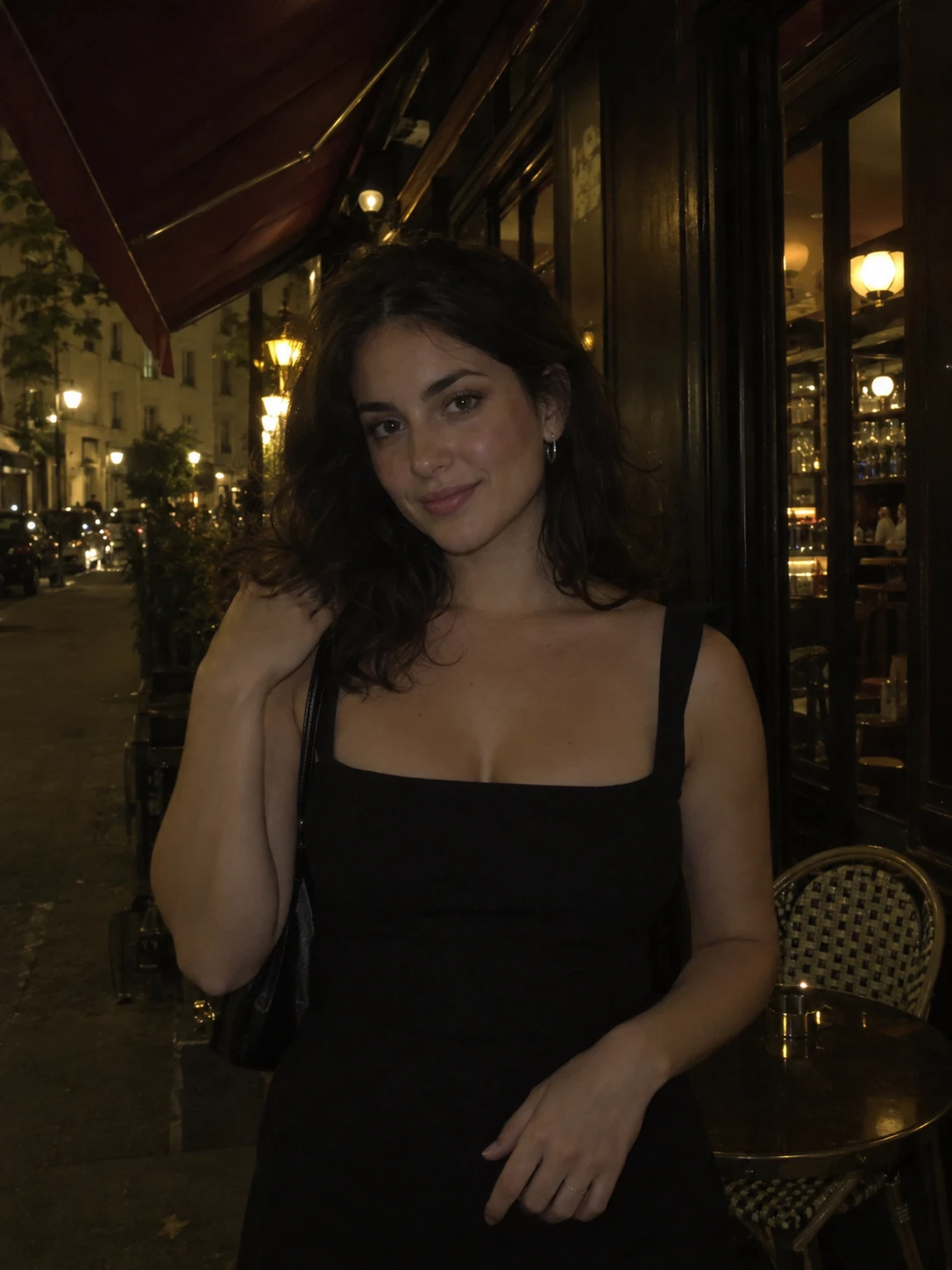
Upload your photo, pick Paused tape, Worn tape or Home video, then adjust the scanlines, color bleed and softness. Add a date stamp if you like and download the JPG.
Yes. You can edit and download as many photos as you want with no account and no watermark. Downloads are JPG files up to 3000 px on the long edge.
No. This tool works on still photos only. It recreates the look of a paused VHS frame on a picture you already have, which is ideal for posts, stories and collages.
The VHS filter focuses on tape artifacts: scanlines, color bleed and fade, with three tape looks. The camcorder filter covers MiniDV and fisheye lens looks as well.
No. The effect is rendered in your browser, so the photo stays on your device. Closing the tab clears the session.
Yes. VHS Camcorder is an AI look in the Stunna app that adds tape scanlines, soft focus and a timestamp to the scene itself. AI results vary, so compare it with your original.
Photo tips and ideas that pair well with this tool.