THE HALLOWEEN PHOTO PLAN
Halloween Photo Ideas: 3 Night-Out Flash Photos
Capture the costume, the small details, and the people you came with using a short flash-photo plan.
Try the idea on your own photo with Stunna.


Free to download. Pro options available.
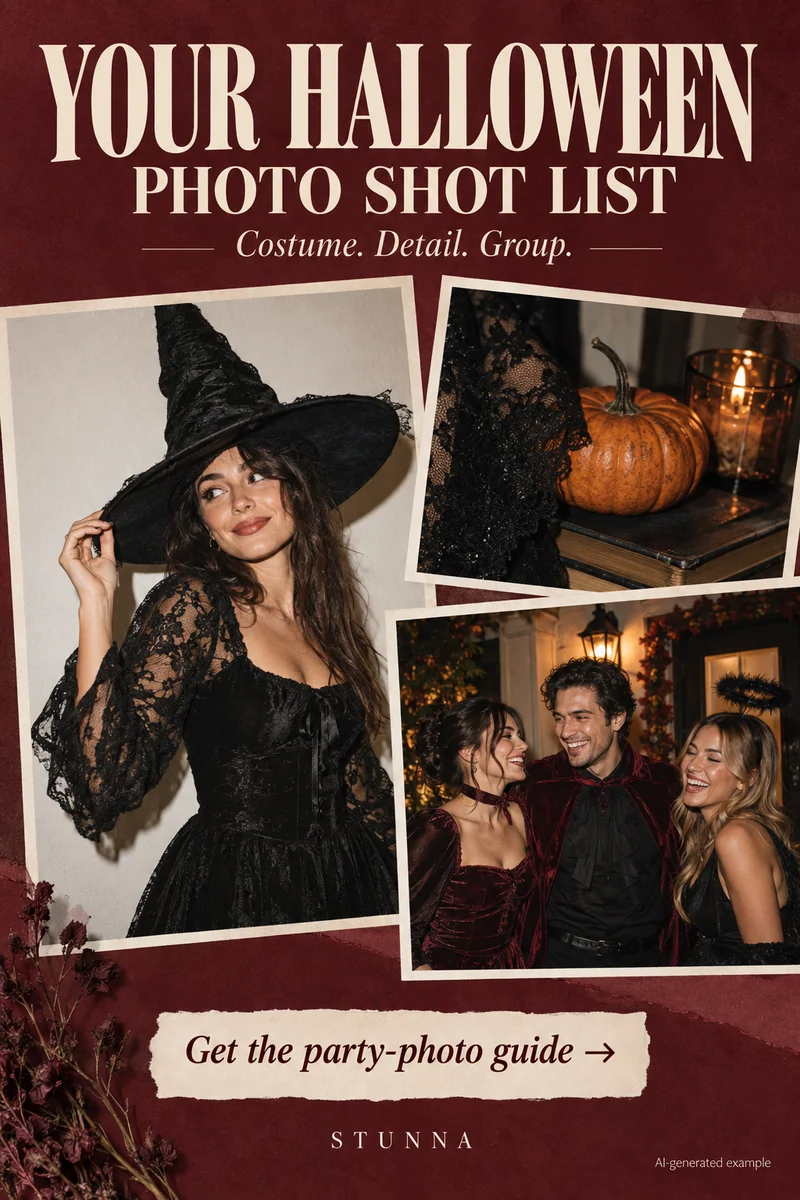
A Halloween photo set works best when it shows more than a costume from one angle. Make one portrait that explains the outfit, one detail that rewards a closer look, and one group frame that remembers the night. You can capture the set before heading out and add candid pictures later. For other seasonal sets, see our fall photoshoot ideas and Christmas photo ideas. The campaign imagery is an illustrative AI concept, not a real event or an actual Stunna result.
Find a background that suits the costume
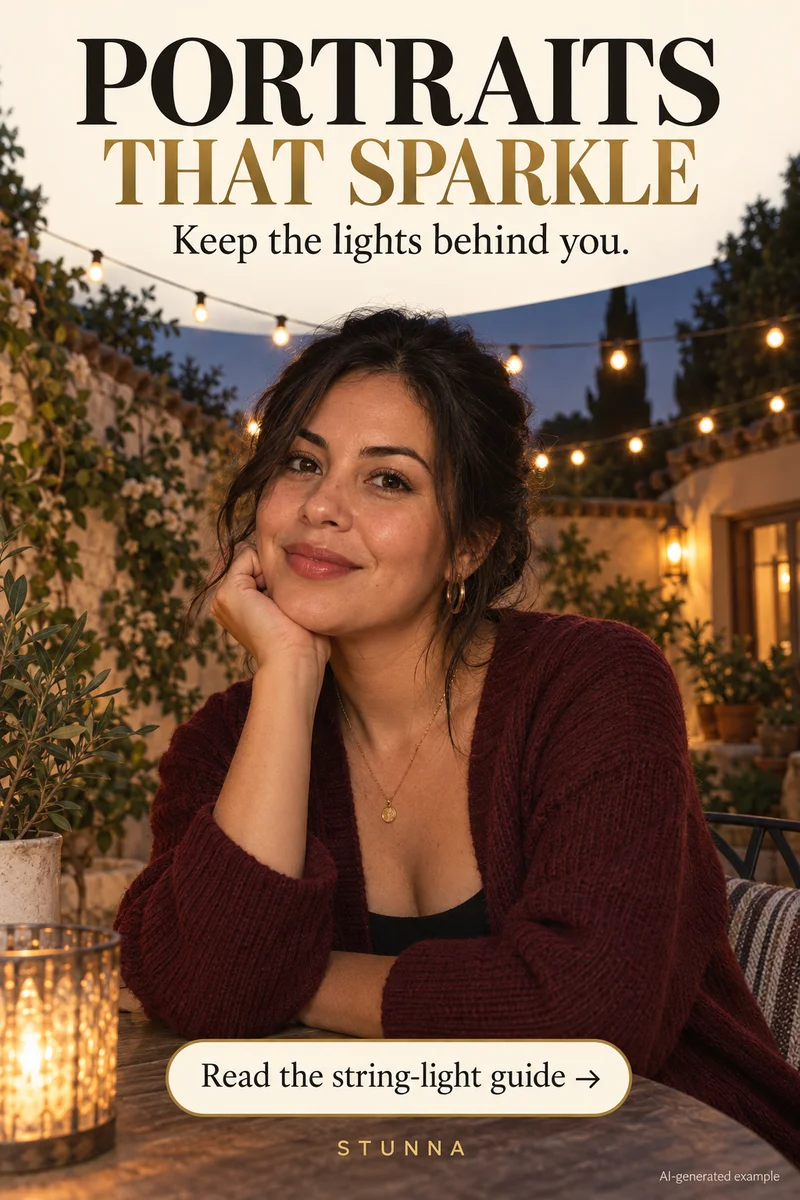
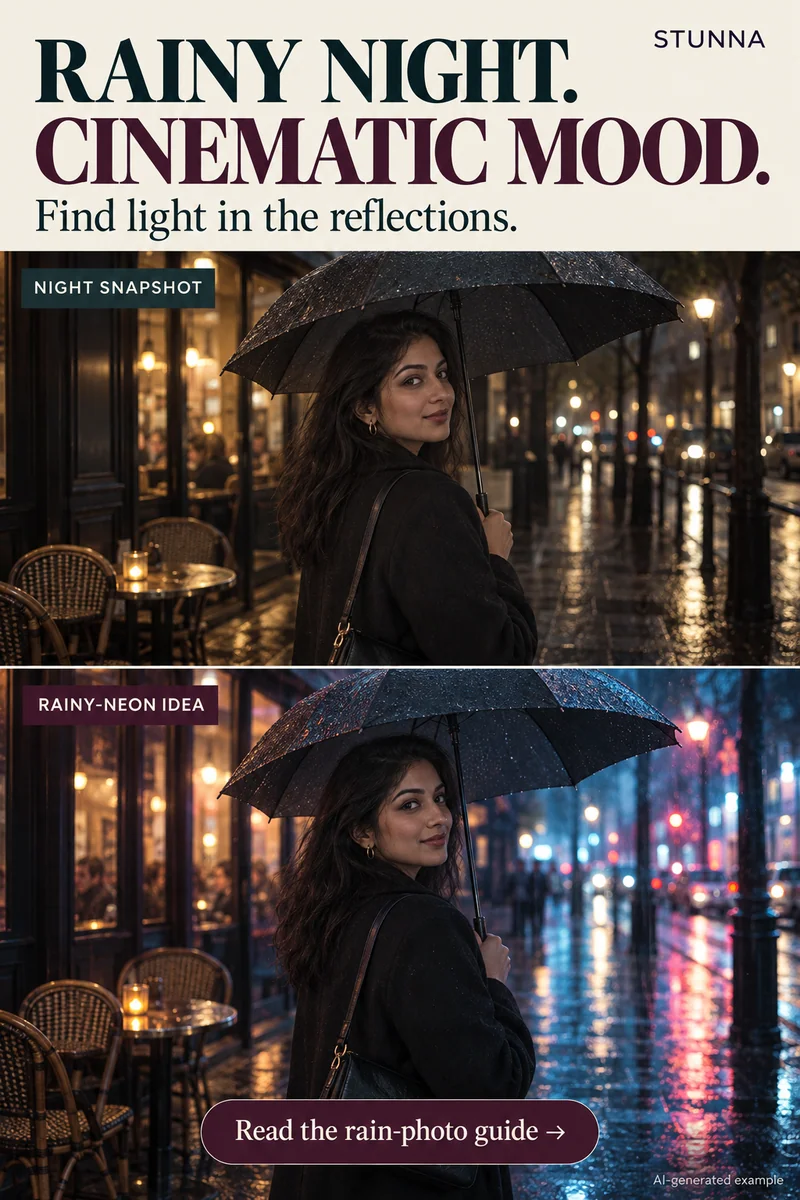
Look for a dim doorway or a quieter corner with a few lights behind you; on a wet evening, the reflections covered in our rainy night photography guide can add atmosphere. Leave distance between the subject and background. With direct flash, a nearby pale wall can become bright and compete with the outfit. Test the setup first; our flash photography tips cover direct-flash portraits in more detail.
Dark clothing needs separation from a dark background; a colored doorway or some side light can help, or you can add a red glow afterward with our free red light filter. Frame the whole outfit once before moving closer. Leave room around hats, wings, accessories, hands, and shoes.
Take these three shots before the party
Keep the location and finish consistent. You are giving each photograph a different job, rather than trying to make three identical portraits.
- The costume portrait: start with a full or three-quarter frame. Turn slightly, give one hand a simple position, and take a still shot. Follow with one small movement that fits the character.
- The detail: move closer to makeup, jewelry, fabric, or a prop. Keep the detail away from the face if the prop casts a distracting shadow. Take a second angle to show texture.
- The group: arrange friends at similar distance from the camera so one face does not dominate. Capture several still frames, then one shared action such as a look toward each other.
Check makeup, highlights, and expressions
Flash can make reflective makeup, satin, and pale accessories look stronger than they did in the room. Review the first image for bright areas with missing detail. If the face looks washed out, change distance or adjust exposure when your camera allows it. Take another frame while you can still change the setup.
For groups, look at every face before moving on. One person may be blinking or hidden behind an accessory. Ask everyone to pause for a few pictures instead of relying on a single frame. Keep one quieter image alongside the playful ones; it often shows the costume more clearly.
Choose a flash mood or a creative echo
For a manual finish, balance face brightness first, then deepen the background gradually. Keep detail in textured clothing and check makeup colors against the original. A darker image is not automatically more atmospheric if the costume disappears. For a quick direct-flash look, our free flash filter and G7X filter app run on your device and export without a watermark.
Stunna's Night Flash is designed for a sharp subject against a darker background. Ghost View is a separate creative effect with fading motion echoes behind the person. The name describes a stylized visual trail, not evidence of ghosts or an actual supernatural scene. Try it on a movement frame if you want that deliberate interpretation, while keeping a clear costume portrait in the set.
Build a short photo dump with a clear opener
Open with the strongest costume portrait, then place the detail and group shot after it. Add one candid from the night and finish with a wider view of the setting. A camcorder filter or VHS filter on that candid can give it a home-video feel. Vary the distance so the sequence feels like a memory rather than a row of repeated selfies.
Before exporting, compare face identity, hands, costume edges, and props in any generated edit. Save the original separately. Describe a generated scene clearly when it could be mistaken for something that happened.
A few useful answers
Should I use flash for every Halloween photo?+
No. Test flash for a crisp subject, then try ambient light for decorations and atmosphere. Choose by the photo you want rather than keeping one camera setting all night.
Why does my dark costume disappear?+
The outfit and background may have similar brightness. Change the backdrop, add some side light, or move the subject so the clothing has a clearer edge.
Does Ghost View add a real ghost to the picture?+
It is a creative fading-motion effect. Any echoes are generated styling, and should be understood as an interpretation of your photo.