Start with a dark photo
A bright daytime photo turns into a flat red poster. Night shots and dim interiors keep depth because the shadows have somewhere to go. Photos from blue hour photography work too, since the sky is already dark.
FREE ONLINE PHOTO TOOL
Wash a photo in darkroom red, neon glow or a red flash. Set the intensity, compare with the original and download a free JPG, all in your browser.
This free tool is a photo effect that tints your existing pixels. It is not red light therapy, and it is not the AI relighting used in the Stunna app.
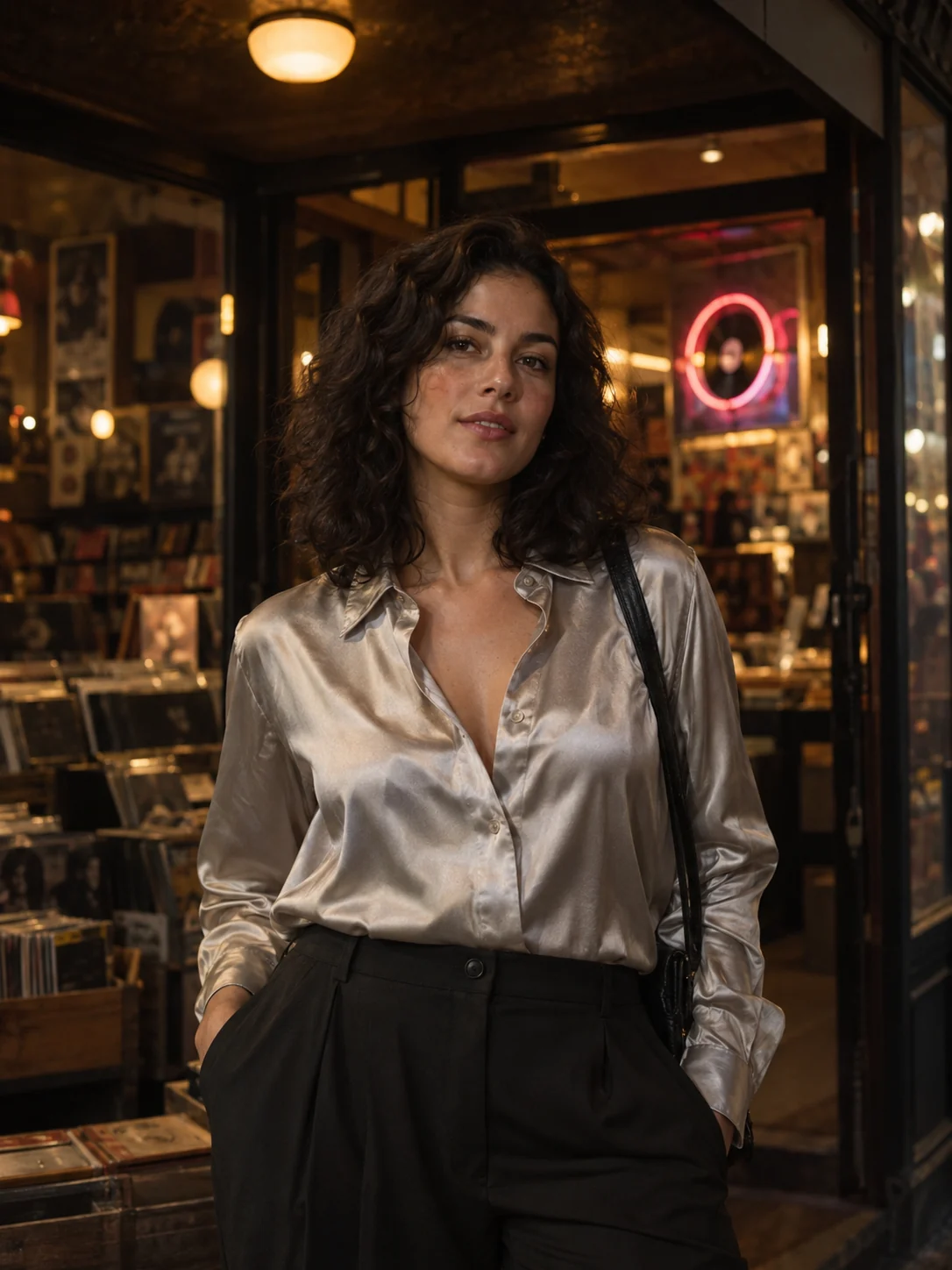
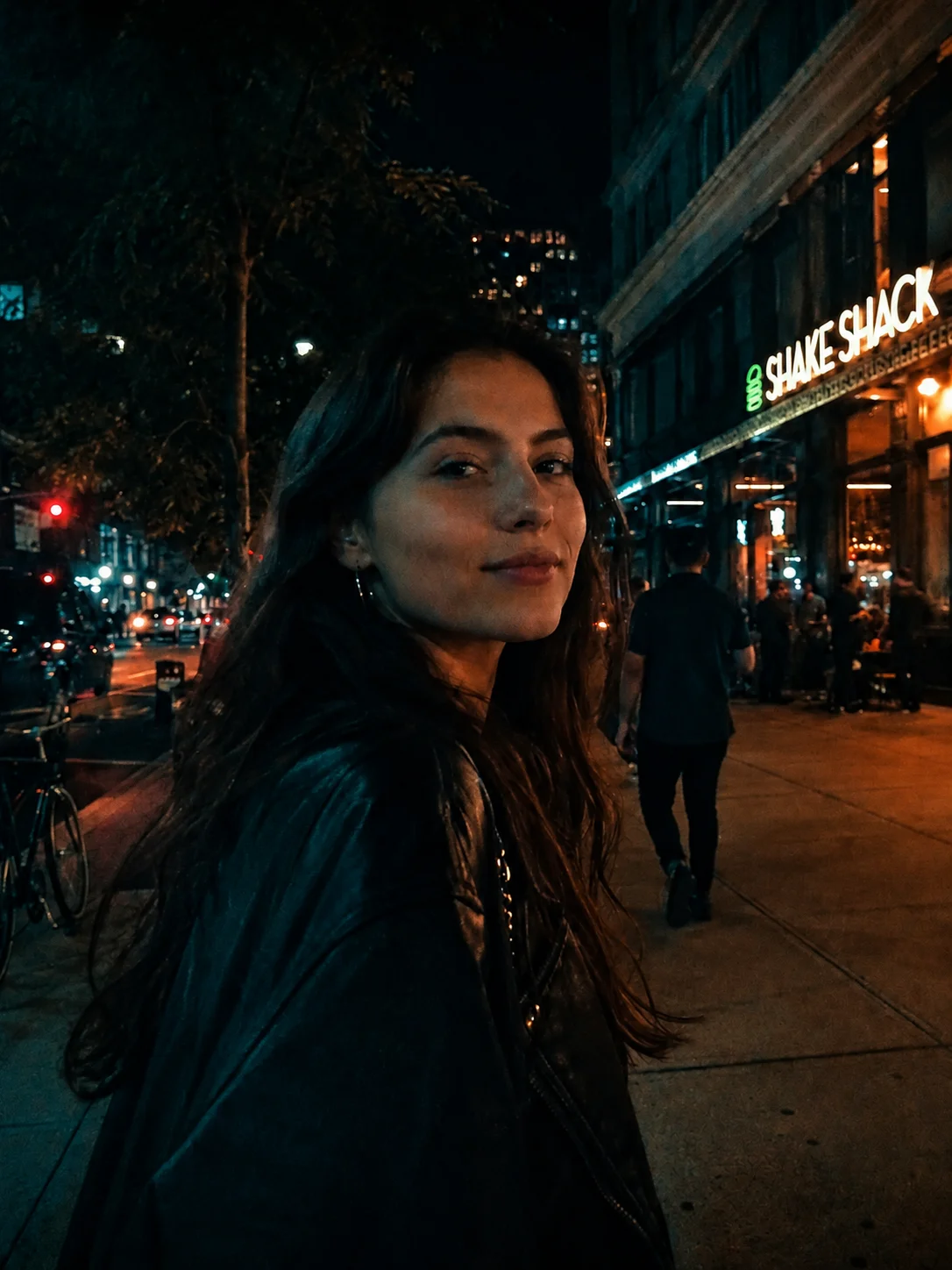
Darkroom red · Sample photo; the effect is rendered live above.
Pick a look, then set how red it gets.
or drop it here · JPG, PNG, WebP · up to 20 MB
Free. No signup. No watermark. Up to 3000 px.
Get the full look in Stunna
The Red Light preset in the Stunna app adds a directional red flash with a moody falloff using AI.
Try Red Light in StunnaTry the sample or choose your own photo.
Pick a JPG, PNG or WebP. Night shots, dim rooms and portraits with a visible light source give the most convincing results.
Try Darkroom red for a single-color print, Red neon glow to keep some original color and bloom the lights, or Red flash to light the centre and let the edges go red.
Lower the intensity to keep natural skin tones, raise it for a full red wash, then save a watermark-free JPG up to 3000 px.
A red light look puts a whole photo in red-tinted light: a darkroom safelight, a neon sign, a red-gelled flash in a club. Red sits at the warm end of the spectrum and reads as intimate, nocturnal and a little dangerous, which is why it keeps appearing in night-out photos, album artwork and moody portraits. Red is also a natural fit for Halloween photo ideas.
This free red light filter works with your photo’s own tones. Darkroom red maps shadows to deep maroon and highlights to hot red-orange. Red neon glow keeps more of the original color and adds a red bloom around bright lights. Red flash lights the middle of the frame and lets the edges sink into red. The intensity slider blends between your original and the full effect.
A filter can only recolor what the camera captured. It cannot add a red lamp that was never there or relight a face from the side. That is the job of the AI Red Light preset in the Stunna app, which builds a directional red flash with a night-out falloff.
Try the free toolA late-night record shop portrait treated with Darkroom red: a deep red wash, warm highlights and dark shadows. Try Red flash or Red neon glow for other moods.
Try it on your photo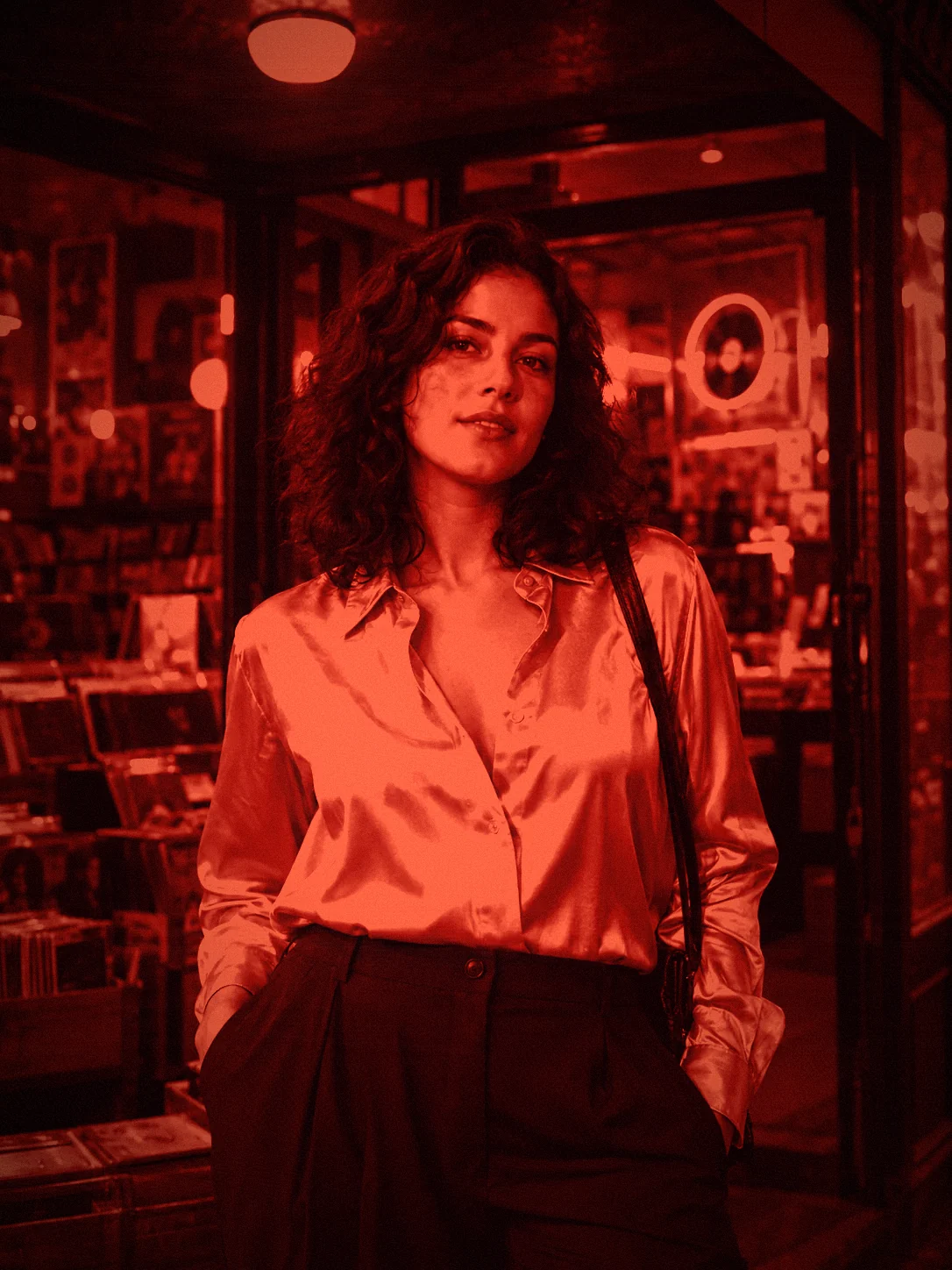
A bright daytime photo turns into a flat red poster. Night shots and dim interiors keep depth because the shadows have somewhere to go. Photos from blue hour photography work too, since the sky is already dark.
Between 55% and 75% keeps skin tones recognizable while the scene still reads as red. At 100% faces become a single red shape.
Glow brightens highlights, which is great for neon and the fairy lights in string light portraits but can blow out windows. Reduce it if bright areas lose detail.
Turn the flash off, keep a light source in the frame and stand close to it. The filter has more to work with than in a flat, evenly lit shot.
The free filter tints the photo you took. The Red Light preset in Stunna goes further with AI: a directional red flash and moody night-out falloff that looks lit, not just colored. Free to download, with optional Pro features.


Free to download. Optional Pro features. AI results vary.
Explore Stunna’s AI looks
No. This is a photo effect that tints a picture. It has no connection to red light therapy or to a red screen filter for your phone, and it does not change how your device displays things.
Yes. Edit and download as many photos as you like without an account or watermark. Downloads are JPG files up to 3000 px on the long edge.
No. The effect is rendered in your browser, so the photo stays on your device. Closing the tab clears the session.
Choose Red flash, then adjust the intensity. For the most realistic result, start from a night photo with the subject near the center, because the filter brightens the middle and reddens the edges.
The free tool tints the pixels in your photo. The Red Light preset in the Stunna app uses AI to create a directional red flash with a moody falloff. Results vary, and Pro features are optional.
Photo tips and ideas that pair well with this tool.