THE AI EDIT QUALITY CHECKLIST
AI Photo Editing: 5 Checks Before You Save an Edit
Write a precise editing brief, compare with the original, and inspect identity, hands, clothes, light, and background before choosing the result.
Try the idea on your own photo with Stunna.


Free to download. Pro options available.
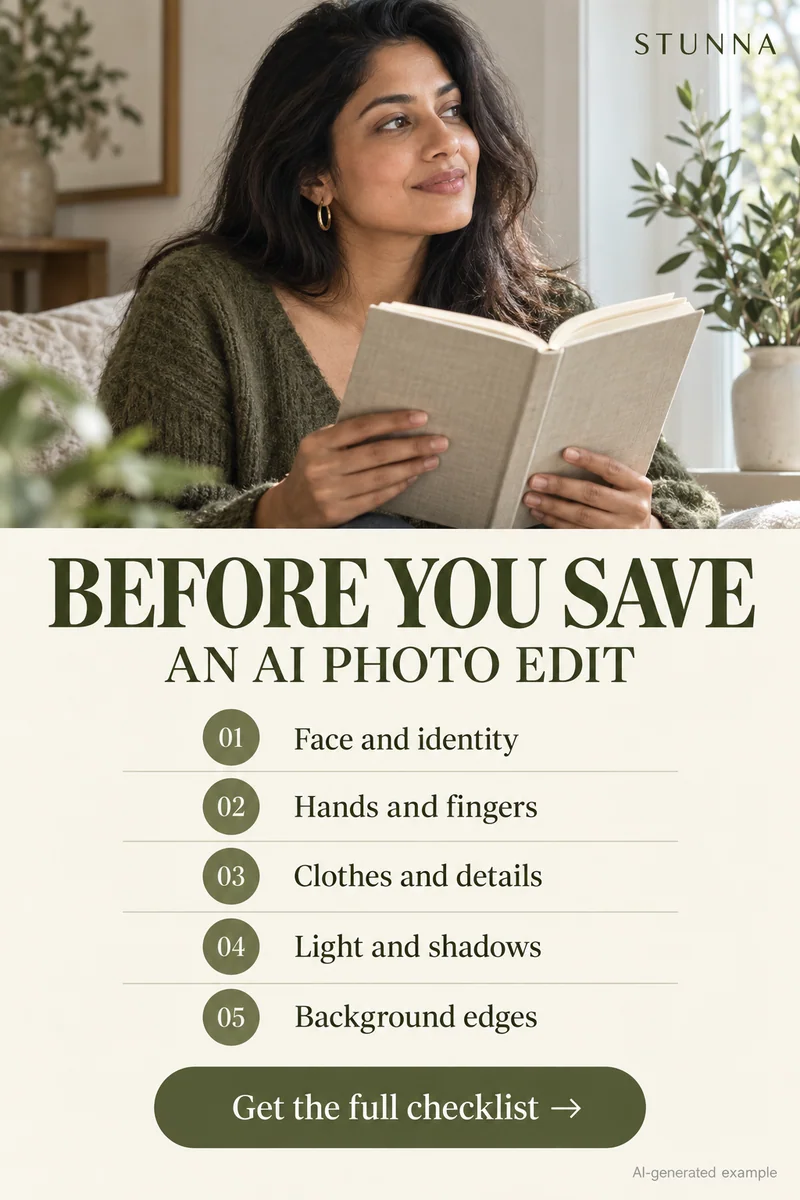
An AI edit can look impressive as a small preview and still contain a change you did not ask for. Make your decision beside the original, using the same crop and image size. Five checks cover many visible problems: identity, hands, clothing, lighting, and background. The campaign image is an illustrative AI concept, not an actual Stunna output. This checklist is a practical review process, not a claim that any editor will always preserve the protected details.
Choose one change and name what must stay
Replace 'make it better' with one goal: warmer color, a removed object, or a flash interpretation. Decide whether you are adjusting an existing photograph or creating a new scene.
List what matters: identity, expression, proportions, hands, outfit, surroundings, and camera angle. Preserve existing light for background cleanup; our guide to a clean photo background covers how to scope that kind of edit. For relighting, specify its new direction while protecting geometry and other details.
Keep the face and change the light with a precise brief
This suggested prompt asks for soft window light while preserving the person and setting. Change the first sentence for another light direction. It is unbenchmarked, and instructions do not guarantee compliance. Our ChatGPT photo editing prompts offer more starting briefs.
Run these five checks at full size
Start with the subject, then move outward. Judge each check separately from the overall mood.
- Identity: compare eyes, nose, mouth, face shape, hairline, and expression. Does the person still look like the same person, rather than a polished approximation?
- Hands: count fingers, follow wrists, and check the grip on cups, phones, bags, or clothing. Look for merged edges and joints that bend strangely.
- Clothes: compare seams, buttons, straps, jewelry, patterns, and lettering. Check that fabric has not merged into skin or changed the outfit's shape.
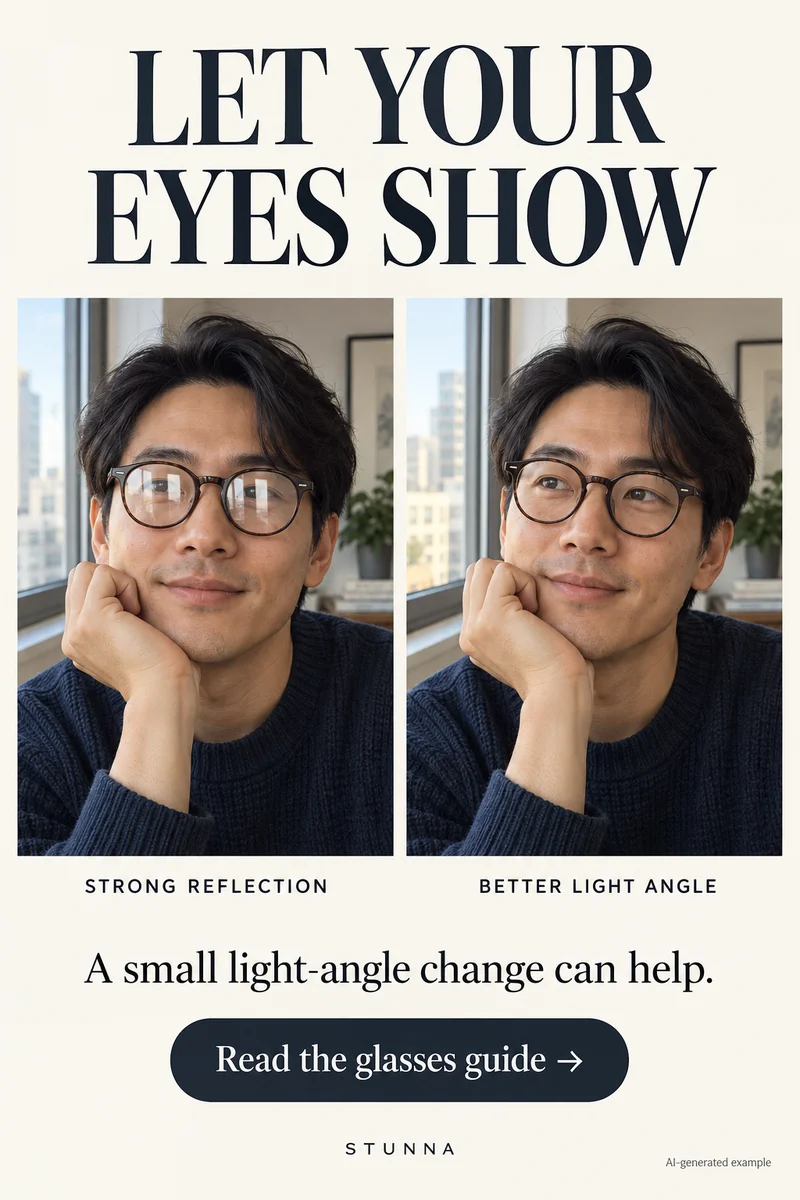
- Light: trace the main highlight and shadow directions. Reflections, glasses, skin, and background surfaces should support the lighting you requested. If lens reflections were the original problem, our guide to glasses glare in photos covers fixes at capture.
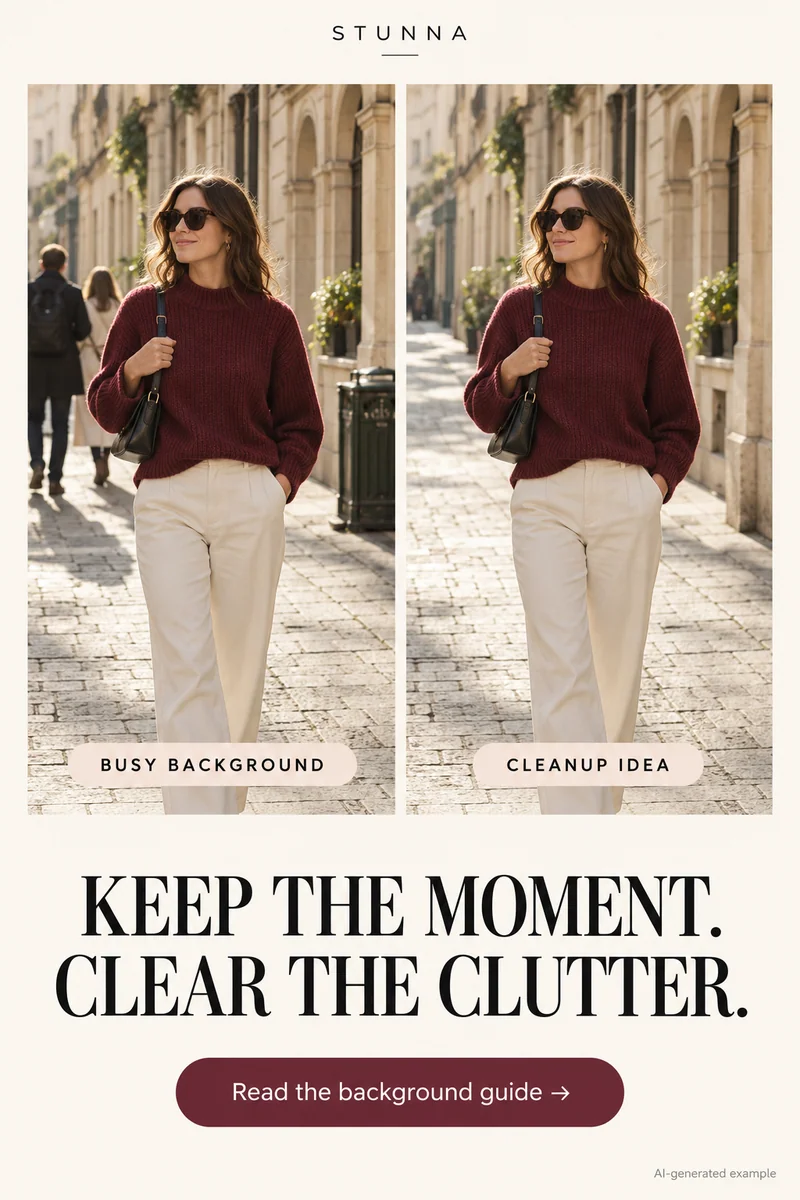
- Background: inspect architecture, horizon, repeating textures, signs, and the subject's outline. Confirm that objects were not added, removed, or reshaped without your intention.
Refine one problem without losing your reference
If a detail fails, name it precisely. Request the same result with the shirt pattern restored or the railing straightened. Compare again; a correction can introduce another problem.
Return to the original if several details have drifted. Keep source and candidates separate. 'Keep my face' gives direction, but visual comparison still matters.
Use named looks when you want a simpler brief
Stunna offers Night Flash for a sharp subject and dark background, 35mm Film for grain and organic color, and Declutter for scene distractions. Pick one direction that matches your goal.
Use the same five checks afterward. Presets simplify choosing a direction; they still generate details to inspect. Save the finished version separately and describe AI styling honestly. If the edit will open a post, also check it against our photo dump cover ideas.
A few useful answers
Does a preservation prompt guarantee an unchanged face?+
No. It tells the editor your intention, but generated results can still alter identity and other details. Compare the result with the original and reject changes you do not want.
Should I review only at the size I will post?+
Check both sharing size and full size. The smaller view helps you judge composition; the larger view reveals fingers, edges, lettering, and texture problems.
Are the campaign examples real Stunna before-and-afters?+
No. They are clearly labeled illustrative AI concepts. They show creative ideas and do not substantiate the outcome of an actual app edit.