A CLEANER BACKGROUND. STILL YOUR PHOTO.
ChatGPT Background Editing Prompts: 3 to Copy
Copy three complete prompts for clutter, distracting background people and text space, then check face, hair, outfit and light before saving.
Try the idea on your own photo with Stunna.


Free to download. Pro options available.

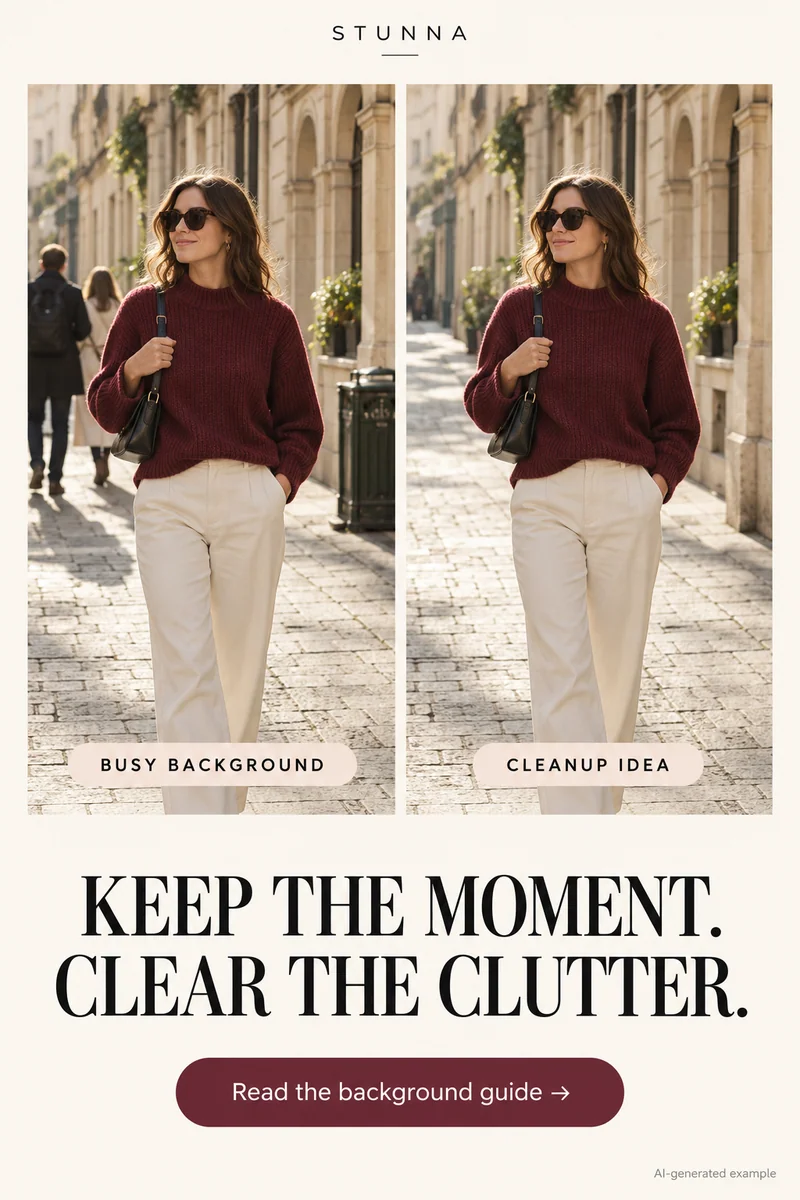
A calmer background can let the person and moment stand out without creating a different place. Here are three full prompts for small clutter, background distraction and caption space, followed by the Pin's four checks. Adapt and review them; these are starting prompts, not a tested performance claim. The hero is an AI-generated illustration, not an actual Stunna result.
Start with the original and choose one background job
Save a photo you have permission to edit and choose one background job per version. An object away from the person is easier to describe than clutter touching hair or hands. Keep details that explain the setting.
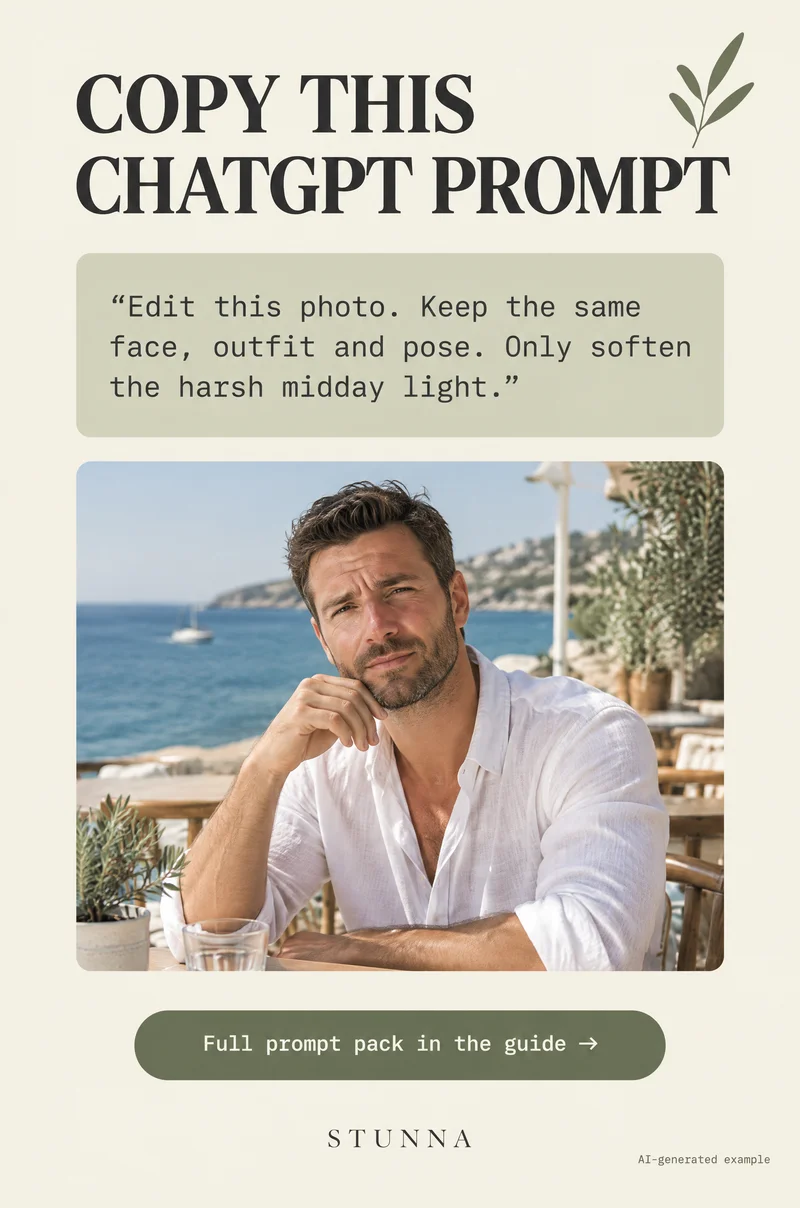
[OpenAI's editing guidance](https://help.openai.com/en/articles/11084440-images-in-chatgpt) supports uploading an image and describing changes, but warns that edits can extend beyond a selected area. Name the target, fill the bracketed fields with details from your source, and review the whole result.
Prompt 1: remove small clutter without rebuilding the room
Name one or two distracting objects, keeping meaningful props and room structure. If clutter overlaps the subject, inspect that boundary; a clean wall does not excuse a changed hand.
Prompt 2: reduce a distracting background presence
Name the unrelated background person's location and keep the subject and companions. If that person overlaps a friend or important scene detail, choose a different source or smaller crop first.
Prompt 3: make quiet space for text without adding the text
Choose existing background space away from the face and useful scene details. This simplifies the current frame rather than extending the canvas. Add the caption afterwards and check contrast at small size.
The four checks: keep the person
Compare with the source at the same scale, then zoom in around the edited area. Review all four points even when only a distant object was removed.
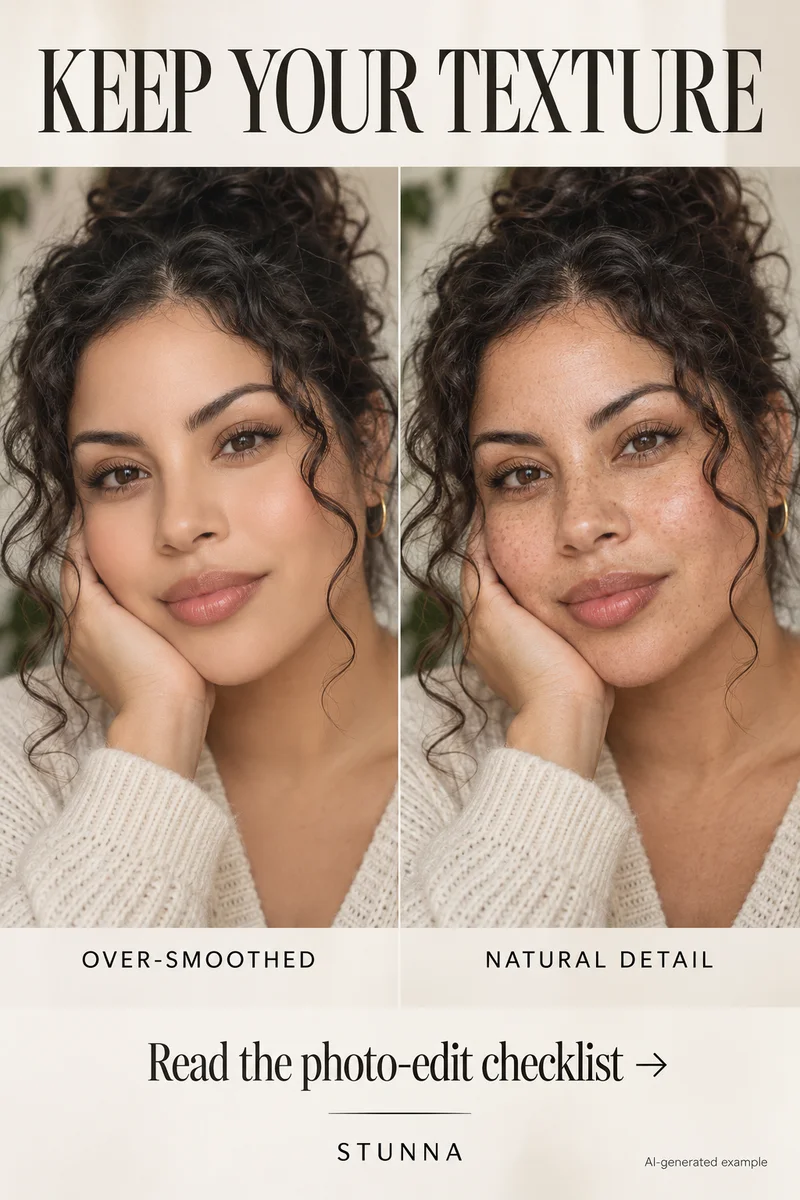
- Face and skin tone: check identity, expression and original complexion against the source.
- Hands and hair edges: inspect fingers, flyaway hair and the outline where the new background meets the person.
- Outfit details: keep seams, straps, jewelry and visible fabric patterns intact.
- Original light direction: check shadows and reflections so the repaired background belongs to the same scene.
Refine the edges and save a version you can explain
If an edge smudges, return to the source and narrow the target. Name the detail to preserve, such as a bag strap against a wall. Discard versions with changed identity, then inspect the exported file at full and feed size.
For a new shoot, the clean-background guide covers calmer angles. These prompts are free to copy without installing Stunna; the app offers preset directions when you prefer that approach. Give context when a changed scene matters.
The free white photo border tool offers another finishing option. Frame a completed edit after checking the subject; this tool adds a border rather than removing background objects.
Plan the next frame
To compare three viewpoints before choosing the frame, use the guide to phone camera angles. To give your hands a natural job in a quiet setting, use the guide to bookstore photo poses. To work with window light and details of the room, use the guide to hotel-room photo ideas. To add movement while keeping the face readable, use the guide to creative motion photos.
To review skin tone, texture and identity against the source, use the guide to natural-skin photo edits. To give the face and hands space away from distorted edges, use the guide to fisheye photo framing.
A few useful answers
Are these prompts tested or guaranteed to preserve the person?+
No. They are starting prompts with preservation instructions. Generated edits can still change details; compare every result with the source.
Why did the edit change something outside the selected area?+
Selection boundaries are not always exact. Name a smaller target and the detail to preserve. Reject changes to the person's identity.
Does the text-space prompt write a caption into the photo?+
No. It simplifies an existing background area. Add your caption in a design tool to control words, font and legibility.