THE COPYABLE PROMPT GUIDE
ChatGPT Photo Editing Prompts: 3 Prompts to Copy
Full prompts for direct flash, golden-hour light, and a disposable-camera mood, plus a checklist for reviewing the edit.
Try the idea on your own photo with Stunna.


Free to download. Pro options available.
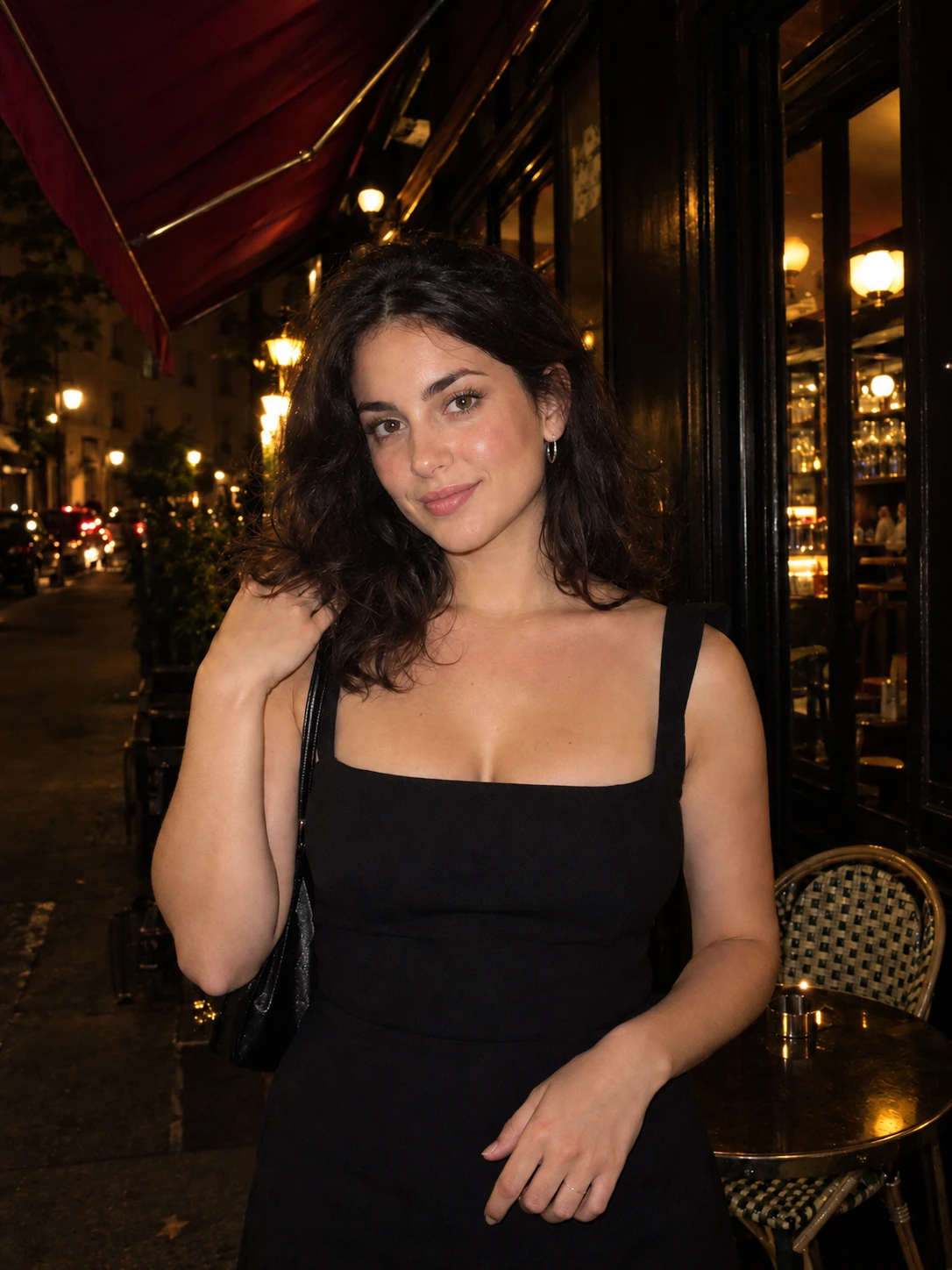
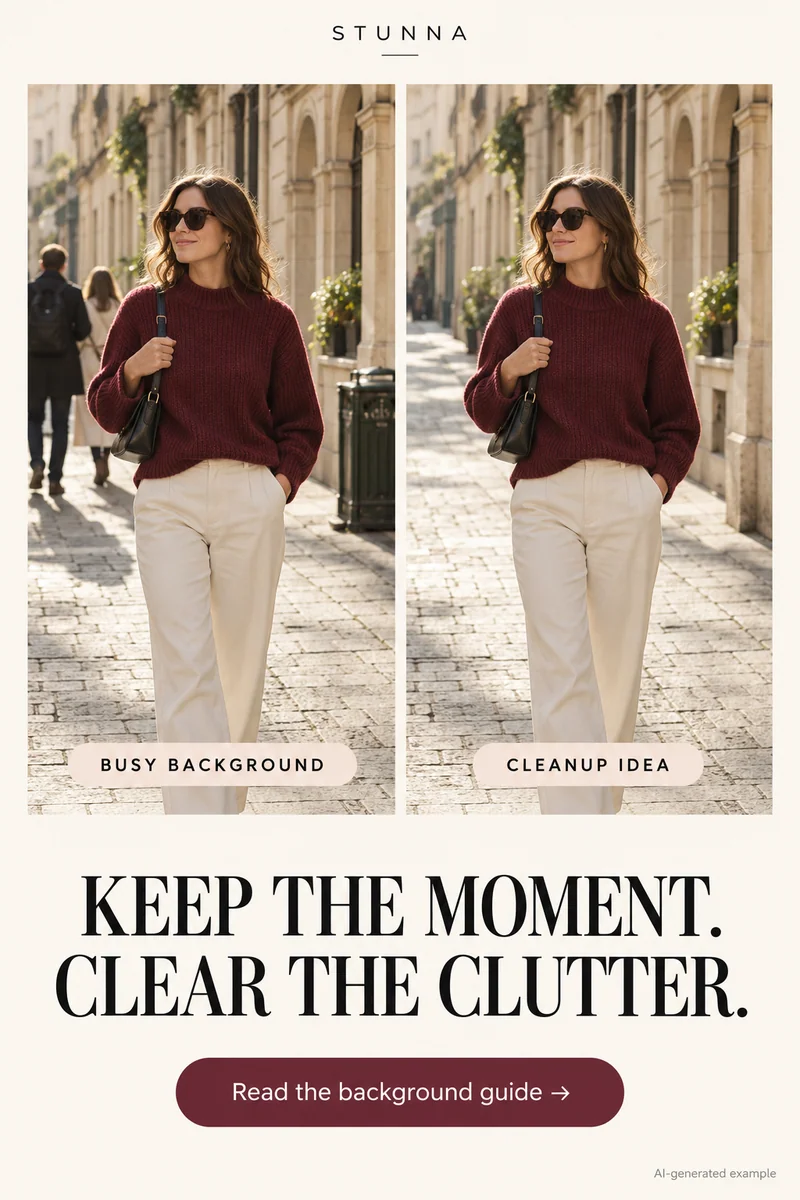
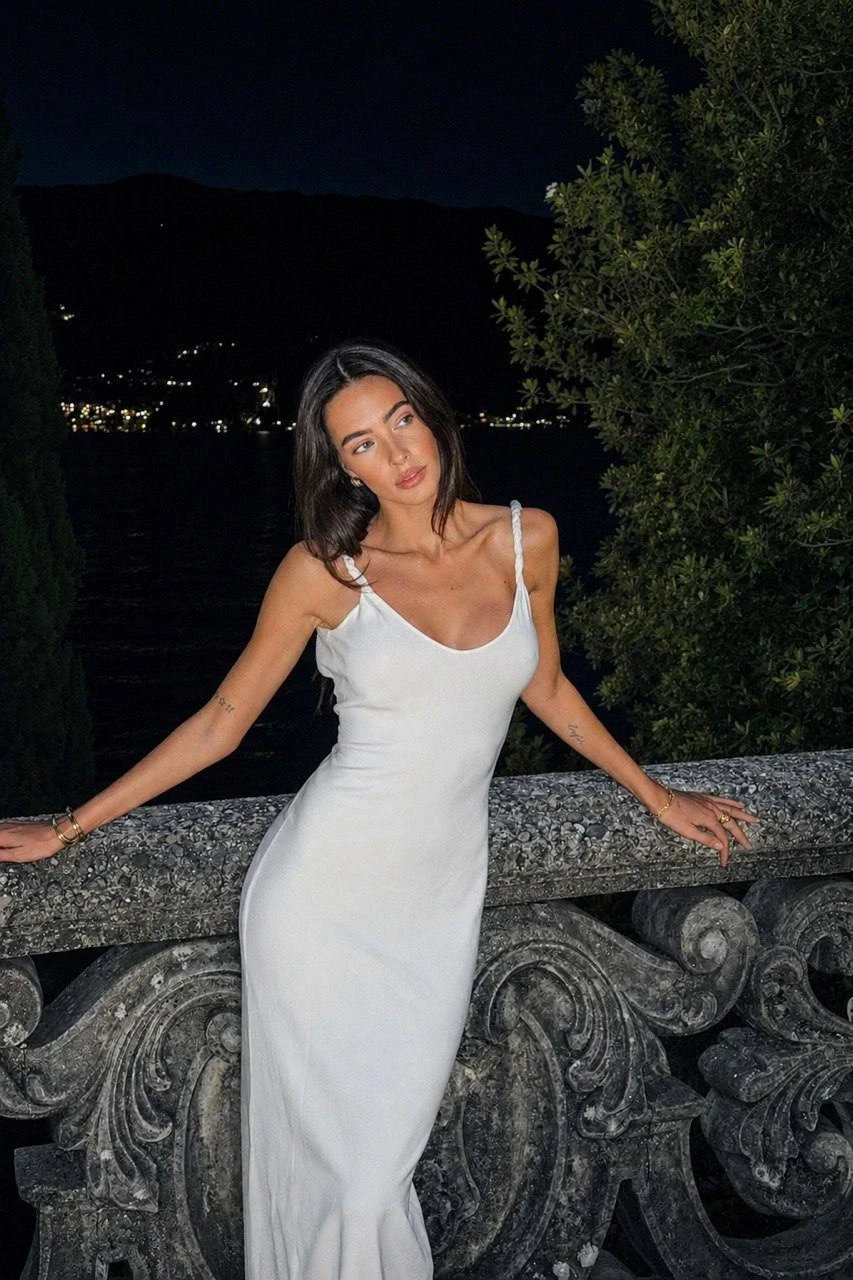
These three original photo-editing prompts are suggested starting points; we have not verified their outputs. Upload a photograph you own or have permission to edit, then compare the result with the original. AI-generated visual examples illustrate the look; they are not measured Stunna outputs.
How to use the prompts
Open a conversation that supports image editing and upload the photograph. Keep the original saved separately. Preservation instructions help communicate your intention; they do not guarantee unchanged details.
- Start with a focused photograph where the face and hands are visible. A clean photo background also makes the edit easier to judge.
- Copy one prompt and adapt picture-specific details, such as the light direction.
- Review the result at the same crop as the original. Inspect identity, pose, hands, clothing details, texture, and background objects.
- Request narrow corrections: “Keep the flash lighting, but restore the glasses and necklace from the original photograph.”
- Save only after the details look right to you. Return to the original for a different mood so you can compare independent versions.
Prompt 1: crisp direct-flash portrait
Try this on an evening portrait with room around the subject. The goal is a bright subject and a darker setting, without inventing a different person or a different night out.
Prompt 2: warm golden-hour light
Use this when you want a warmer outdoor interpretation. For an indoor picture, replace the low-sun description with a believable warm window-light direction.
Prompt 3: disposable-camera mood
This is a creative film-inspired treatment. It does not request a calibrated emulation of a specific film stock, camera, or laboratory scan.
Check the small details before you keep an edit
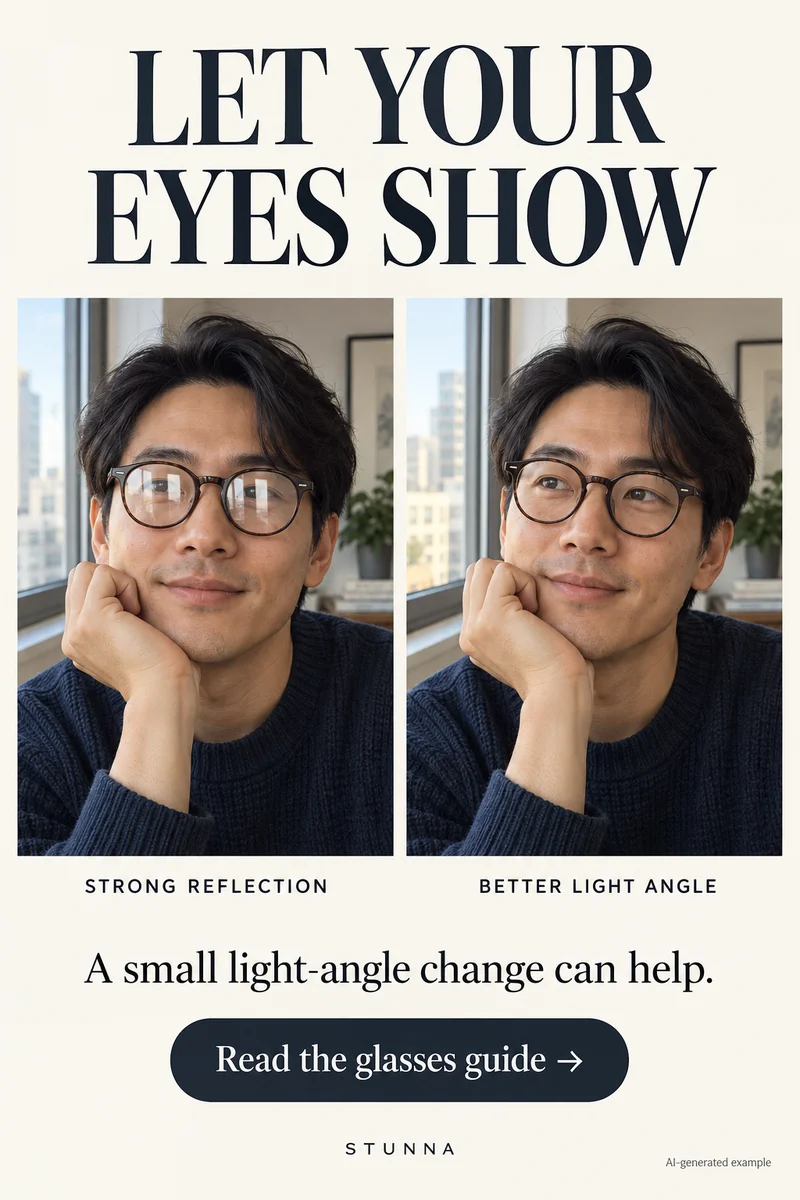
Zoom in on the eyes, teeth, fingers, glasses, and jewelry. Compare the outline of the face and the position of each hand. Then zoom back out to assess the light: a warm edge on the hair should agree with the shadows elsewhere in the scene. Watch for repeated textures, bent background lines, or an object that quietly changed shape. If reflections on lenses are the problem, see our guide to reducing glasses glare in photos.
Be specific in the follow-up: “reduce skin smoothing and keep the original freckles” or “deepen only the background shadows and preserve face brightness.” You may still need another attempt or choose the original. For a fuller review routine, use our AI photo editing checklist.
A few useful answers
Are these prompts guaranteed to preserve my face?+
No. They explicitly request preservation, but image generation can still alter details. Compare the result with your original and reject an edit that changes something you want to keep.
Have these exact prompts been tested?+
No. These suggested prompts need testing. The illustrative visuals do not demonstrate verified outputs from these prompts or from Stunna.
Can I change only one part of a photo?+
Describe the area and change precisely. Where an editor provides a selection tool, it may help communicate the intended area. Edits can extend outside the selection, so review the whole image afterward.