SAME FACES. FILM COLOR.
ChatGPT Film Look Prompts: 3 to Copy
Copy three full ChatGPT prompts for a warm 35mm, disposable-camera flash and classic black-and-white film look that keep the same people, faces and framing, plus four checks before saving.
Try the idea on your own photo with Stunna.


Free to download. Pro options available.
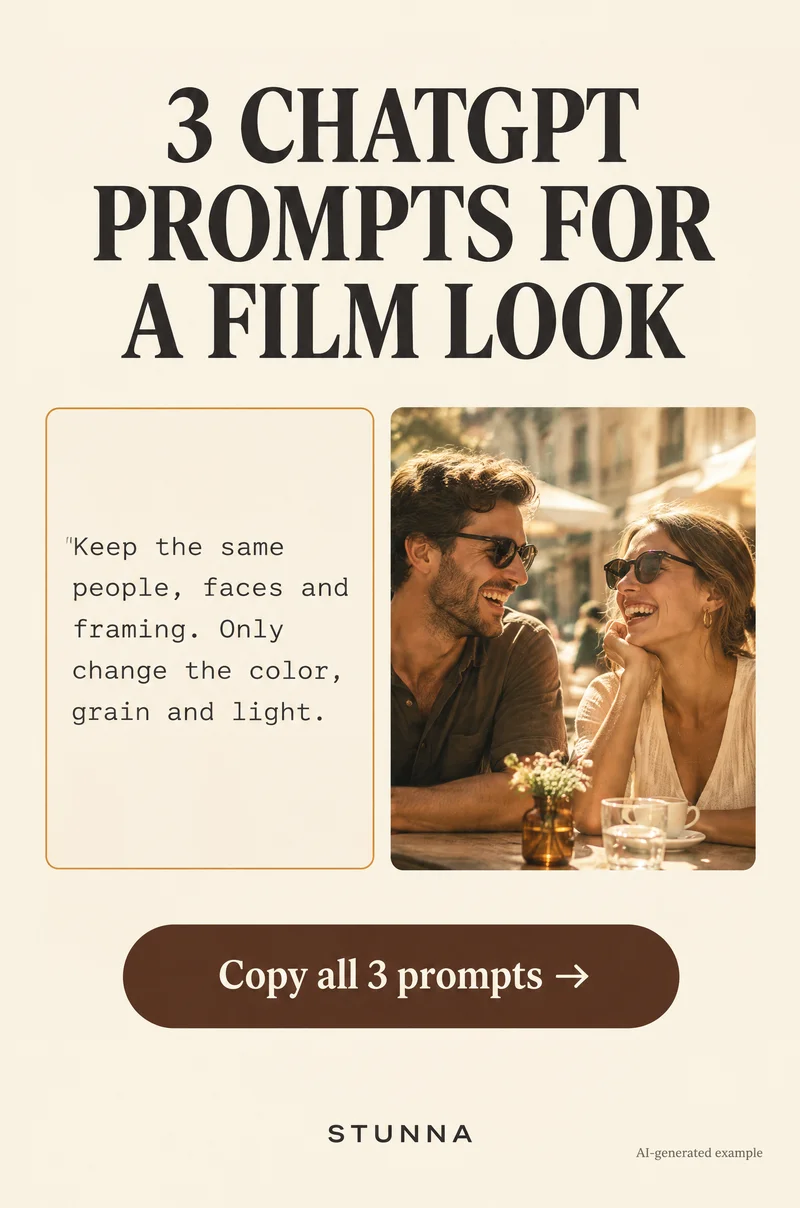
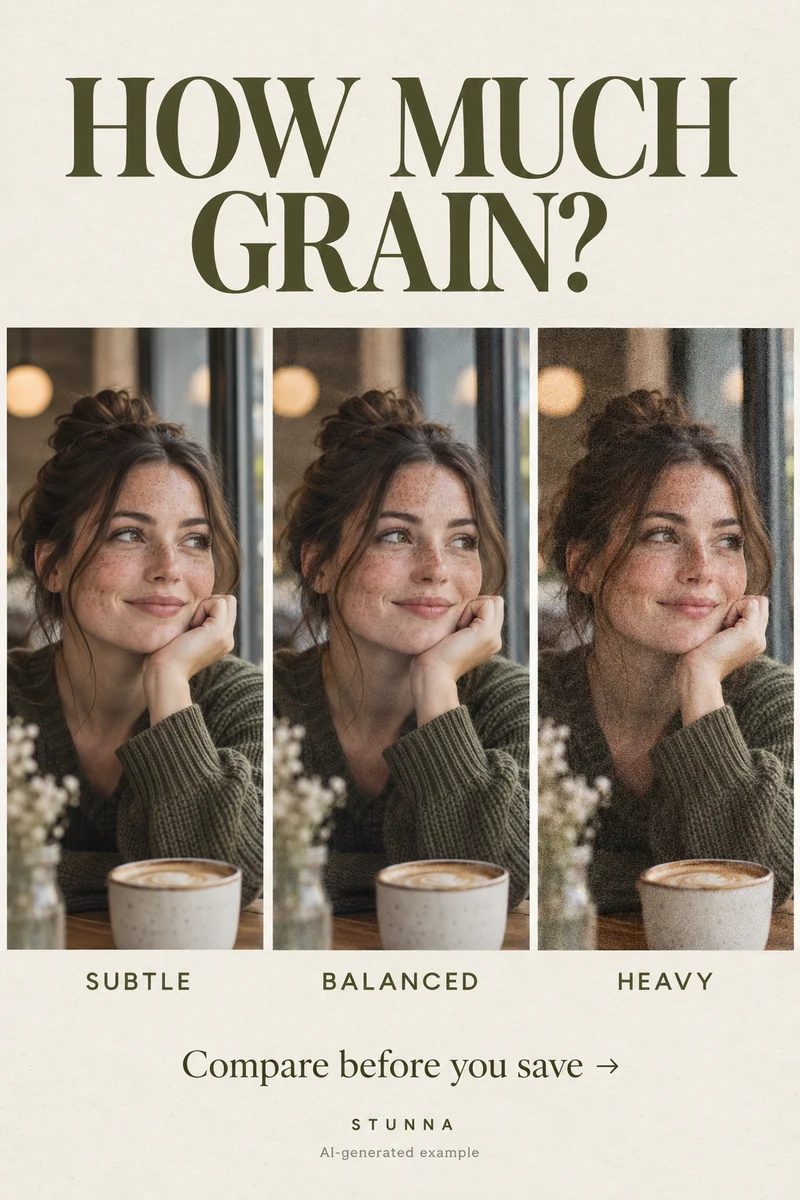
A film look is mostly color, grain and the way highlights behave. None of that requires changing who is in the photo, yet a vague request like make it look vintage gives an AI editor room to redraw faces, clothes and backgrounds. Below are three complete prompts that ask only for color, grain and light changes, a refinement prompt for when something drifts, and four checks to run before you save. They are starting points to adapt, not a guarantee of identical faces. The illustrations on this page are AI-generated examples, not actual Stunna results.
Before you paste a prompt: source, count and one look
Start from the sharpest version of the photo you have, with faces in focus and reasonably lit. A film look can soften a sharp image convincingly, but it cannot rescue a blurry one, and asking it to try is where faces start to change.
Pick one look per version. Warm 35mm, disposable flash and black and white are different treatments; asking for all three at once produces a muddle. Image editing in ChatGPT depends on your plan and the tools available to you, and results differ from run to run, so keep the untouched original beside every version.
- Count the people in the photo and put the number in the prompt.
- Describe each outfit in a few words, such as mustard cardigan or striped shirt.
- Note anything that must stay readable or unchanged: a sign, a tattoo, a ring.
Prompt 1: warm 35mm film
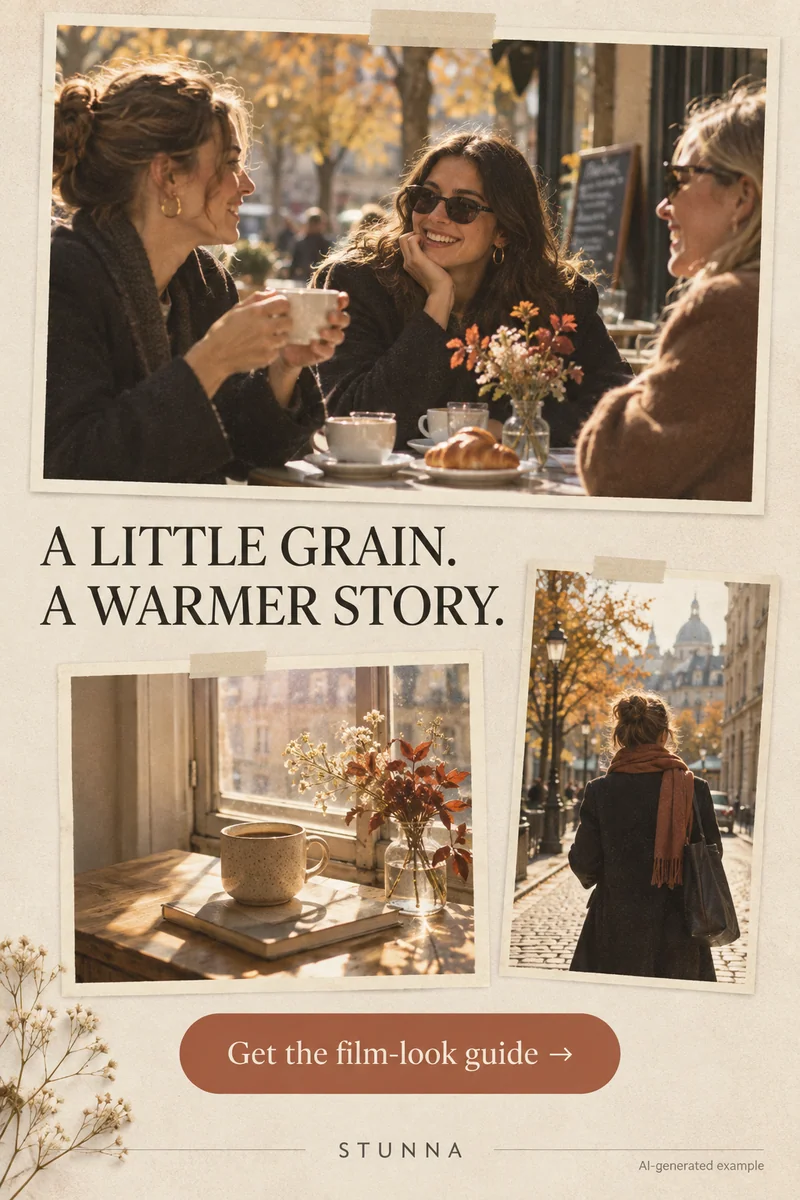
This is the most versatile film look: warm highlights, soft grain and gentle contrast, like a color negative photographed on a sunny afternoon. It suits daylight portraits, cafe scenes and travel photos. Why it works: it names the exact visual changes, color, grain and highlight softness, and lists everything else as fixed, so the model has less reason to reinterpret people.
Prompt 2: disposable-camera flash
The disposable look comes from a small on-camera flash: a bright subject, a darker background, slightly cool or green-tinted shadows and coarser grain. This prompt changes the lighting as well as the color, which is a bigger edit than Prompt 1, so check faces especially carefully. It works best on photos taken indoors or at night where a flash would have made sense. For shooting the real thing, see our disposable camera photo guide.
Prompt 3: classic black-and-white film
Black-and-white film is about tones rather than color: deep but not crushed blacks, clean whites and visible grain. It works well for portraits with strong window light, street scenes and moments where color is distracting. If skin tones blend into the background after conversion, the photo may need more contrast in the light, not more grain; our black and white photo guide explains how to choose a source with good tonal separation.
A refinement prompt when something drifts
If a version looks right overall but one detail changed, such as a smile, a hand or a pattern on a shirt, do not keep editing the edited image. Go back to the original and run the prompt again with the problem named. Each round of editing an already-edited file can add small changes on top of earlier ones, and grain makes those changes harder to spot.
Before you save: the 4 checks
Run these on every version. Grain and softness can hide changes at thumbnail size, so view the image full screen. Our AI photo editing checklist covers the wider review if you edit often.
- Same faces? Zoom in on each person's eyes, teeth and smile. Everyone should still look like themselves, with the same expression.
- Grain, not smudges: real film grain is fine and even across the frame. Blotchy patches, smeared skin or plastic-looking areas mean the edit has gone too far.
- Hands and text intact: count fingers, check rings and watches, and read any visible signs, menus or shirt lettering. These often come back distorted.
- Compare with the original: view both side by side at the same size and flip between them. Keep the version only if the only differences are color, grain and light.
Common mistakes with AI film looks
The most common mistake is a vague brief. Make it vintage or make it look like film gives the model permission to change clothes, hairstyles and backgrounds to match an imagined era. Name the look and say what stays the same.
Another is asking for every film cliche at once: heavy grain, light leaks, scratches, a date stamp and a border. Light leaks across faces and generated date stamps often come out wrong; add borders or a timestamp afterwards with a dedicated tool where you control them. Finally, avoid stacking edits. If you want a different look, start again from the original rather than editing the warm version into a black-and-white one.
Prefer to shoot it or edit it by hand?
A film look often starts in the camera: warm late-afternoon light, a flash at night or strong window light for black and white. Our warm film photo guide covers the manual edit step by step, and our film grain photo guide explains how to add grain that looks natural rather than gritty.
For more general prompt patterns, see our ChatGPT photo editing prompts. Concert and night photos can take a film look too, if they are sharp to begin with; our concert photo guide shows how to get that sharp frame.
A few useful answers
Will these prompts keep faces exactly the same?+
Not guaranteed. The prompts tell the model to change only color, grain and light, but generated edits can still alter faces, hands and text. Compare each result with the original and discard any version where someone looks different.
What is the best ChatGPT prompt for a film look?+
Name a specific look, such as warm 35mm, disposable flash or black-and-white film, describe the color and grain you want, and list what must stay the same: the number of people, faces, outfits, background and framing.
Why does the AI film edit change my face?+
Vague prompts and big lighting changes give the model room to redraw people. Keep the request to color, grain and highlights, state the number of people and rerun from the original if something drifts.
Can I add a date stamp or border with the prompt?+
It is better not to. Generated numbers and borders often come out distorted. Add them afterwards with a dedicated tool where you control the result.
Can everyone use image editing in ChatGPT?+
Availability depends on your plan and the tools ChatGPT offers you at the time. If image editing is not available, the four checks on this page still apply to any AI editor.