SAME FACE. NEW HEADSHOT.
ChatGPT Headshot Prompts: 3 to Copy
Copy three full ChatGPT headshot prompts for a studio-grey backdrop, a soft window-light office and a relaxed outdoor portrait, plus a fix-it prompt and checks that it still looks like you.
Try the idea on your own photo with Stunna.


Free to download. Pro options available.
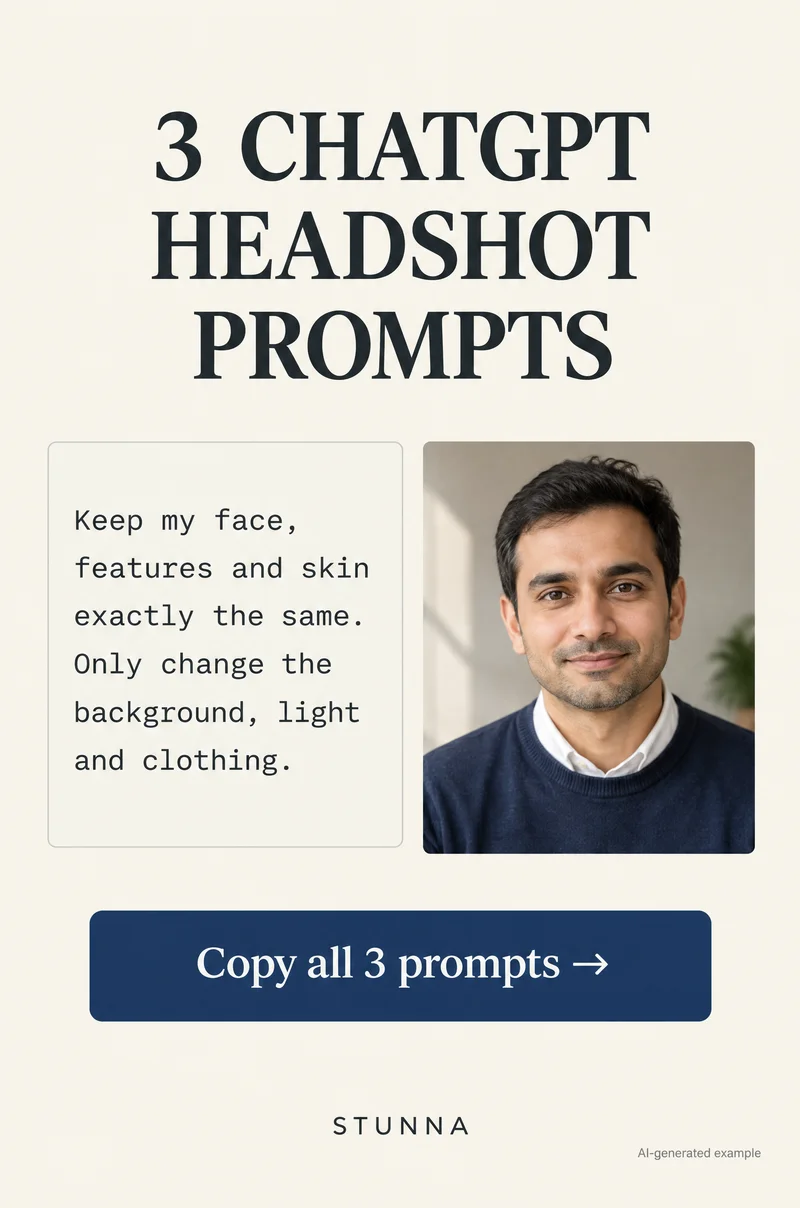
A headshot is mostly background, light and clothing. Your face is the part that has to stay exactly as it is, yet a loose request like make this a professional headshot gives an AI editor room to smooth skin, reshape a jaw or swap a smile. Below are three complete prompts, a studio-grey backdrop, a soft window-light office and a relaxed outdoor portrait, that each tell the model to keep your face, features, skin and expression the same and change only the background, light and clothing. You also get a fix-it prompt, advice on choosing the selfie, and a way to check the result still looks like you. Results vary from run to run, and the image you get is an AI-edited picture, not a photograph. The illustrations on this page are AI-generated examples, not actual Stunna results.
Before you start: an honest note on AI headshots
An AI-edited headshot can be a practical upgrade for a social profile, a team page or a speaker bio when you do not have a recent professional photo. It is still an edited image. Some employers, schools, professional bodies and recruiters expect a real, recent photograph, and official documents such as passports, ID cards and visas have strict photo rules that edited images will not meet. If you are unsure, check the guidelines or ask.
Keep it close to reality. The goal of these prompts is a headshot that looks like you on a good day in good light, not a different person. If a colleague would not recognize you from it, or it makes you look noticeably younger or different, it is not doing its job. Image editing in ChatGPT depends on your plan and the tools available to you at the time, so the exact options you see may differ.
Choose a good source selfie
The prompt can change the background and light, but it works from the face it is given. A sharp, well-lit, recent selfie gives the model less to guess, and guessing is where faces drift. Spend two minutes on the source and the results are noticeably more like you.
- Recent and unfiltered: use a photo from the last few months with no beauty filter, smoothing or face effects already applied.
- Soft, even light: face a window in daylight so both sides of your face are lit. Avoid harsh overhead light, strong shadows and mixed colored light.
- Eye level and not too close: hold the phone at eye level, at arm's length or further, or ask a friend to take it with the main camera. Very close front-camera selfies can enlarge the nose and forehead.
- Sharp face: tap your face to focus and check the eyes are crisp at full size. A soft source gives the model room to invent detail.
- Head and shoulders in frame: leave some space around your head and include your shoulders so the new clothing has something to sit on.
- Natural expression: a relaxed closed-mouth smile or a slight open smile you actually use. Whatever expression you start with is the one you are asking the model to keep.
- Glasses without glare: if you wear glasses, tilt them very slightly or turn a little from the window so the lenses do not reflect it. Our glasses photo guide has more on this.
Prompt 1: studio-grey backdrop
This is the classic headshot: a plain warm-grey backdrop, soft light from one side and a simple top with a clean neckline. It suits LinkedIn, company pages and conference bios. It is the prompt shown on the annotated Pin, with callouts for same face, soft side light, plain background and simple top. Replace the bracketed clothing with something you would actually wear; describing a real outfit keeps the result believable.
Prompt 2: soft window-light office
This version places you in a bright, softly blurred office or studio space with daylight from a window. It reads as approachable and works well for consultants, creatives and team pages. Keep the background blur soft and the office generic; asking for recognizable brands or detailed screens invites text and logos that come out wrong.
Prompt 3: relaxed outdoor portrait
The outdoor version feels less formal: soft open shade, green or city tones blurred behind you and casual-smart clothing. It suits creative roles, personal websites and social profiles. Open shade, the light under a tree or beside a building on a bright day, is the safest lighting to ask for, because it is soft and matches how most selfies are lit. Asking for strong golden-hour light makes a bigger change to the face, so check it more carefully.
A fix-it prompt when something drifts
Often the first result is close but one thing is off: a smile that has changed, smoother skin, a different hairline or eyes that look slightly larger. Do not keep editing the edited image. Each round on an already-edited file can add small changes on top of the earlier ones. Go back to your original selfie, paste the full prompt again and add this refinement with the problem named.
Check it still looks like you
Run these checks on every version before you upload it anywhere. View the original and the edit side by side at the same size, then flip between them full screen. Small changes are easy to miss at thumbnail size and obvious once you flip. Our AI photo editing checklist covers the wider review if you edit often.
- Eyes: same shape, size, color and spacing, with the same eyelids and brows.
- Smile and teeth: same width and shape, not whitened or straightened.
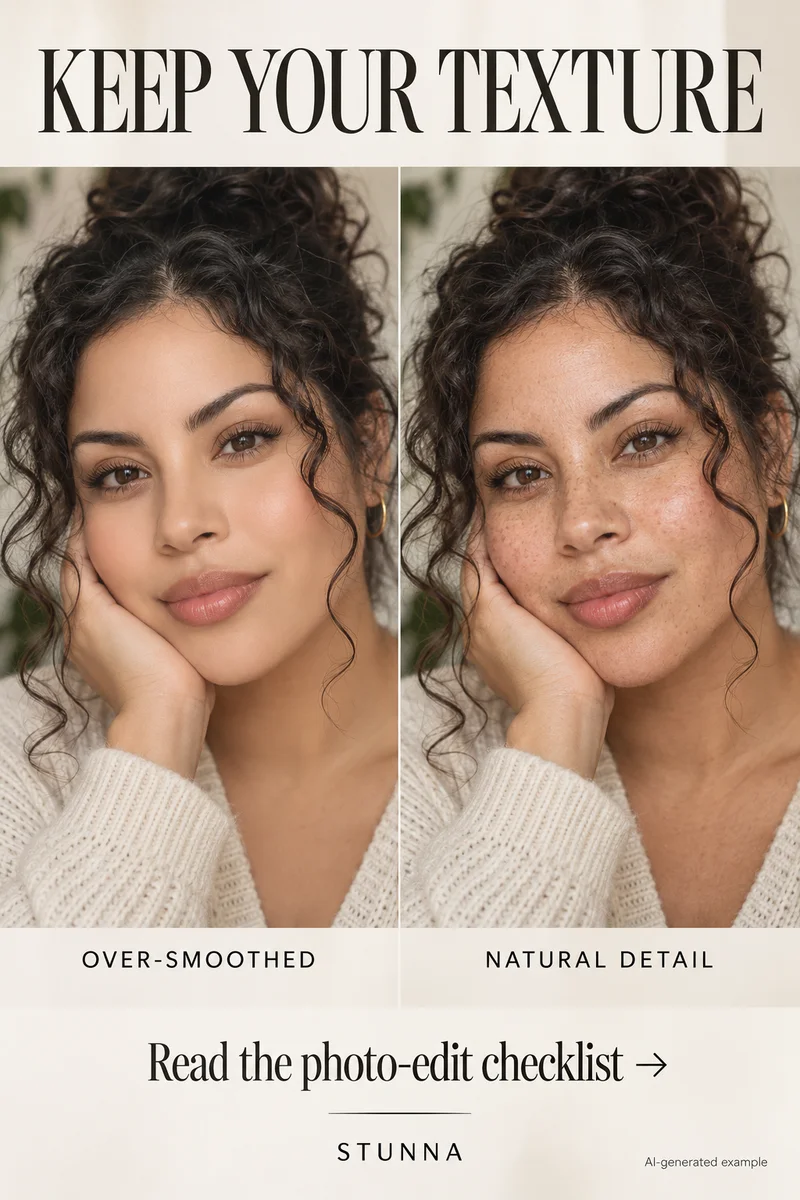
- Skin: real texture, freckles, moles and lines still there, nothing airbrushed. Our natural skin photo edit guide explains what to look for.
- Face shape: same jaw, chin, cheeks and nose. Watch for a slimmer face or a sharper jaw.
- Hair and hairline: same parting, length, color and hairline.
- Glasses, jewelry and edges: frames, earrings and the outline of the shoulders and collar look clean, with no smudges or extra pieces.
- The friend test: show it to someone who knows you without saying it is edited. If they hesitate, rerun from the original.
Common headshot prompt mistakes
The biggest mistake is a vague brief. Make me look professional invites the model to decide what professional means, and that often includes smoother skin, a different smile or a narrower face. Name the background, the light and the clothes, and list your features as fixed. Another is asking for too much at once: a new background, a new outfit, a new hairstyle and studio lighting together give the model more reasons to redraw you.
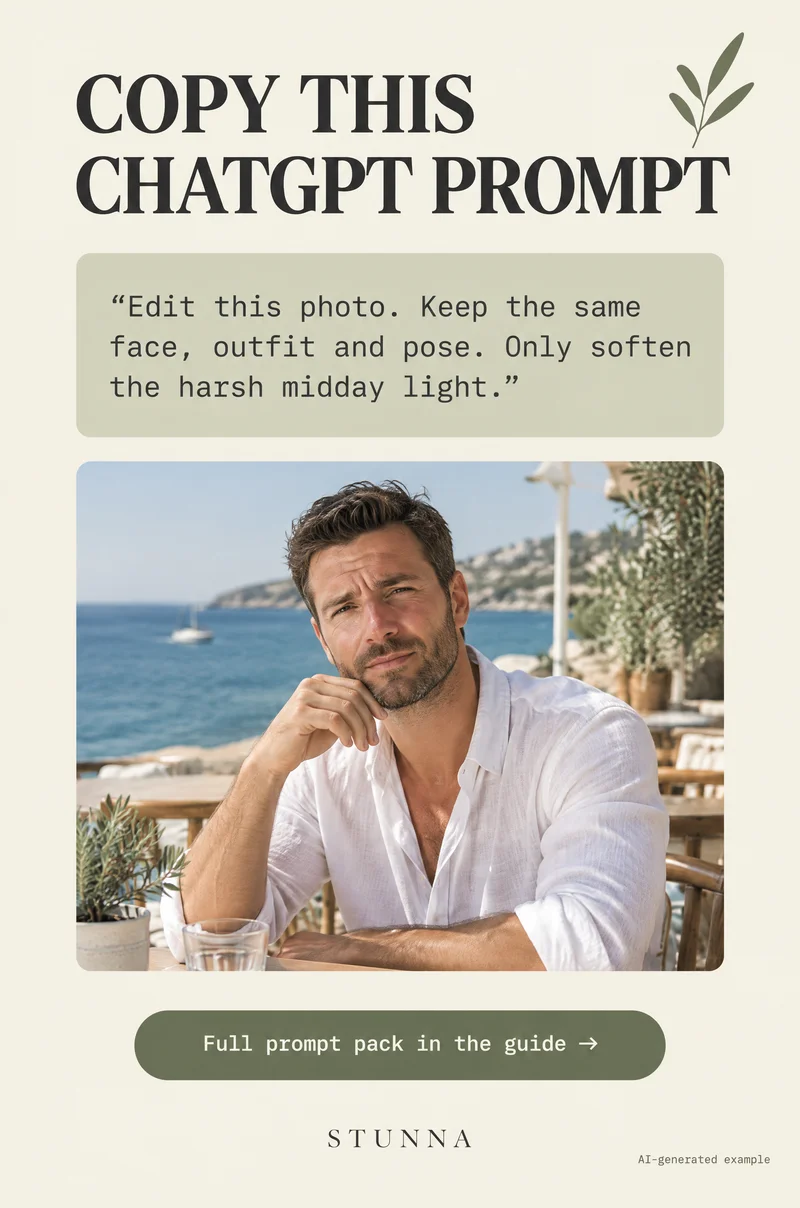
Avoid words like flawless, perfect skin, beautiful or younger. They are requests to change your face. Avoid stacking edits, such as turning the office version into the outdoor version; start each look from the original. And keep the clothing simple. Busy patterns, logos and detailed jewelry are the parts that most often come out distorted. For more prompt patterns that keep people the same, see our ChatGPT photo editing prompts and the background-only ChatGPT photo background prompts. If you only want to change the light and keep your own background, our prompts that relight a selfie use the same keep-my-face language.
Prefer a real headshot? Take one at home
If your workplace expects a real photo, you can take a good one with a phone and a window. Stand or sit facing a window in daylight, slightly turned, with a plain wall a few steps behind you. Ask a friend to hold the phone at your eye level on the main camera, or prop it at that height and use the timer. Our window light photo guide covers the setup step by step.
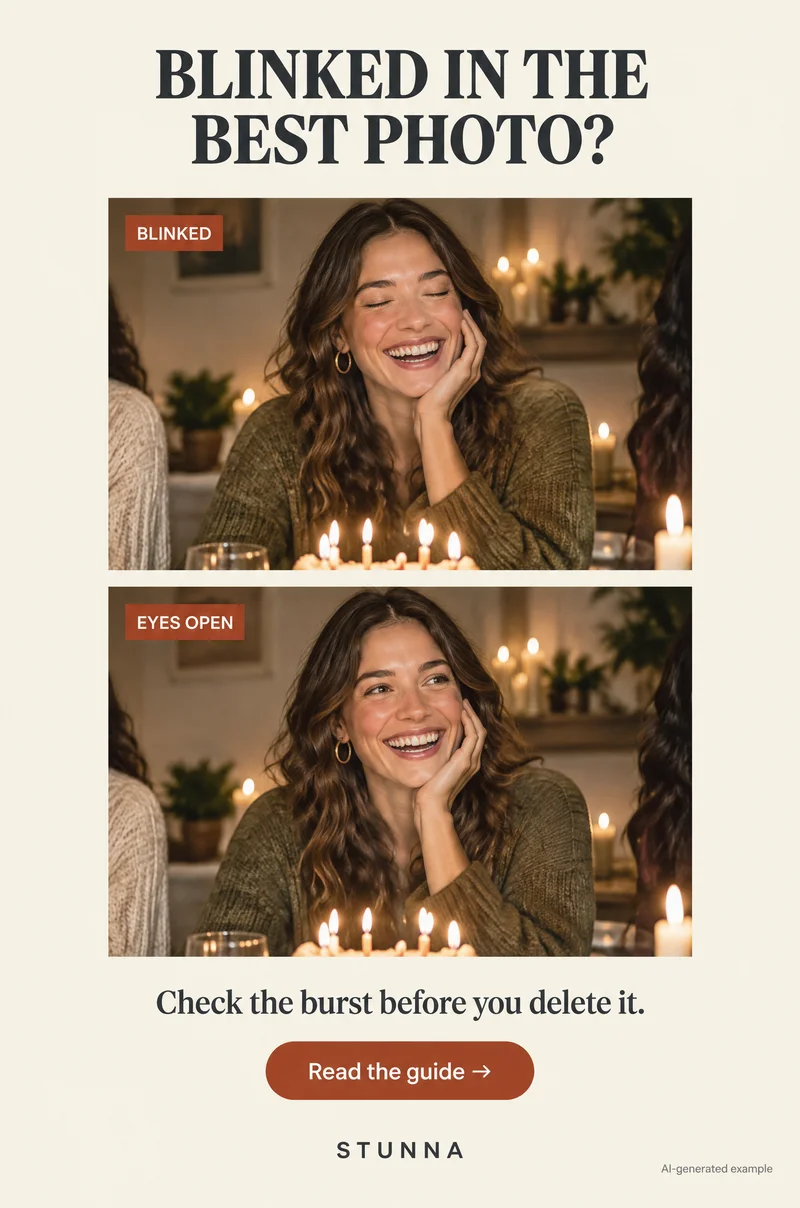
Take a short burst so you have choices, and pick a frame with open eyes and a natural expression; our blink photo guide helps when someone always closes their eyes. If the background is messy, our clean background photo guide shows how to simplify the frame before reaching for an edit.
A few useful answers
Will these prompts keep my face exactly the same?+
Not guaranteed. The prompts tell the model to change only the background, light and clothing, but generated edits can still alter eyes, smiles, skin and face shape. Compare each result with your original and rerun from the original if anything changed.
What is the best ChatGPT prompt for a headshot?+
Name the background, the lighting and the clothing, list your face, features, skin, expression and hair as unchanged, and ask for a head-and-shoulders frame at eye level. The three prompts on this page follow that pattern.
What kind of selfie works best for an AI headshot?+
A recent, unfiltered, sharp photo taken in soft daylight at eye level, with your head and shoulders in frame and a natural expression you actually use.
Can I use an AI headshot for work?+
It depends on the workplace. Many people use AI-edited headshots for social profiles, but some employers and organizations expect a real, recent photograph, and official ID photos have strict rules. Check the guidelines if you are unsure.
Why does my AI headshot not look like me?+
Usually because of a vague prompt, a soft or heavily filtered source, or words like flawless or younger. Use a sharp source, name what stays the same and run the fix-it prompt from the original.
Can everyone edit images in ChatGPT?+
Availability depends on your plan and the tools ChatGPT offers you at the time. The checks on this page apply to any AI editor.