THE BLINK PHOTO GUIDE
How to Stop Blinking in Photos (and Fix Blinks)
Five simple habits to avoid closed eyes, how to choose the keeper from a burst and what to try when every frame has a blink.
Try the idea on your own photo with Stunna.


Free to download. Pro options available.
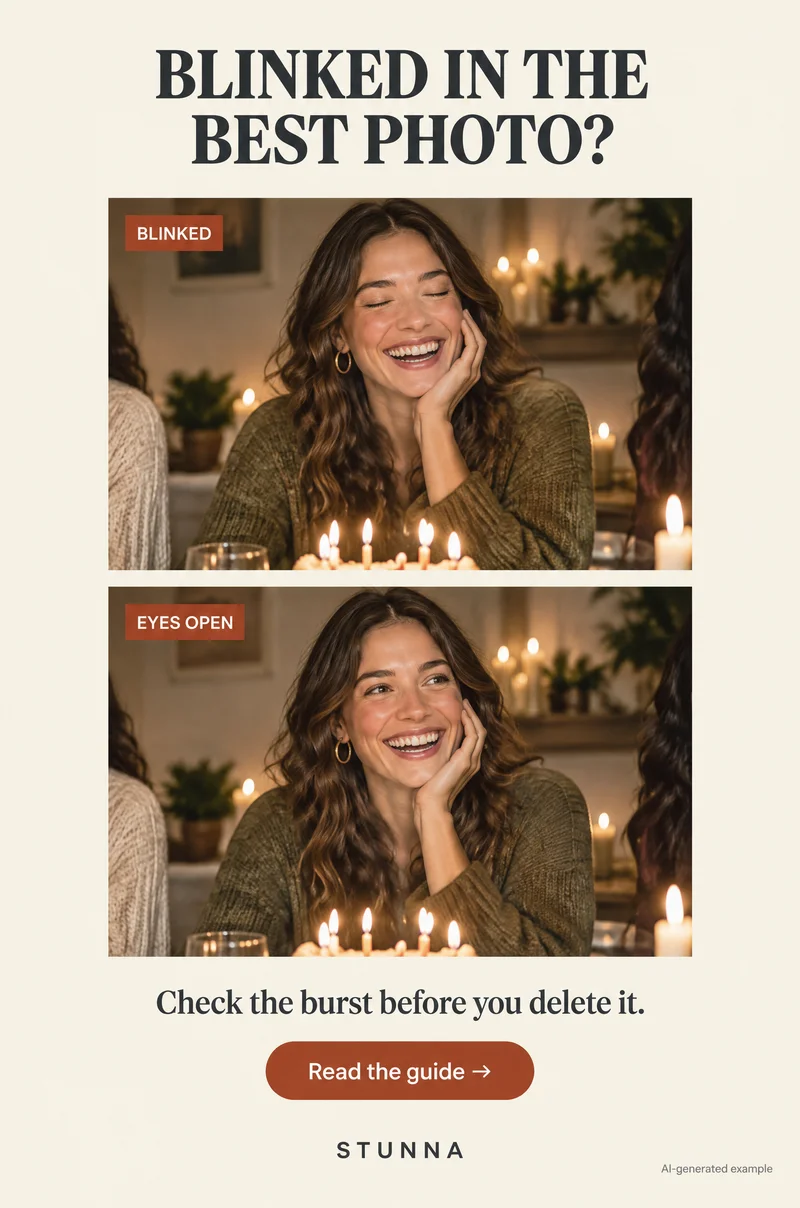
Some people blink in nearly every photo. It is not a personal failing: bright light, a countdown that builds tension and a single shutter press all make it more likely. The good news is that a few habits reduce blinks a lot, and a burst of frames usually hides at least one keeper. This guide covers five ways to stop blinking, how to choose the best frame, and what to try when none of them are perfect. Example images are AI-generated illustrations, not actual Stunna results.
Why blinks end up in the photo
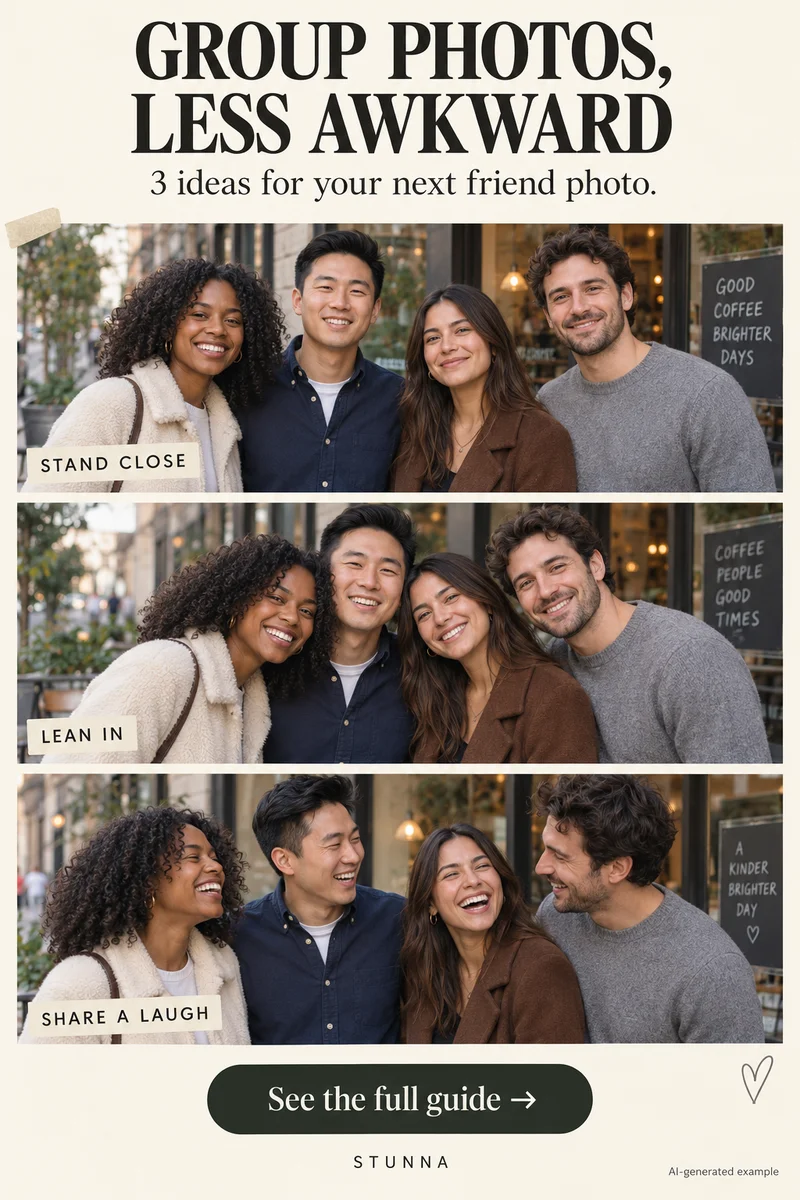
Blinks happen naturally many times a minute, and the moment a person expects the shutter is often exactly when they blink. A long countdown makes eyes dry and tense. Bright sun or a sudden flash triggers a squint or a reflex blink. In groups the odds stack up: the more faces in the frame, the more likely one of them is mid-blink in any single shot, which is why our group photo guide recommends taking several frames.
Knowing this changes the approach. Instead of hoping for one perfect press, plan for several frames and give eyes a chance to relax. Light matters too, so think about where the sun or lamp sits before you start. Our harsh sun photo guide explains how to find open shade when the sun makes everyone squint.
5 ways to stop blinking in photos
Use one or combine several. They work for selfies, portraits and group shots.
- Close your eyes, open on "3": keep eyes gently closed during the countdown and open them on the last number. Eyes are fresh and wide when the shutter fires, and it often produces a natural, alert expression.
- Shoot a burst: take many frames in one go instead of a single press. Small differences in timing mean at least one frame usually has open eyes, especially for one or two people.
- Look just above the lens: aim your gaze at a point slightly above the camera instead of straight into it. It relaxes the eyes, reduces staring and still reads as looking at the camera in the final photo.
- Turn away from bright sun: put the sun behind or to the side of the person, or move into open shade. Squinting into strong light is one of the most common causes of half-closed eyes.
- Zoom in before you leave: check every face at full size on the screen while you are still in the spot. A blink is easy to miss at thumbnail size and impossible to reshoot once the moment has passed.
Shoot a burst, keep the best one
Most iPhone and Android camera apps can shoot a burst, usually by holding the shutter or swiping on it; the exact gesture depends on your phone and software version. Live Photos on iPhone and motion photos on many Android phones also record a short moment around the shot, and both let you choose a different key frame from that moment in the photo editor. That is a quiet way to rescue a blink without any extra effort while shooting.
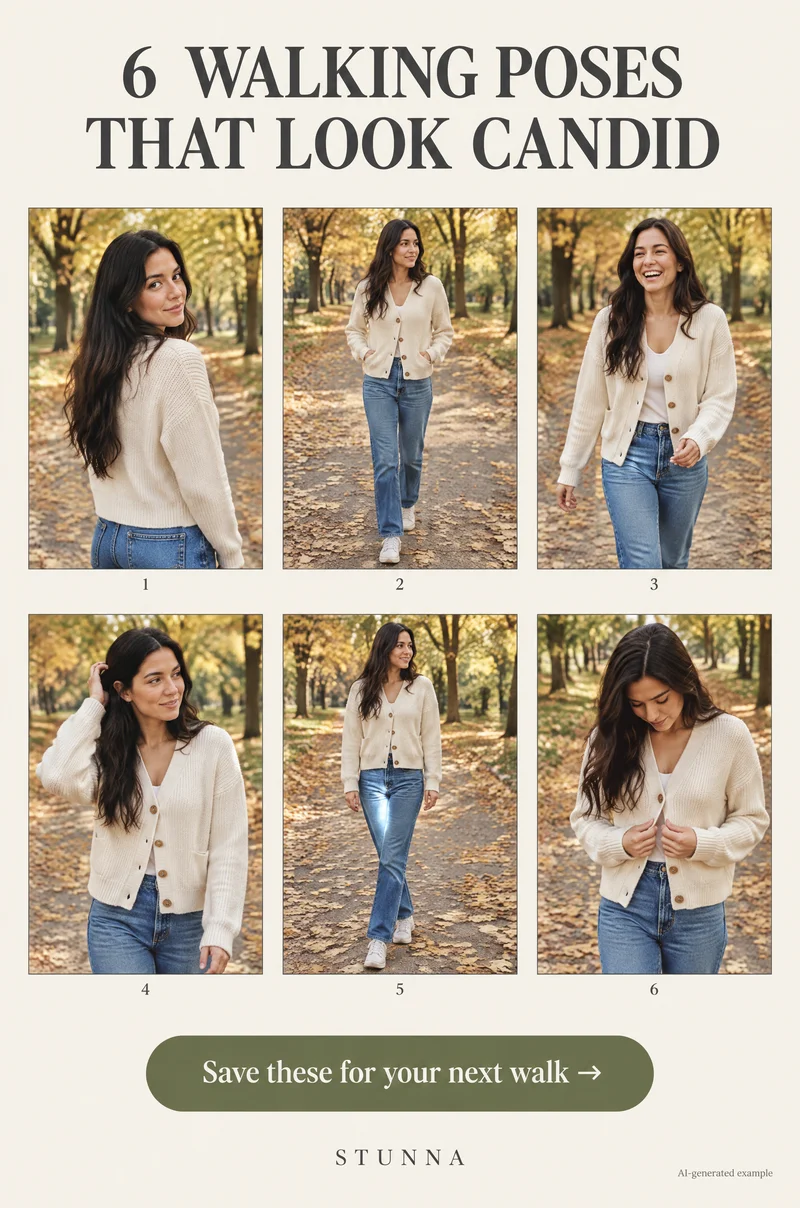
For a portrait, a short burst of a second or two is usually enough. For a group, take two or three bursts with a pause between them so everyone can reset. Bursts are also the secret behind natural movement shots, which is why the walking photo poses and sparkler photo guide rely on them too.
How to pick the keeper: zoom on every face
Do not choose from thumbnails. Open the burst, then go through frames at full size and zoom on each face in turn. Look at eyes first, then expression, then sharpness. In a group, start with the people who matter most to the photo and work outward. A frame where everyone is open-eyed but one smile is slightly odd is usually better than a perfect smile with a blink.
Keep two or three candidates rather than one, and delete the rest only after you have compared them on a bigger screen if possible. This is especially useful at a busy table, where our dinner party photo guide suggests shooting quickly between courses. On trips, check before you move on; the city break photo guide has more on reviewing shots in the moment.
What to try when no frame is perfect
Sometimes every frame has someone blinking. First, check whether the blink is really noticeable at the size the photo will be shared. A half-blink at the edge of a large group may not matter. Cropping can sometimes remove a person who drifted into frame, but never crop out someone who belongs in the picture.
In a conventional editor, a skilled composite can swap open eyes from one burst frame into another when lighting and angle match. That uses real detail from the same moment, so it is often the most faithful fix. If you want a written brief for an AI editor, our ChatGPT photo rescue prompts include careful wording for closed eyes.
When Stunna's Eyes Open is worth trying
Eyes Open is designed to turn closed or blinking eyes into naturally open ones. It is worth trying when the rest of the photo is the best of the set: the light, the expression and the moment are all right, and only the eyes let it down. Be honest with yourself about what it does. The AI does not recover what was hidden behind a closed eyelid; it generates eyes that look plausible, so eye shape, color and gaze can drift from the real person.
Compare the edit with the original at the same zoom, and ask the person whether it still looks like them before you post. Our AI photo editing checklist walks through what to check. If the result changes someone's identity, keep the original or choose another frame. A slightly imperfect real moment is often better, as any Polaroid-style photo wall shows. If you want a flash look on the final pick, the flash filter is a simple next step.
A few useful answers
Why do I always blink in photos?+
Anticipating the shutter, long countdowns, bright light and flash all make blinks more likely. Closing your eyes until the last count and shooting a burst help.
Does a burst really help with blinks?+
Usually. Many frames over a second or two give you different moments, and at least one often has open eyes, especially for one or two people.
Can I change the frame of a Live Photo after shooting?+
Yes, many phones let you choose a different key frame from a Live Photo or motion photo in the editor. The steps vary by phone and software version.
Are AI-opened eyes the person's real eyes?+
No. The eyes are generated to look plausible, not recovered from the photo. Compare carefully and keep the original if the person no longer looks like themselves.