A WINDOW, A TIMER AND A FEW EASY POSES
DIY Holiday Card Photo at Home: 5 Checks
Take your own holiday card photo with window light, a phone timer and easy group poses. Five checks before you shoot, plus how to catch blinks and leave space for text.
Try the idea on your own photo with Stunna.


Free to download. Pro options available.
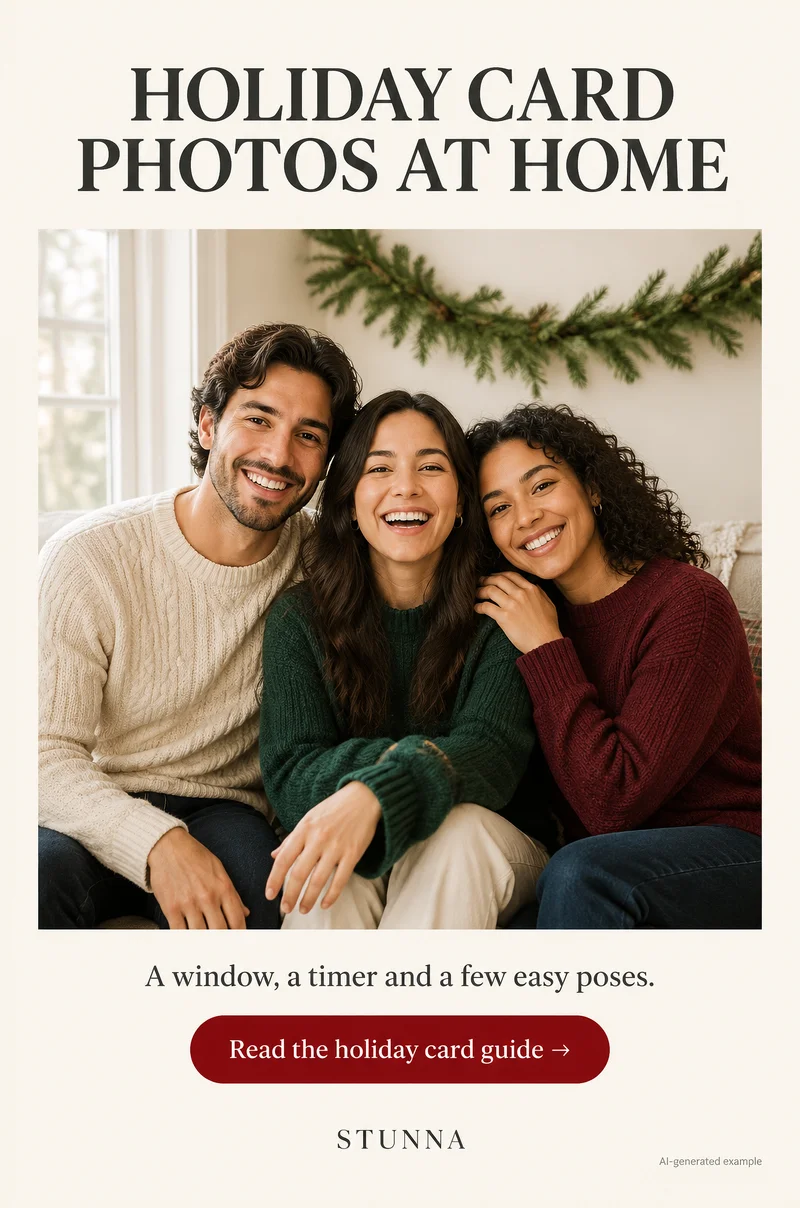
You do not need a studio for a holiday card photo. A bright window, a phone on a timer and a few relaxed poses get you most of the way, as long as you check a handful of things before and after you press the shutter. This guide covers the five checks, the setup, poses that work for couples, families and pets, and how to deal with blinks. The illustrations on this page are AI-generated examples, not actual Stunna results.
The 5 checks before you shoot
Run through these once the group is in place. Each one fixes a problem that is hard or impossible to correct afterwards.
- 01 Face the window: put the group facing the window, with the phone between them and the glass. Soft daylight on faces is the single biggest upgrade over overhead room lights.
- 02 Clear the background: move laundry, cables, remotes and bags out of frame. A plain wall, a garland or a tree is enough.
- 03 Check everyone's eyes: look at each person's eyes on screen. Glasses glare, hair over an eye and squinting are easier to fix now than later.
- 04 Leave space for text: frame with extra room at the top or to one side so the card's greeting does not sit on anyone's face.
- 05 Take 20 frames: with several people, someone is always mid-blink or mid-laugh. About twenty frames gives you real choice.
Set up the window and the phone
Choose the brightest window in the morning or early afternoon, and avoid harsh direct sun on faces; a thin curtain softens it. Have the group sit or stand about an arm's length or two from the glass. Turn off overhead lights so warm bulbs do not mix with daylight and turn skin uneven. Our window light photo guide goes deeper on distance and angle.
Put the phone at roughly chest or eye height on a tripod, a stack of books or a shelf. Shooting from slightly above eye level is usually more flattering than from below. Tap a face to focus before starting the timer.
Use the timer, then repeat it
The timer means the photographer can be in the card. On iPhone, Apple's [camera tools guide](https://support.apple.com/guide/iphone/use-camera-tools-iph3dc593597/ios) shows how to set a 3, 5 or 10 second timer; most Android camera apps have a similar timer in their settings. The 10 second option gives you time to walk back and settle.
Run the timer several times in a row rather than relying on one shot. Between rounds, change one small thing: who is laughing, where hands rest, who looks at whom. Wireless remote shutters and smartwatch camera apps are handy if you have one.
Easy group poses that look like you
The goal is people who look like themselves, not stiff portraits. Give the group something to do and shoot while it happens. For more ideas on arranging larger groups, see our group photo guide.
- Sofa cluster: everyone close on a sofa, shoulders overlapping, one person leaning in. Easy for three to five people.
- Couple lean: one partner sits, the other leans in from behind or the side with a hand on a shoulder.
- Pet in the middle: put the dog or cat at the center on someone's lap, with a treat held just above the lens to get attention.
- The laugh frame: ask someone to tell a bad joke between timer rounds; the frame just after the laugh is often the keeper.
- Standing stagger: if standing, place taller people slightly behind and make the heads form a loose triangle rather than a straight line.
Blink checks and picking the frame
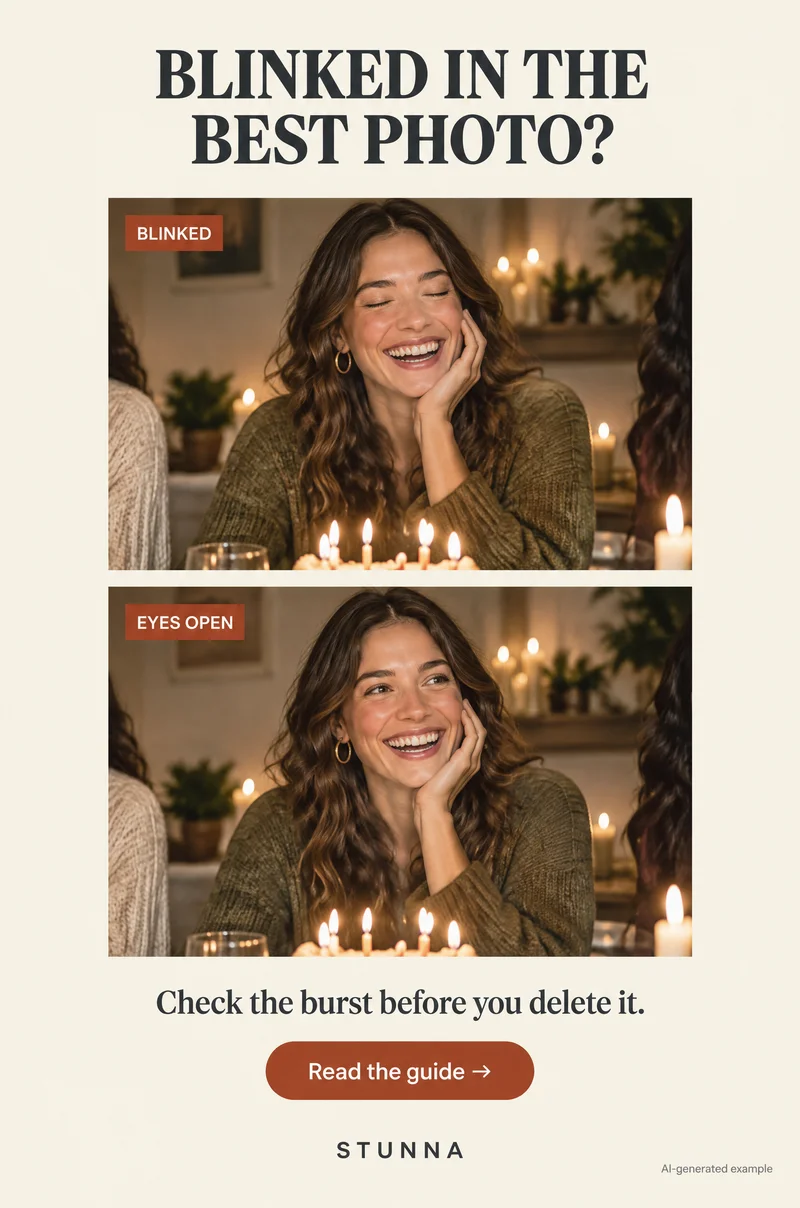
Review on a larger screen if you can, and zoom in on every face, not just the overall frame. Check eyes first, then mouths mid-word, then hands. A frame where everyone has open eyes and one slightly awkward smile usually beats a perfect smile with closed eyes. Our blink photo guide covers more ways to reduce blinks during the shoot, such as counting down and asking everyone to open their eyes on three.
When choosing, also check the text space you left. Put the photo into your card template before committing and see whether the greeting covers anyone. For a calmer card version of the chosen frame, our ChatGPT holiday photo prompts include a card-ready crop.
Common mistakes
The usual ones: shooting under overhead bulbs at night, which gives orange skin and dark eyes; framing so tight that the greeting lands on a forehead; taking three frames and hoping; and forgetting to clear the coffee table. Another is choosing the frame on a phone screen without zooming in, then finding a blink once the card is printed.
Matching outfits are optional. Coordinated colors that sit near each other, such as cream, green and soft red, usually look calmer than identical sweaters, and plain fabrics avoid busy patterns that distract from faces. Whatever you wear, check the final frame for a stray tag, a folded collar or a pet hair sweater before printing.
A few useful answers
What is the best light for a holiday card photo at home?+
Soft daylight from a window, with the group facing it and overhead lights off. Avoid harsh direct sun on faces; a thin curtain helps.
Why take 20 frames for one photo?+
With several people and a pet, someone is almost always blinking, talking or looking away. More frames give you a real chance of one where everyone looks like themselves.
How much space should I leave for text?+
Leave a clear area at the top or one side that is free of faces. Check by placing the photo in your card template before you choose the final frame.