THE FIVE-PHOTO WEEKEND
Weekend Photo Dump Ideas: A Five-Photo Story
Build a weekend photo dump from place, person, detail, movement and a final moment, then connect the set with a four-step edit.
Try the idea on your own photo with Stunna.


Free to download. Pro options available.
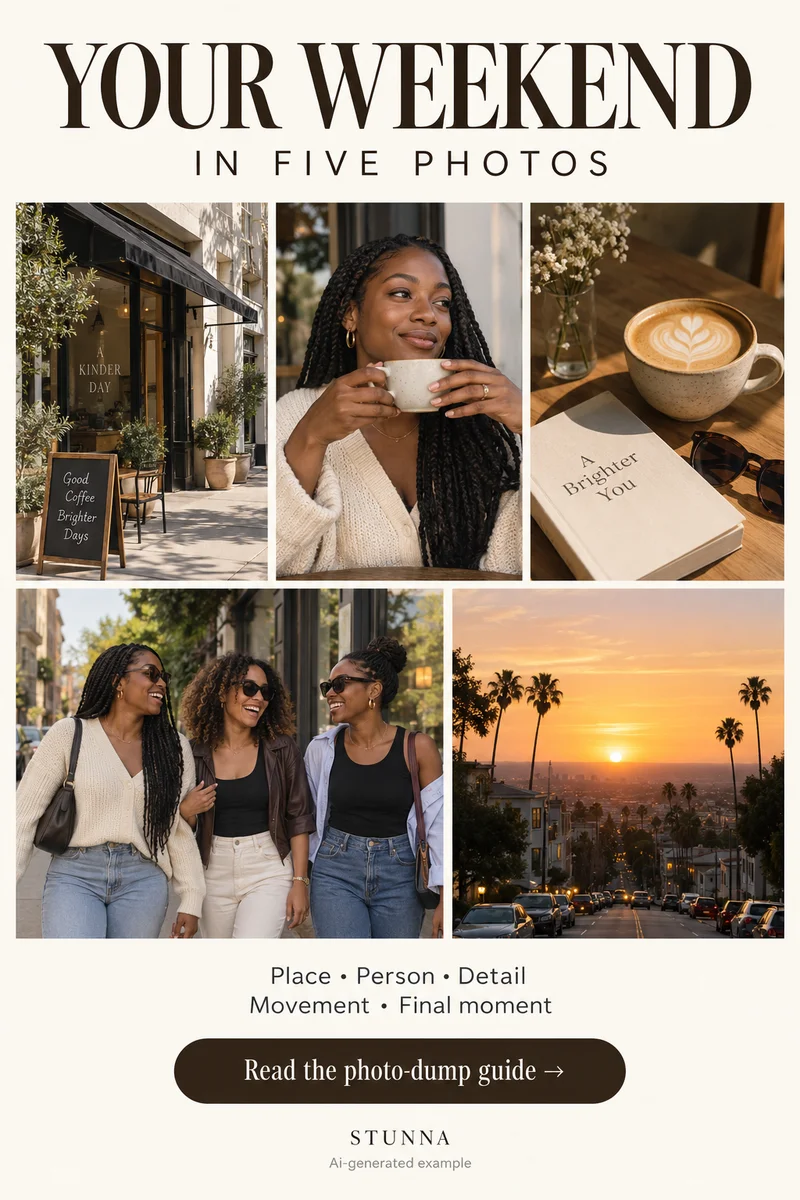
A weekend photo dump can tell a small story without documenting every hour. Choose five pictures that do different jobs: place, person, detail, movement and a final moment. The sequence works for a quiet neighborhood walk, a night with friends or an overnight trip. Start with what you actually photographed, then fill a gap only if you have a useful image. The contact-sheet visual is an AI-generated illustration, not a record of a real weekend or actual Stunna results.
Choose a weekend, not a performance
Choose a small experience: “Saturday around the neighborhood” is easier to select for than “everything I did recently.” Put candidates into an album and keep originals untouched. Include an imperfect picture when its meaning is stronger than its technical finish.
Mix wider views, moments with people and close details. [Adobe’s visual-storytelling guide](https://stock.adobe.com/pages/artisthub/pdf/2023-visual-storytelling-creative-guide.pdf) recommends combining establishing, action and detail shots when building a narrative. The five-photo recipe below is our compact weekend version of that idea; it is not a formula for guaranteed reach.
The five-photo sequence
These five roles are the full list from the Pin. They are roles, not five required locations. A single café visit can supply all five if each frame adds a different piece of the experience.
- Place: open with the street, room, café table or shoreline that introduces the setting. Look for an image that still reads clearly as a thumbnail.
- Person: show who was there through a portrait, shared laugh or a relaxed outfit photo. Choose an expression the person likes, not only the pose you prefer.
- Detail: bring the viewer closer to a cup, a pastry, a book, a small souvenir or a sleeve against the table. Pick a detail with a connection to the day.
- Movement: use a walking frame, a hand reaching for something or a friend turning back. A little motion can belong, provided the important part remains recognizable.
- Final moment: end with a quiet frame such as the walk home, an empty table or late light on the window. It gives the set somewhere to arrive.
Step one: choose one opening photo
Try your two best candidates at small size. The opener should make the setting or feeling easy to understand; it does not have to be the sharpest face in the album. A clean shape, a clear person or an inviting patch of light can work. Remove any crop that leaves the main subject awkwardly hidden.
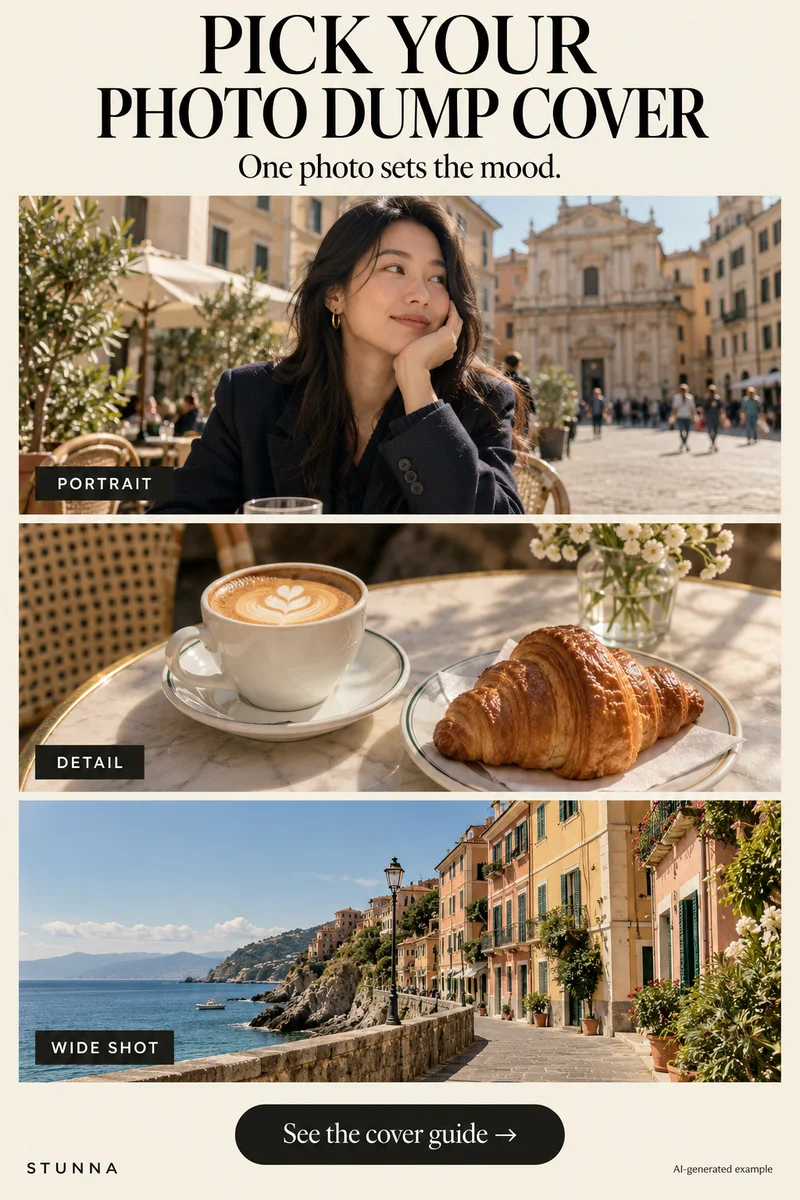
If the person is the strongest opener, swap the first two roles. Keep the five roles while letting the best first image lead. Our photo-dump cover guide explores opener choices.
Step two: mix wide shots and details
Lay the five candidates out in order and check the distance from the subject in each. Five close portraits often repeat information. Replace one with the wider setting or a detail that changes how the day feels. Conversely, five distant views may need a person or tactile close-up.
Cut near duplicates, even when both are attractive. Ask what each image adds. Keep a shorter set when those are the only meaningful images you have; a missing detail can wait for another outing.
Step three: keep the color connected
Choose a gentle color direction that suits most of the set, then inspect each image separately. Aim for recognizable skin, believable food and clear shadows. Daylight and a warm bar should not become identical; they only need to sit comfortably beside one another. Reduce a treatment if it makes one frame much darker or more orange than the others.
Compare the edited thumbnails with the original sequence before exporting. If you want film texture, start lightly and use the grain guide’s four checks. A strong grain effect on one close face can interrupt an otherwise quiet set. Avoid repeatedly saving and editing compressed social-media copies.
Step four: end with a quiet moment
Choose a final image with room to breathe. An empty chair, the last drink or shoes at the door may finish the story more naturally than another peak moment. If you have a useful closing photo, let it stay simple rather than adding extra text to explain everything.
Review the sequence once more. Check faces and hands in AI edits, ask permission from people included, and remove private papers or addresses. Export from your original editing files, then save the selected order in an album.
The free photo strip maker offers another finishing option. Choose three or four favorites from the five-image story to arrange into a separate keepsake strip.
Plan the next frame
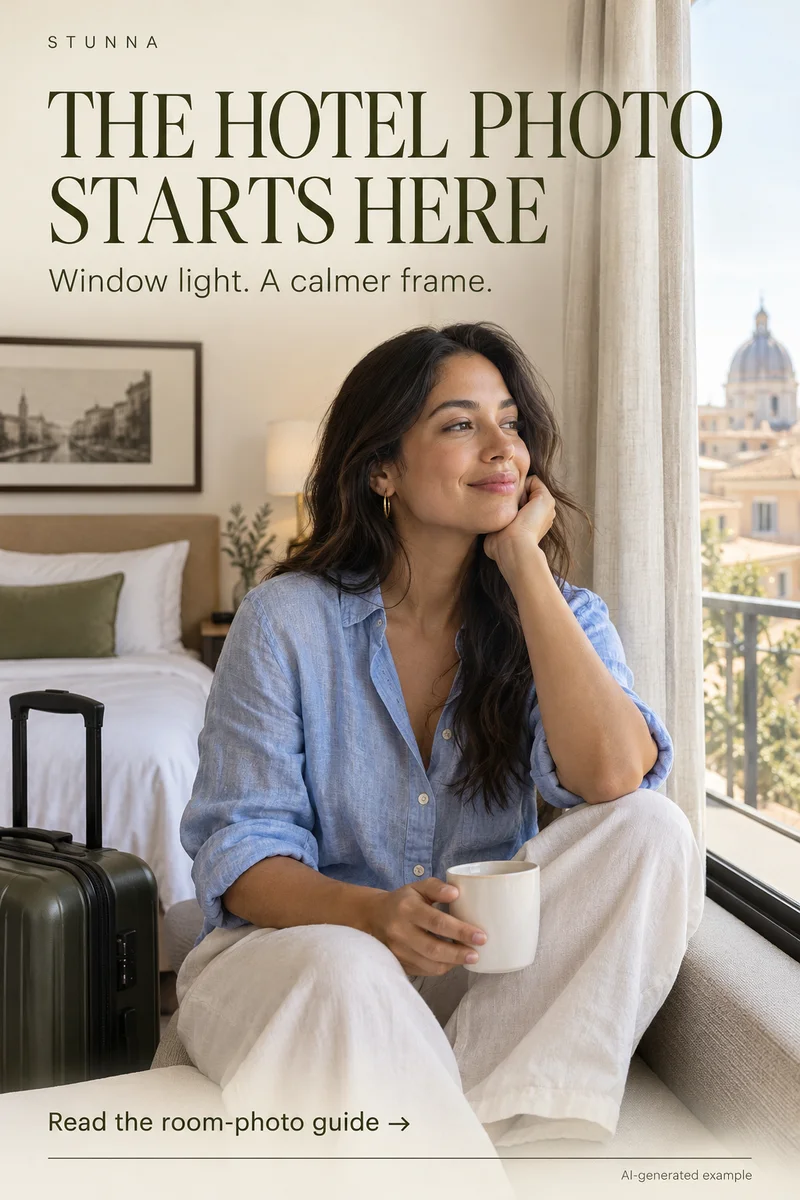
To build a five-shot story around a celebration, use the guide to birthday photo ideas. To give your hands a natural job in a quiet setting, use the guide to bookstore photo poses. To check texture at full size and feed size, use the guide to film-grain photo editing. To work with window light and details of the room, use the guide to hotel-room photo ideas.
To balance a portrait against a bright snowy background, use the guide to snow-day photo tips. To add movement while keeping the face readable, use the guide to creative motion photos. To soften color without washing out the person, use the guide to pastel photo editing. To give the face and hands space away from distorted edges, use the guide to fisheye photo framing.
A few useful answers
Does every photo dump need exactly five pictures?+
No. Five is this guide’s suggested starting point: place, person, detail, movement and a final moment. Use fewer when each photo has a clear purpose, or add more when they bring something distinct to the story.
Should all five photos have the same filter?+
They can share a color direction without identical settings. Different light may need different treatment. Compare the set as thumbnails and keep skin, shadows and important details readable in each image.
Can I put an AI-generated picture in a weekend memory set?+
Keep it clear that a generated image or substantial transformation is creative, especially when it changes a place or event. The guide’s illustrations are labeled AI examples and should not be presented as evidence of a real outing.