THE RELIGHTING PROMPTS
ChatGPT Relighting Prompts: Fix Selfie Light
Three copy-and-paste ChatGPT prompts that relight a selfie with soft window light, low golden-hour sun or a flattering soft flash, while keeping your face, expression, pose and background the same. Plus a fix-it prompt and a checklist.
Try the idea on your own photo with Stunna.


Free to download. Pro options available.
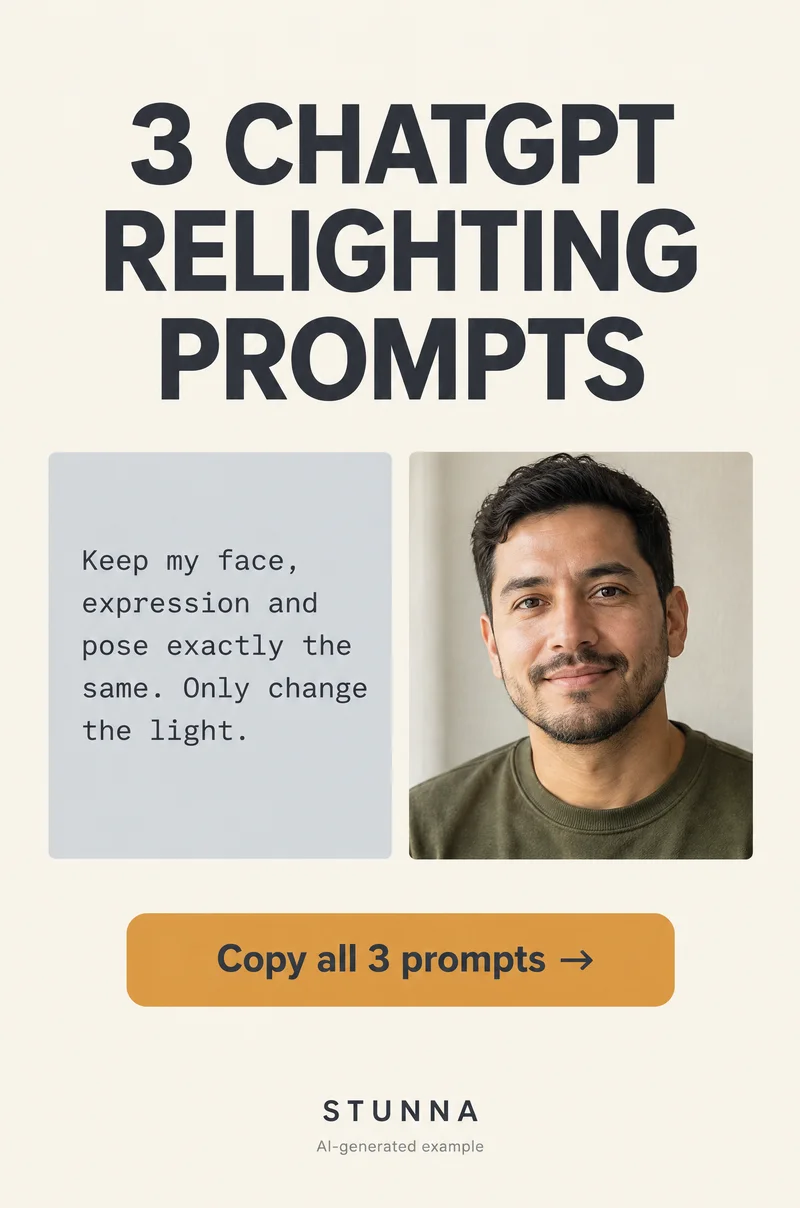
Lots of good selfies are let down by the light: a flat ceiling bulb, grey afternoon gloom or a dim room in December. An AI image editor can change that light, but a loose request like make the lighting better gives the model room to smooth your skin, change your smile or redraw the room. The prompts below do one job only. Each tells the model to keep your face, features, skin, expression, pose, clothing and background exactly the same and to change only the direction, softness and color of the light. You get three full prompts (soft window light, low golden-hour sun and a flattering soft flash), a fix-it prompt for when something drifts and a checklist for comparing the result with your original. Results vary from run to run, and the result is an AI-edited image, not a new photograph. The illustrations on this page are AI-generated examples, not actual Stunna results.
Before you paste: pick the source and be honest about the edit
A relighting edit works best on a selfie that is already sharp, with your face clearly visible and not too dark. The model has to keep every feature the same, and it can only keep what it can see. A blurry or very underexposed face leaves it guessing, and guessing is where faces drift. If you have several frames, pick the sharpest one with the most natural expression.
Keep the change believable. Relighting a selfie for your own feed or a holiday post is a creative edit. It is still an edited image, so it does not belong anywhere that expects an unaltered photo, such as ID documents. Image editing in ChatGPT depends on your plan and the tools available to you at the time, so the options you see may differ. Upload the photo, paste one prompt, and run each light separately from the original rather than stacking edits on top of each other.
Prompt 1: soft window light
This is the safest relight and the one shown on the before-and-after Pin: a flat overhead-light selfie turned into soft daylight from one side. It suits almost any indoor selfie and makes the smallest change to skin and color. Pick the side the light should come from; matching a real window or bright area in your photo keeps it believable.
Prompt 2: low golden-hour sun
This is the prompt from the annotated Pin: same face, light from one side, warmer color, same background. It turns flat indoor light into the low, warm sun of late afternoon, with a soft glow on one cheek. It makes a bigger change than window light, so check skin tone carefully; golden light should look warm, not orange. It works best on photos near a window or outdoors, where sunlight could plausibly reach you.
Prompt 3: flattering soft flash
This one gives a dim evening selfie the bright, crisp look of a flash photo, but softer than a harsh phone flash: even light on the face, soft shadow falloff and a slightly darker background. It suits December nights in, party selfies and photos taken in a dim restaurant. Ask for soft rather than harsh flash; harsh flash invites shiny skin and blown-out highlights.
A fix-it prompt when something drifts
Often the first result is close but one thing is off: a smile that looks wider, skin that looks smoother, a background object that moved or a face that looks slightly slimmer. Do not keep editing the edited image, because each round on an already-edited file can add small changes on top of earlier ones. Go back to the original selfie, paste the full prompt you used again and add this refinement with the problem named.
Compare the result with the original: the checklist
Run these checks on every version before you post it. Open the original and the edit at the same size and flip between them full screen; small changes are easy to miss in a thumbnail and obvious once you flip. Our AI photo editing checklist covers the wider review if you edit often.
- Same face: eyes, nose, mouth, jaw and face shape match the original. Watch for a slimmer face or bigger eyes.
- Same expression: the smile, mouth and eyebrows have not changed.
- Same skin: real texture, freckles, moles and lines are still there, and the skin tone underneath the new light matches yours. Our natural skin photo edit guide explains what to look for.
- Same pose and hands: head tilt, shoulders and fingers are where they were, with the right number of fingers.
- Same clothing and hair: colors, patterns, parting and length are unchanged.
- Same background: every object is still there in the same place, with no new items, blurred-out details or invented text.
- Light that makes sense: shadows fall away from the light direction you asked for, and the catchlights in both eyes come from the same side.
- The friend test: show it to someone who knows you without saying it was edited. If they hesitate, rerun from the original.
Common relighting prompt mistakes, and the real-light alternative
The biggest mistake is a vague brief. Make the lighting better or make me glow invites the model to decide what better means, and that often includes smoother skin and a different face. Name the light (its direction, softness and color) and list everything else as fixed. Avoid words like flawless, perfect, glowing skin or beautiful; they read as requests to change your face. Ask for one light at a time, and do not turn the window-light version into the golden-hour version. Start each one from the original. For more prompts built the same way, see our ChatGPT headshot prompts.
If you would rather keep a real photo, the same three looks are easy to shoot. Face a window in daylight for soft window light, step outside in the hour before sunset for golden light, and for a softer flash, cover the phone flash with a thin layer of tissue or step back so it spreads. Our window light photo guide walks through the indoor setup step by step.
A few useful answers
Can ChatGPT change the lighting in a photo?+
Its image editing can relight an uploaded photo when you describe the new light, but results vary from run to run and the output is an AI-edited image. Always compare it with the original.
How do I stop ChatGPT from changing my face when relighting?+
List your face, features, skin, expression, pose, clothing and background as fixed, say to change only the direction, softness and color of the light, and avoid words like flawless or perfect skin.
What is the safest relighting prompt to start with?+
Soft window light from one side. It is close to how many selfies are already lit, so it tends to change skin and color the least. Golden-hour sun and flash make bigger changes.
What should I do if the relit photo does not look like me?+
Go back to your original selfie, paste the full prompt again and add the fix-it prompt naming exactly what changed. Do not keep editing the edited version.
Can I use a relit selfie as an ID or official photo?+
No. Passports, IDs and similar documents require unedited photos. Relit selfies are creative edits for social posts and personal use.