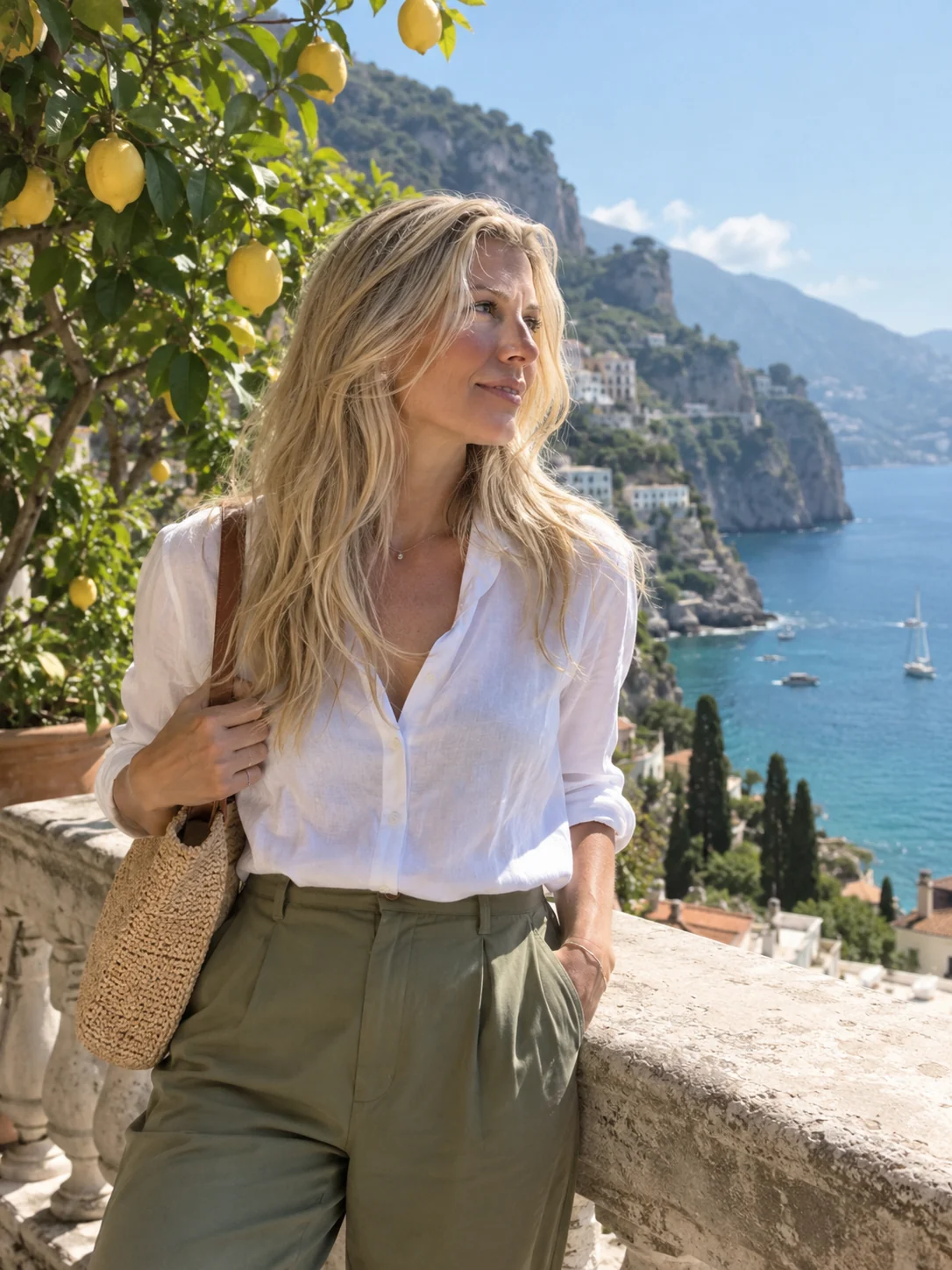
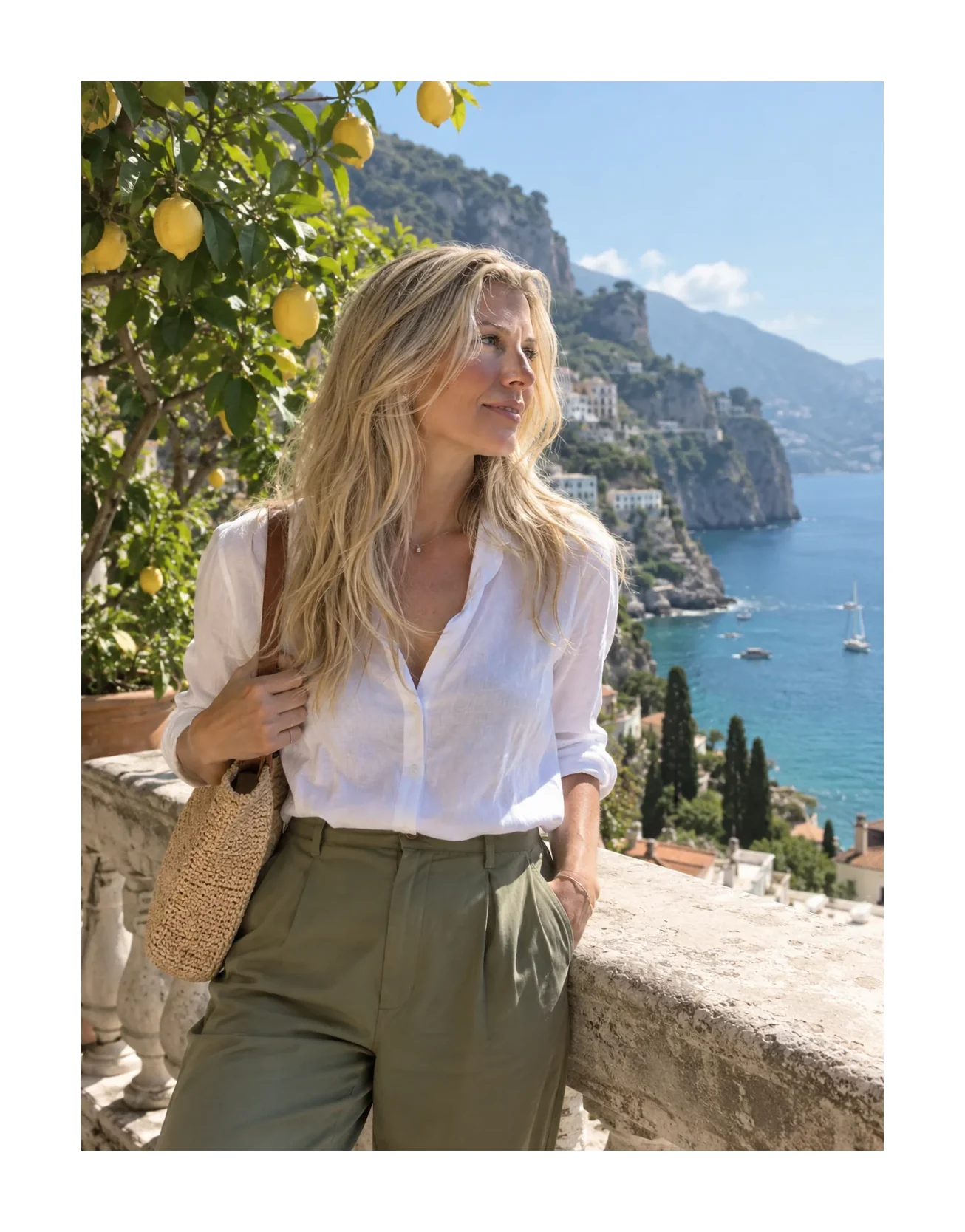
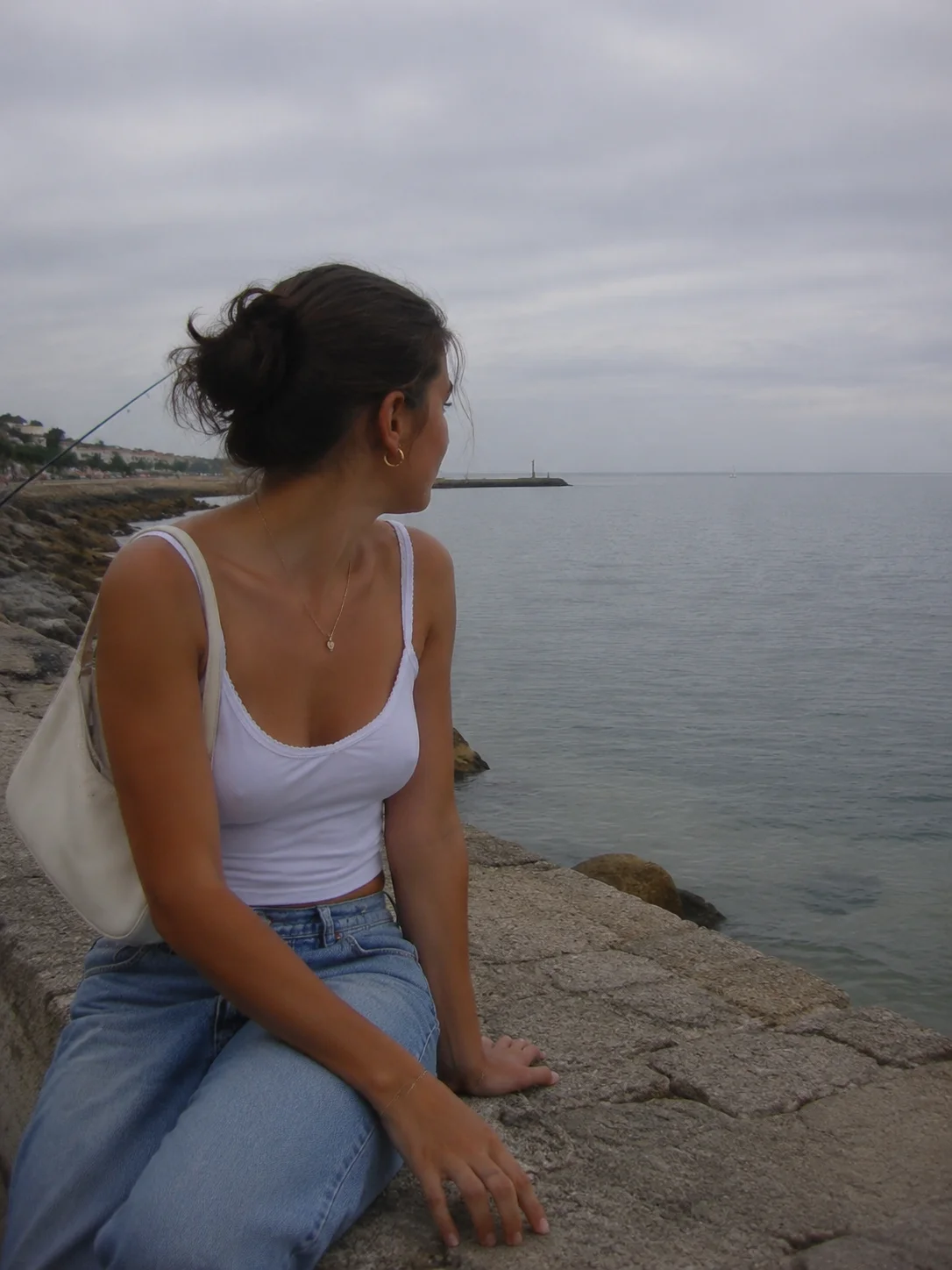
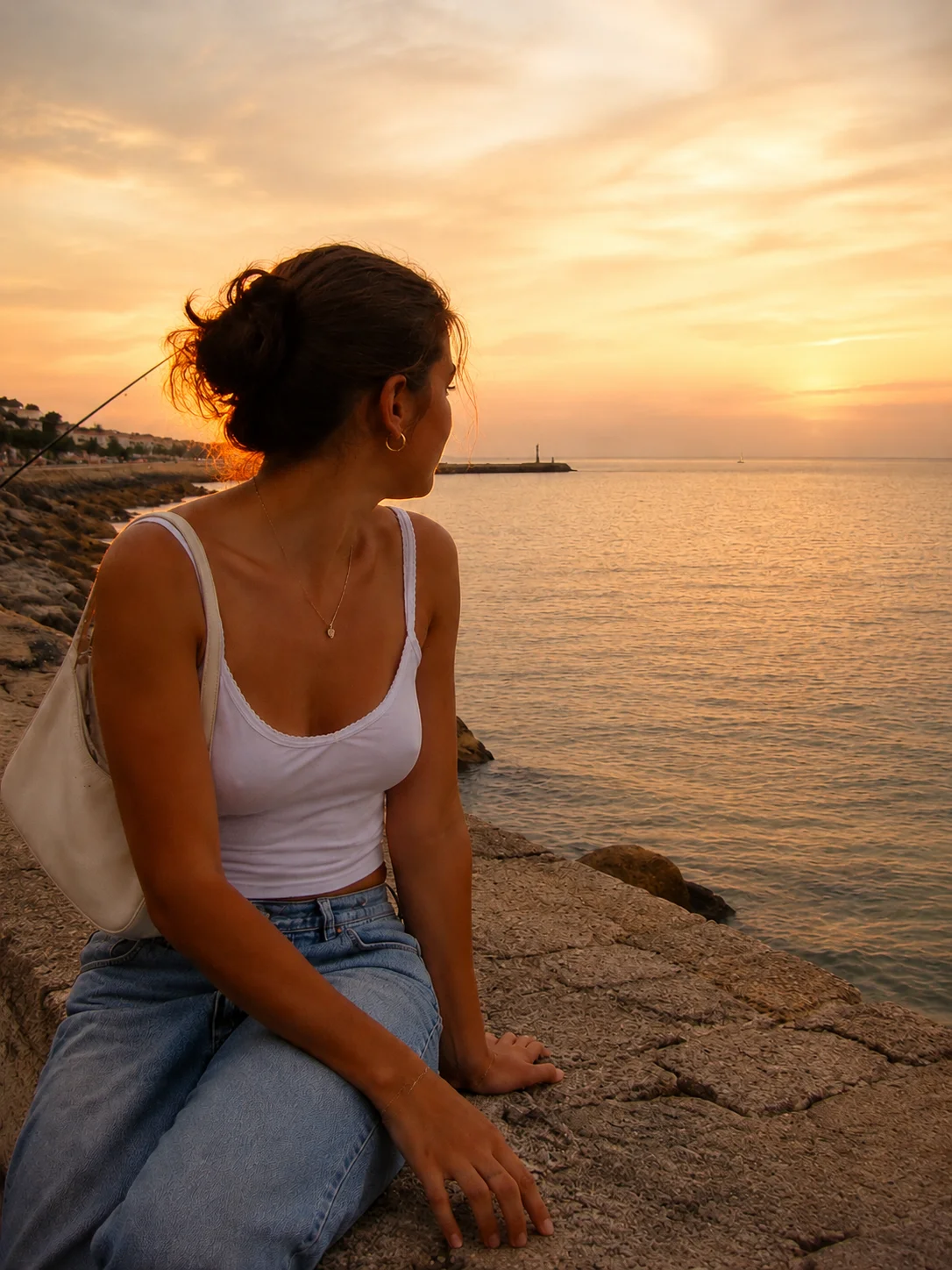
Why a border changes how a photo feels.
A border works like a mat in a picture frame. The empty space gives the eye a rest, separates the photo from a busy feed or background and makes an ordinary snapshot look curated. White is the classic choice because it feels clean and lets the colors stand out, while off-white is warmer and closer to the paper of a printed photograph.
This tool pads the canvas around your photo. You choose the border width, the color and the output shape. Original keeps your photo’s own proportions. The 1:1, 4:5 and 9:16 options grow the canvas to fit a square post, an Instagram portrait post or a Stories frame, adding the extra space as border instead of cropping the picture. Turn on the polaroid-style bottom and the frame gets the thick lower edge of an instant print, a favorite for scrapbook pages and photo dump covers.
Keep in mind that a polaroid frame here is a layout, not a color treatment. Real instant film has its own creamy tones and soft contrast, and this tool leaves your colors as they are. For that finish, use the free polaroid filter, which grades the color and adds the frame in one step, or the Polaroid look in the Stunna app.
Try the free tool ↑Four starting points
- Clean white
- An even white border on all four sides. The all-purpose choice for portraits, landscapes, product shots and outfit photos.
- Polaroid
- A cream frame with a thin top and sides and a deep bottom edge, the shape of an instant print.
- Gallery mat
- A wide off-white border that makes a photo feel like a framed print. Best on simple, strong images.
- Black matte
- A dark border that lifts bright, colorful photos and suits night shots and black-and-white images.